Demo Studio
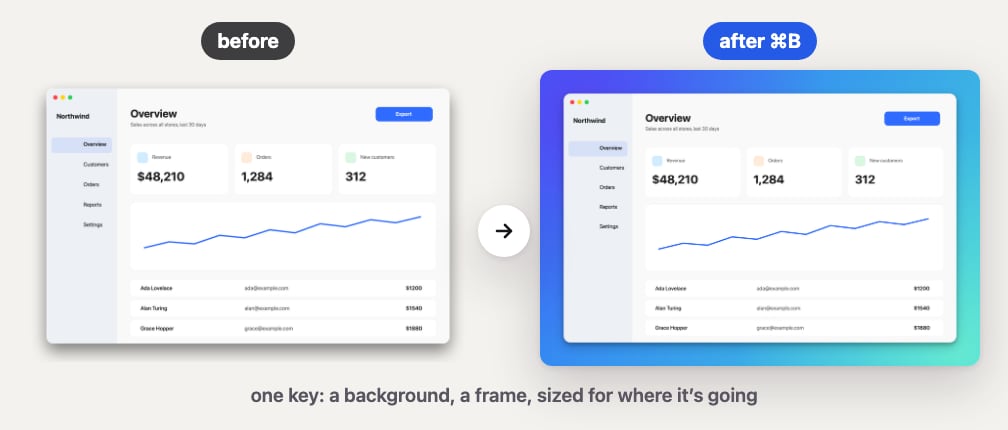
Stop recording and your video edits itself: pauses cut, zooms on your clicks, captions, and a 9:16 for Shorts. Plus your own shortcuts, a heads-up before your disk fills, and Boop answers in the app.
- 新功能
Demo Studio (beta). Stop a recording and press Edit in Studio: the pauses are cut, every click gets a zoom, captions light up word by word, and one switch makes it 9:16, 1:1 or 4:5. Export MP4, HEVC, MOV, a GIF or just the audio, then share it with AirDrop, Messages or any app. It all happens on your Mac. Needs macOS 15.
- 新功能
Your own shortcuts. Settings → Shortcuts lists every Clacky shortcut in one place: click one and press the keys you want, and Clacky tells you if they clash with another shortcut.
- 新功能
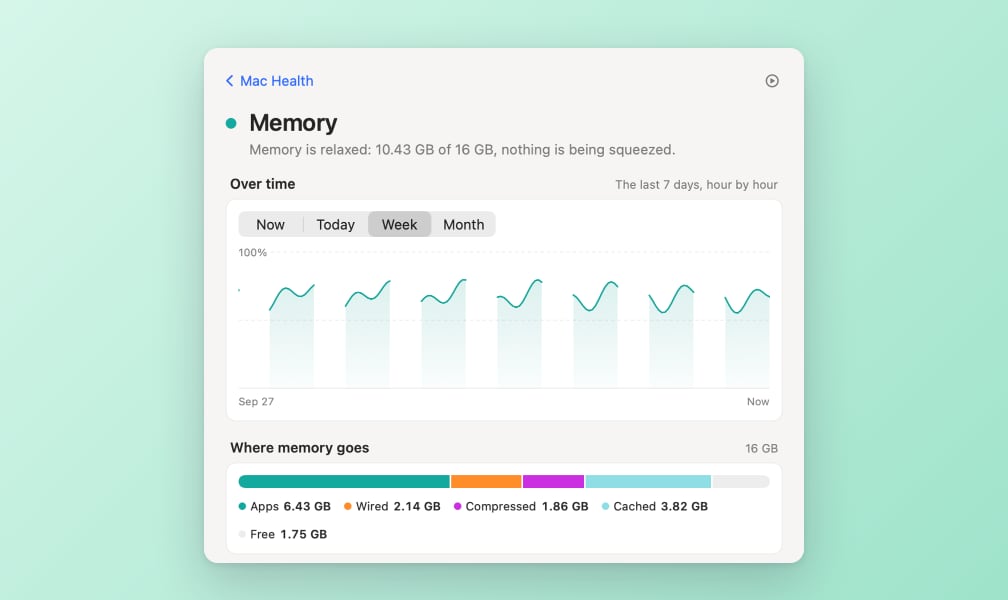
Low on space. Turn it on in Mac Health and Boop chimes before your Mac runs out of room, with a Clean up… link to Storage.
- 新功能
Ask Boop in the app. Ask Boop a question in Boop Support and get the steps, with a Do it for me button when he can flip the setting for you.
- 新功能
Scrolling Capture (beta). Capture a whole web page or chat, taller than your screen, as one image: Clacky scrolls it for you (or you scroll) and stitches the parts together.
- 新功能
Meet your blip. Everyone gets their own little character with a name, a look you can reroll and a glow that grows as you use Clacky. It lives at the top of your dashboard and, if you like, beside the notch.
- 新功能
Achievements. 71 goals for your blip, from your first 100 clicks to a year-long streak. Each one gives glow, some give a badge, and the ones your Mac has already earned unlock straight away. Counts only, never which keys.
- 新功能
Share your blip. Make a card of your blip, your stats for the day, week, month or all time, or an achievement, in 1:1, 9:16 or 16:9. Share it or copy the image. Made on your Mac, nothing uploaded.
- 改進
A tidy home. The dashboard opens on your kit: the tools you picked, on top. Drag tools in from Explore, drag cards to reorder or out to remove, and press ⌘K to find any tool or ask Boop.
- 改進
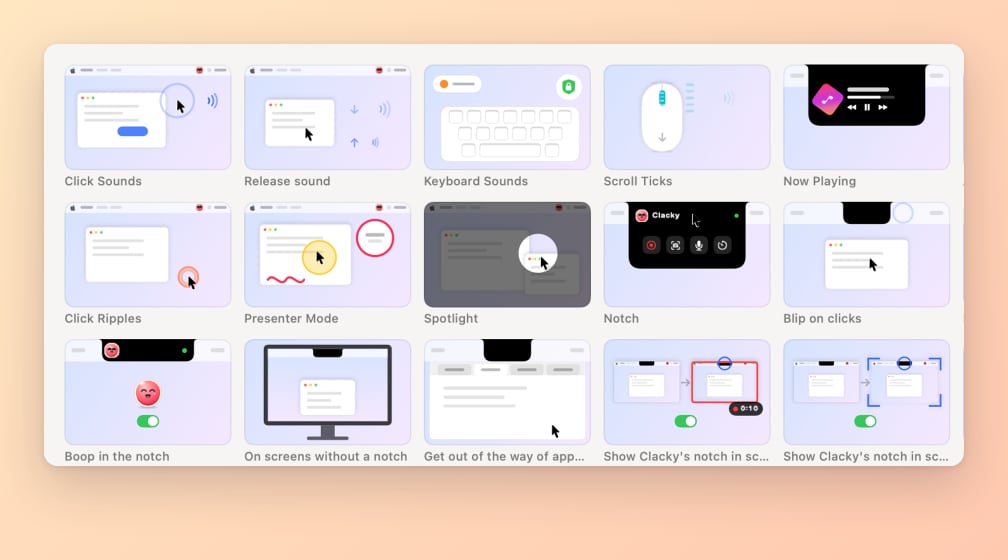
Modes know the new tools. Modes can now switch the cursor style, Mac sound in recordings, opening Studio after a take, Mac Health alerts and your blip. Record and the new Present mode use them; modes you changed yourself stay as they are.
- 改進
Easier to install and activate. A friendlier install window, and if your licence key is on the clipboard, “I have a key” pastes and activates it in one click.
- 改進
Space you could free. The Mac Health tile shows how much space your last Storage scan found to free, instead of just Ready.
- 改進
What stats are sent. Settings shows the exact list of anonymous usage stats Clacky shares, and new installs are asked once in the welcome tour (Boop gets a cookie if you say yes).