Clacky vs Mouse Click Sound
Mouse Click Sound plays clicks and draws a ripple. Clacky does both, and adds keyboard sounds, a recorder that keeps your clicks in the video, screenshots, your own blip and a free trial.
Clacky is the cute companion for your Mac. Satisfying click, scroll and keyboard sounds, a ripple on every click, a screen recorder, a screenshot editor and your own little blip, all in one menu-bar app. Free for 7 days, no card.
Try free for 7 daysWhy Clacky wins
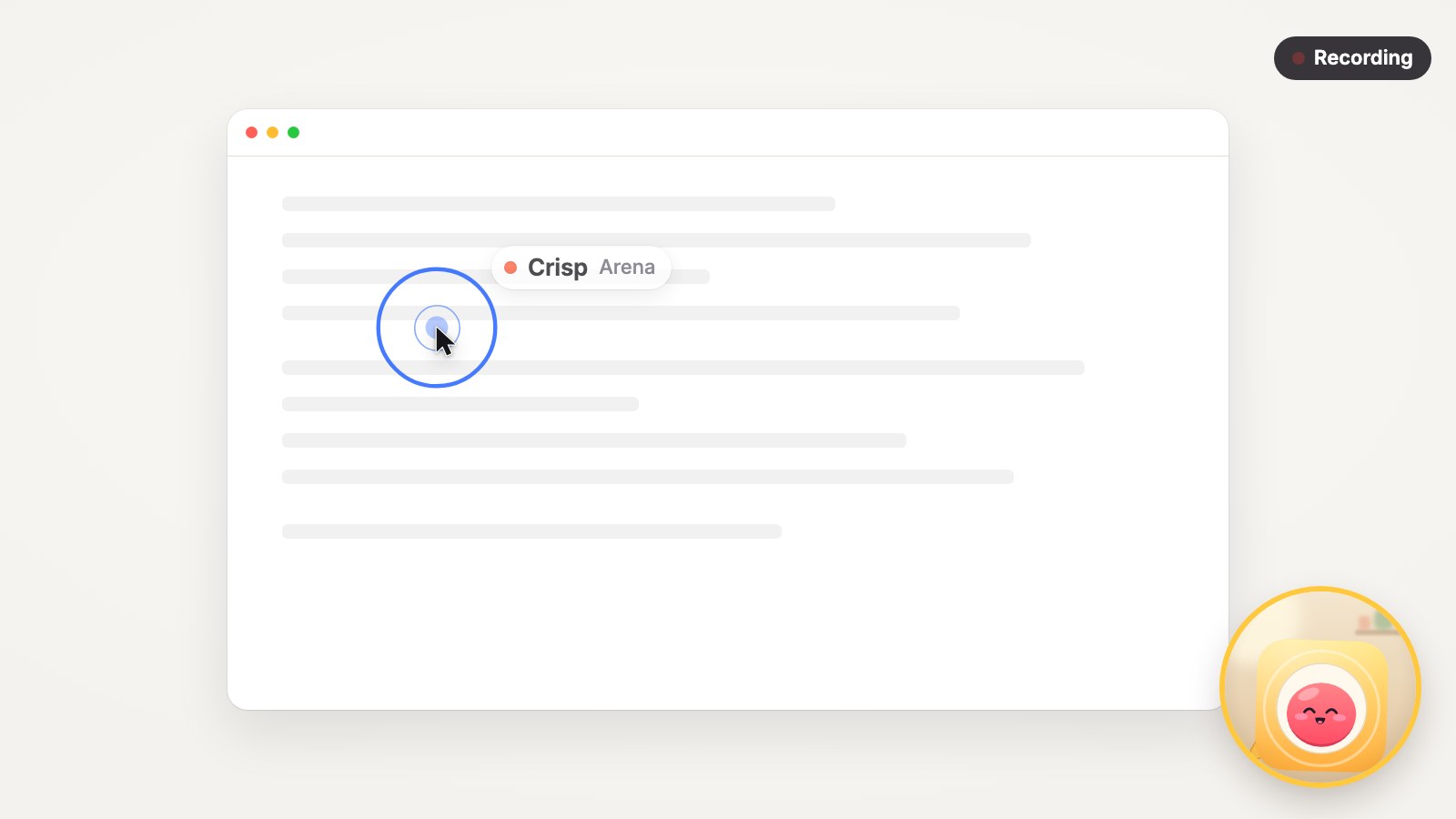
Clicks you can hear and see
37 click sounds with their own press and release, 8 scroll styles, 29 keyboard sounds, plus double-click, long press and drag. And a ripple under the cursor on every click.
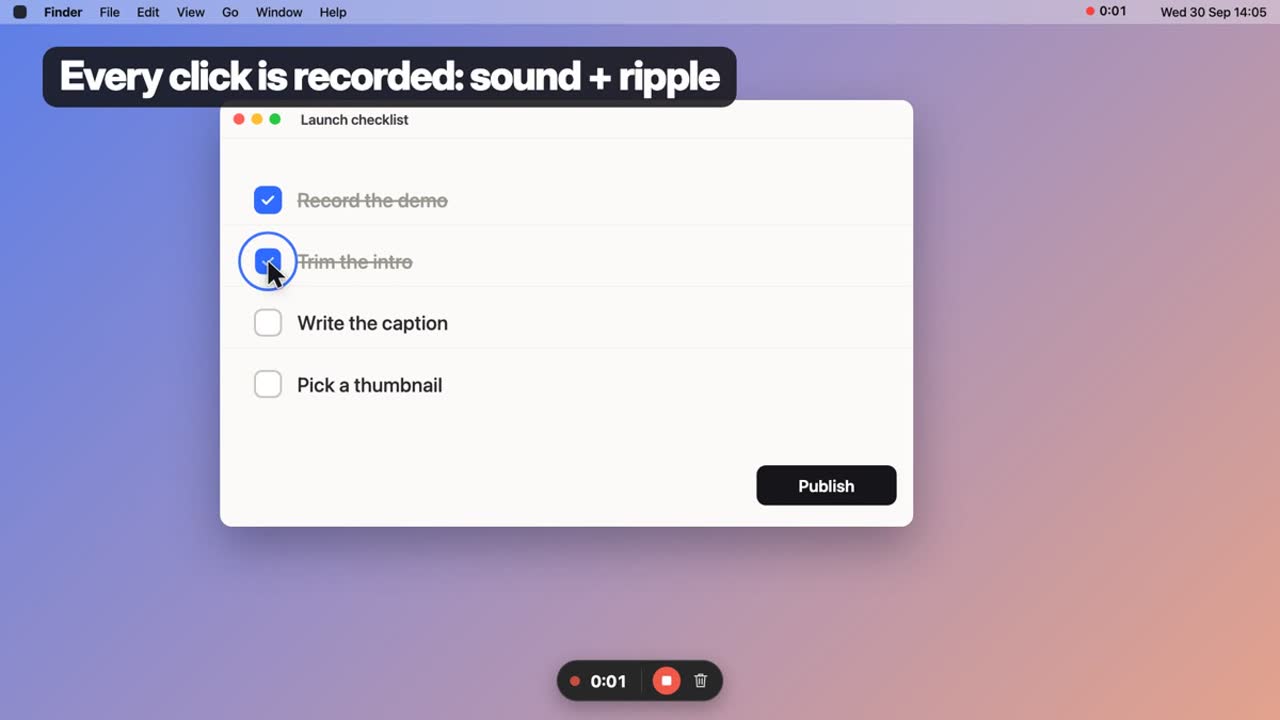
A recorder that keeps your clicks
Record the whole screen or an area, with your click sounds and ripples right in the video. No editing afterwards.
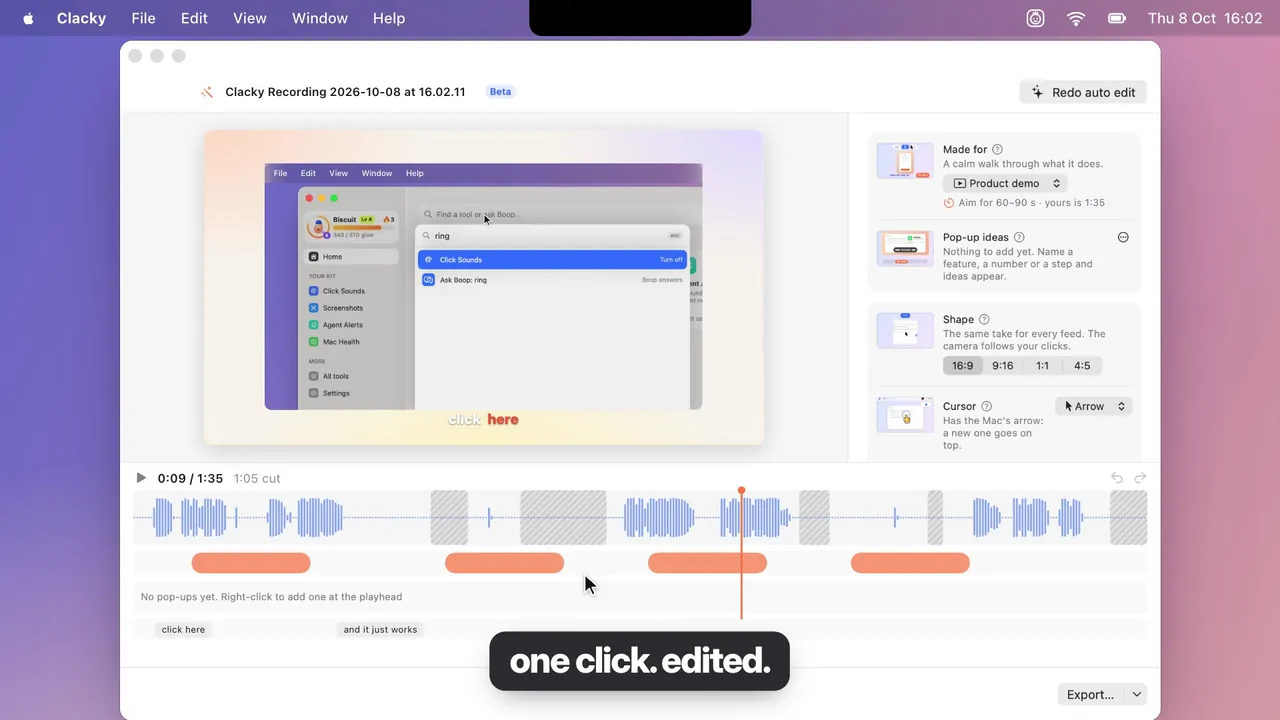
Demo Studio
Press Edit in Studio after a take: pauses are cut, clicks get a zoom, captions light up word by word, and one switch makes it 9:16.
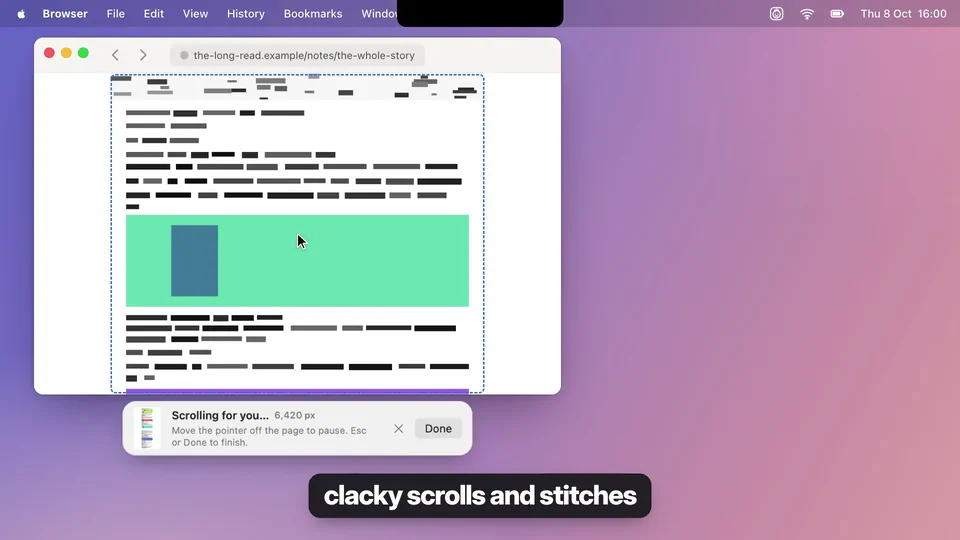
Screenshots, done right
A screenshot editor, Scrolling Capture for whole pages, and Grab Text to copy text from anything on your screen.
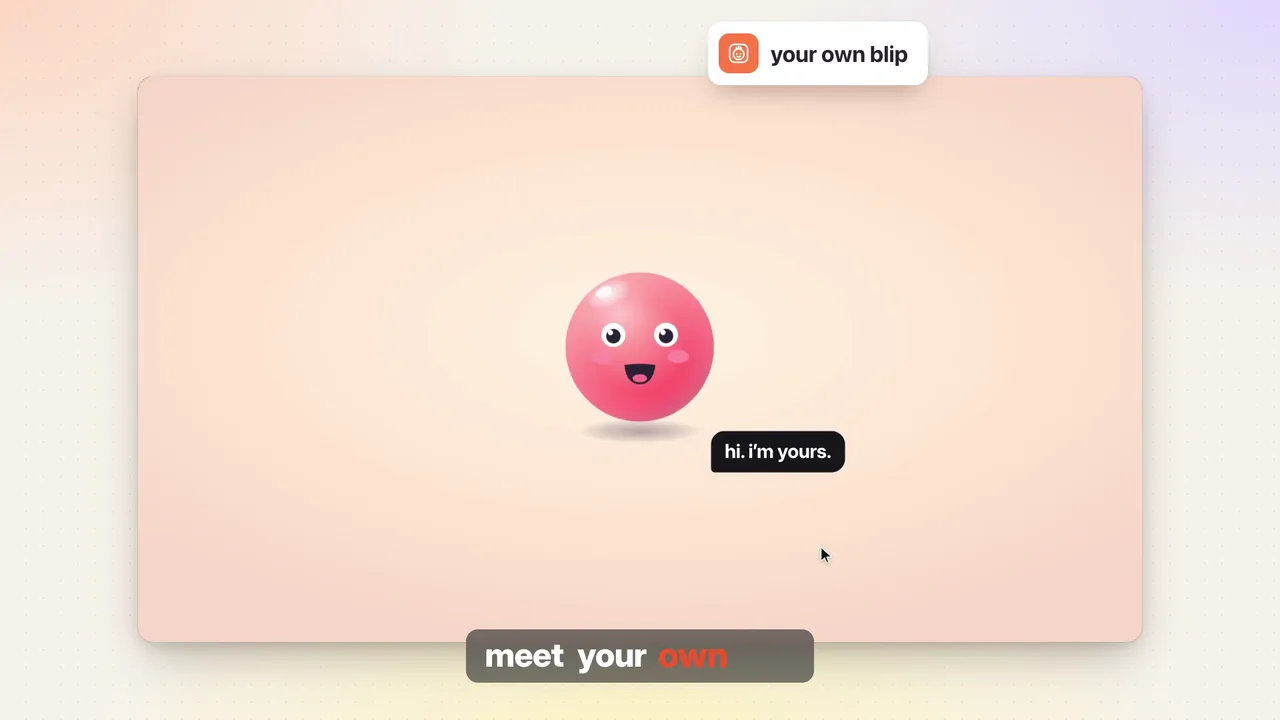
Your own blip
A little character with a name and a look of its own that grows as you use Clacky, with goals and cards to share.
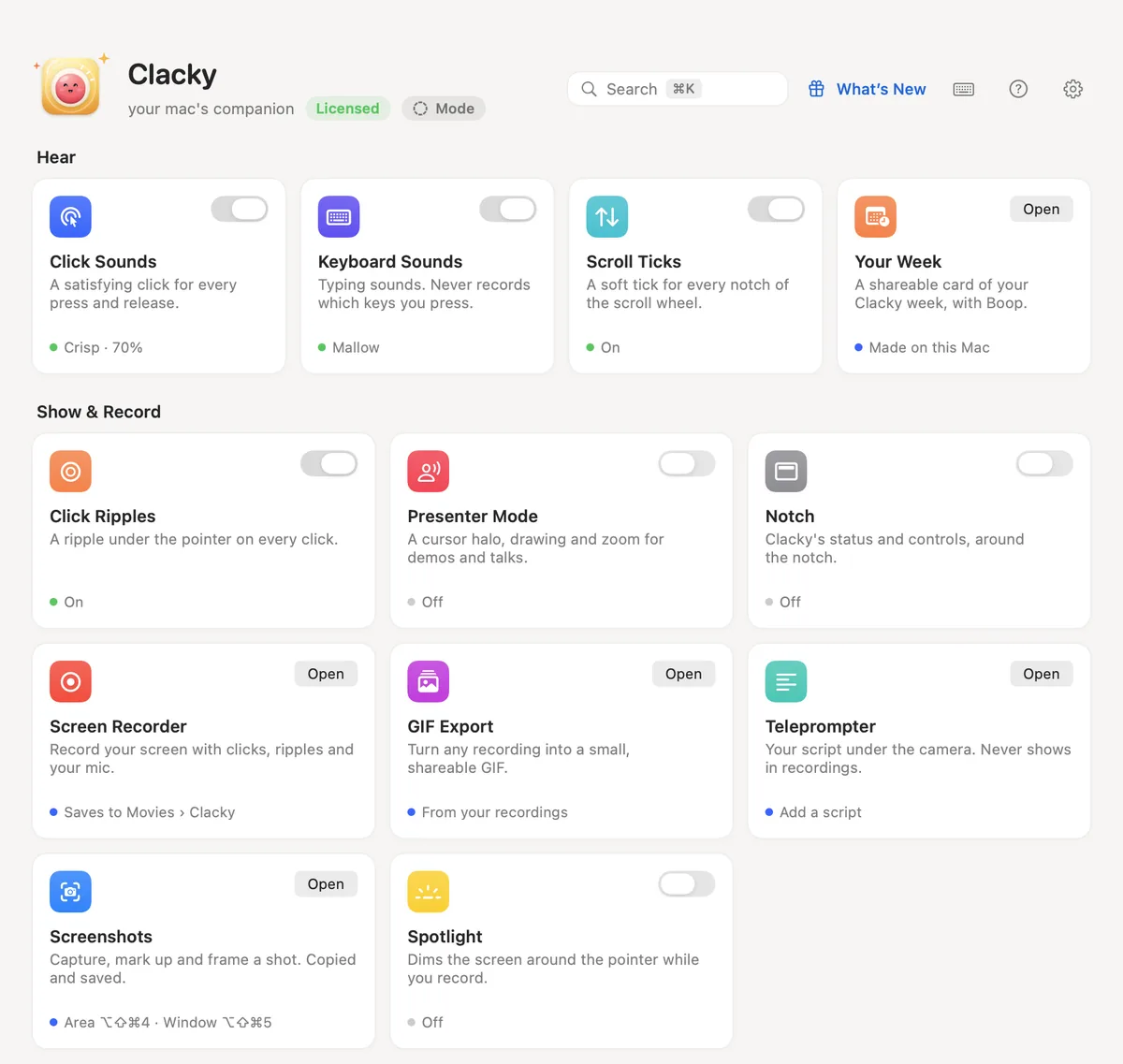
One app, many tools
The notch with quick controls, Demo mode for filming, Mac health and more, all from one tidy menu-bar app.
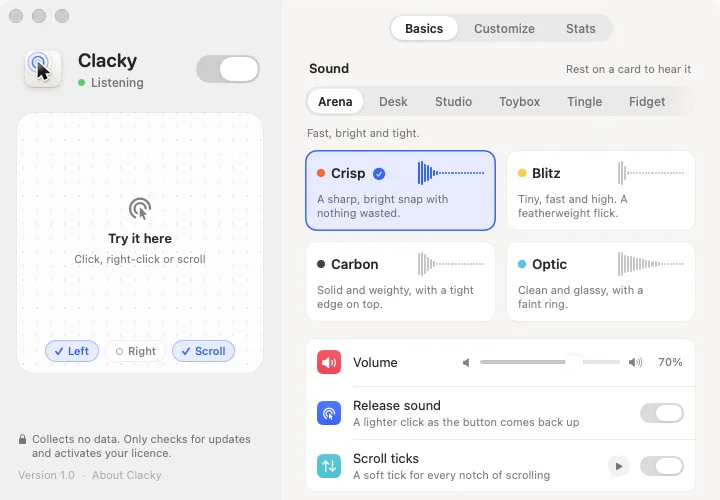
Sounds your way
Play sounds only in your headphones, or only in the apps you pick. Soft interface sounds you can switch off in one click.
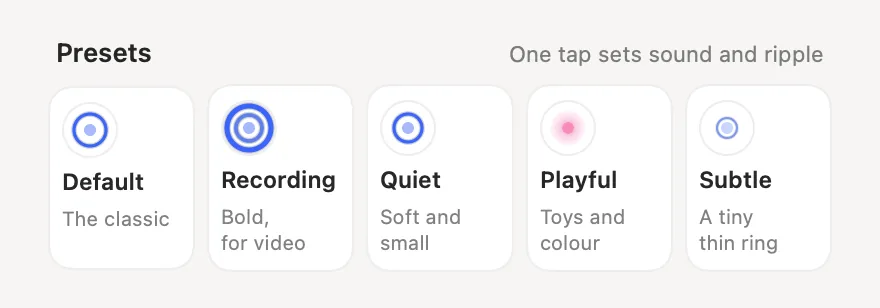
Try it, then keep getting more
7 days free on your own Mac, the app in 14 languages, every update included, and a real person answers your email.
| Clacky | Mouse Click Sound | |
|---|---|---|
| Free trial on your Mac | Yes7 days, no card | Not stated |
| Price | Yes$4.99/mo, $39/yr or $69 once | Yes$2.99 (Mac App Store) |
| Mouse & trackpad click sounds | Yes37 sounds, press and release | Yes30+ sounds |
| Double-click, long press & drag sounds | Yes | Not stated |
| Scroll sounds | Yes8 styles | Yes |
| Keyboard sounds | Yes29 sounds | Not stated |
| Click ripple on screen | Yes | Yes |
| Built-in screen recorder | YesClicks and ripples in the video | Not stated |
| Video editor with captions | YesDemo Studio (beta) | Not stated |
| Screenshot editor | YesPlus Scrolling Capture | Not stated |
| Copy text from the screen | Yes | Not stated |
| A companion character | Yes | Not stated |
| Notch with quick controls | Yes | Not stated |
| Demo mode for filming | Yes | Not stated |
| Interface sounds | Yes | Not stated |
| Sounds only in apps you pick | Yes | Not stated |
| Sounds only in headphones | Yes | Not stated |
| App languages | Yes14 | Yes9 |
| Every update included | Yes | Not stated |
| Real human support | YesFrom the maker | Not stated |
| Needs | YesmacOS 13+ (some tools 14 or 15) | YesmacOS 10.13+ |
| Refunds | YesBy email, through Polar | YesThrough Apple |
Where Mouse Click Sound is better: Mouse Click Sound is cheaper ($2.99 once) and runs on Macs back to macOS 10.13.
Sources
- Mouse Click Sound: apps.apple.com/us/app/mouse-click-sound/id6698888058?mt=12
Checked on 2026-10-10 from each app’s own website or App Store page. “Not stated” means we couldn’t find it there, not that it’s missing. Apps change: check their page before you buy.
Other comparisons
- Clacky vs KeebyA keyboard sound app with mouse clicks. Clacky adds scroll sounds, a ripple, a recorder and more.See how Clacky compares →
- Clacky vs KiiwiKeyboard, mouse and scroll sounds. Clacky adds a ripple, a recorder, screenshots and a free trial.See how Clacky compares →
- Clacky vs KlackThe well-known keyboard sound app. Clacky adds scroll sounds, a ripple, a recorder and more.See how Clacky compares →