Clacky vs Haptyk
Haptyk reads how hard you type from the MacBook’s motion sensor and plays 16 recorded keyboard packs to match, for $8 once, on newer Apple silicon MacBooks. Clacky runs on any Mac with macOS 13 or later, desktops included, and plays your keyboard, mouse, trackpad and scroll wheel, with a ripple, a recorder and screenshots.
Clacky is the cozy companion for making things on your Mac. Click, scroll and keyboard sounds with a ripple on every click, a Studio that records your screen, captions and cuts, quick screenshots, and Clackyland, a little harbour town that grows while you work. 3 days free with no card, then $4.99 once.
Try free for 3 daysWhat you get with Clacky
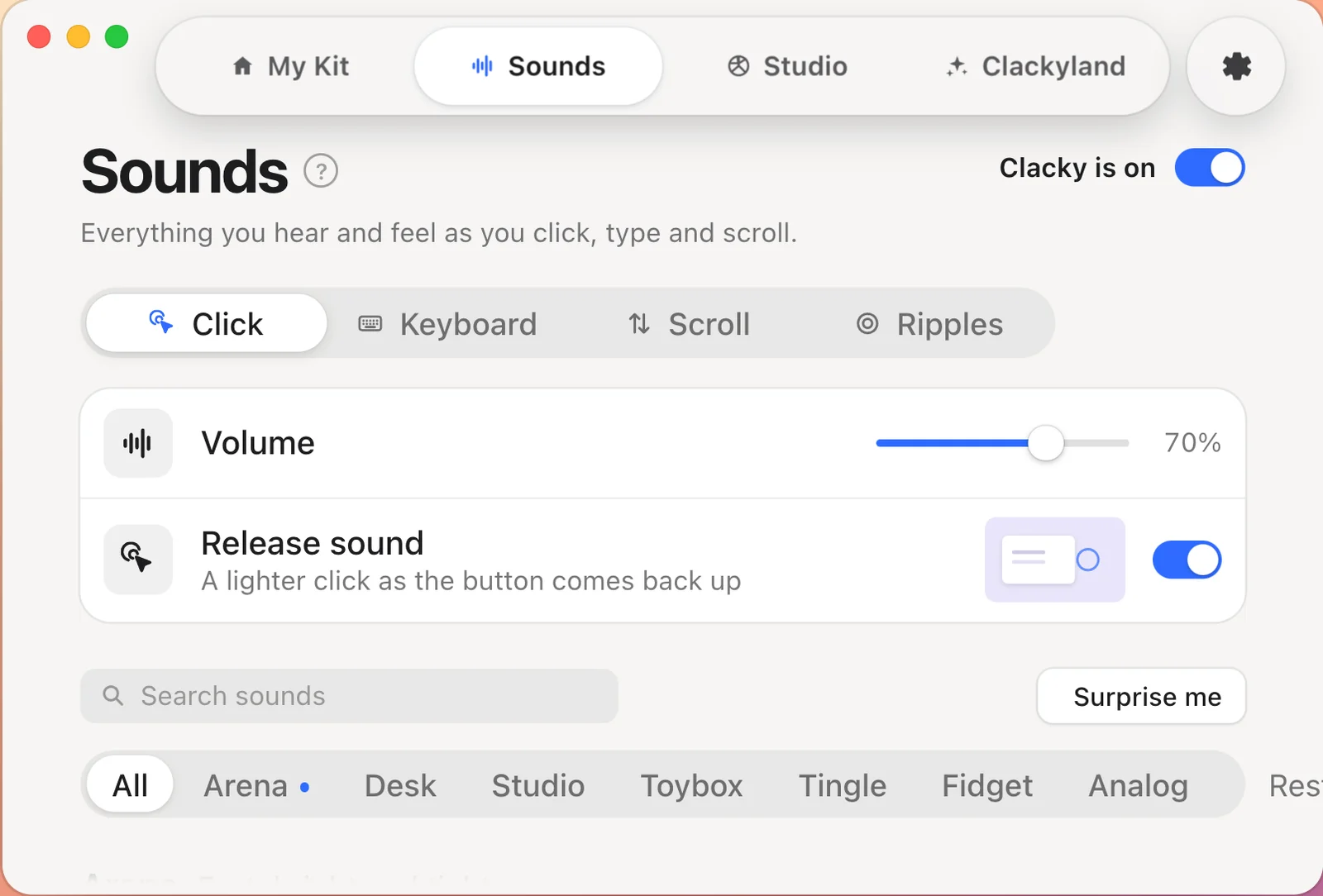
Clicks you can hear and see
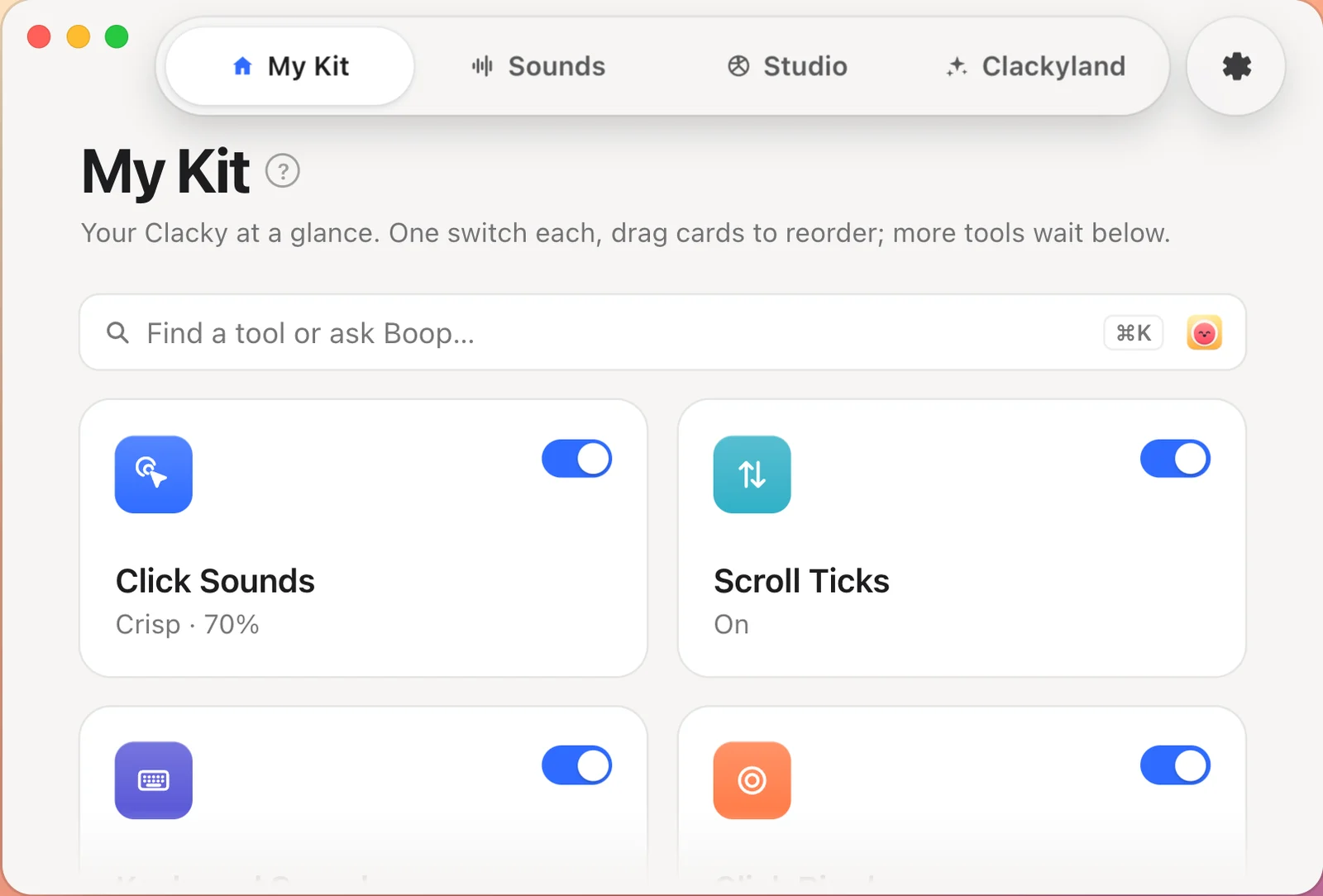
37 click sounds with their own press and release, 8 scroll styles, 29 keyboard sounds, plus double-click, long press and drag, and a ripple under the cursor on every click. Keyboard sounds never record which keys are typed.
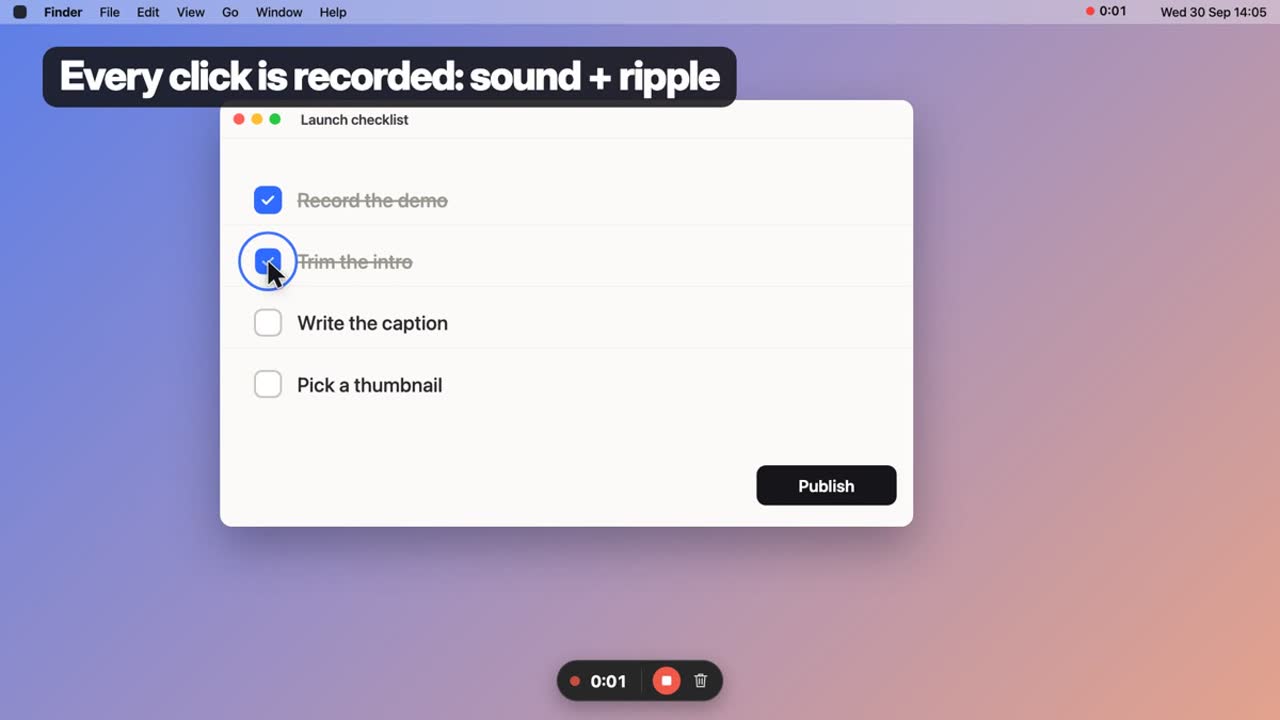
A recorder that keeps your clicks
Record the whole screen, one window or an area, with your Mac’s sound, your clicks and ripples right in the video. Pause when you need to, stop from the notch. Recordings stay on your Mac.
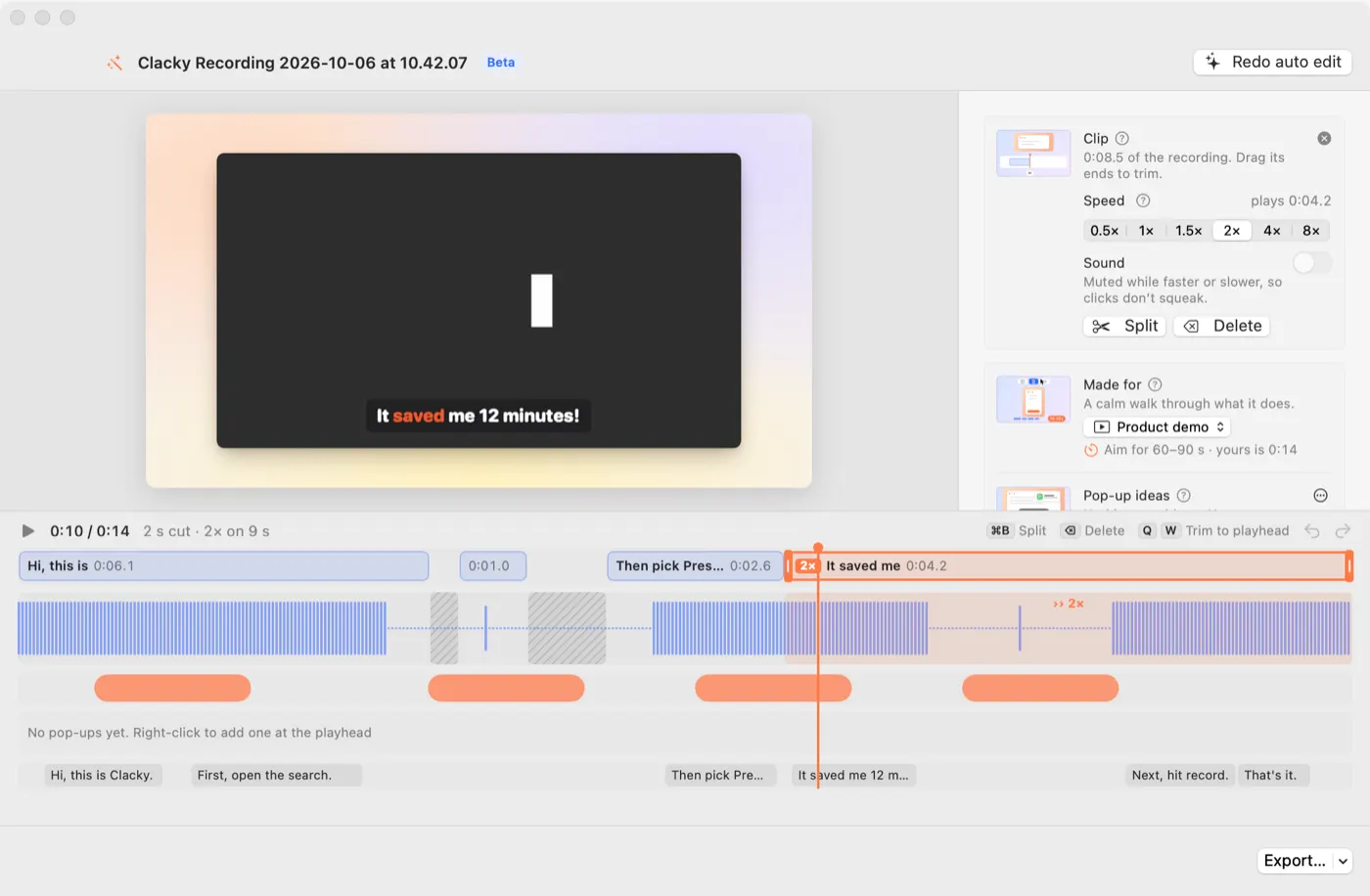
Captions and quick edits
Captions are made on your Mac, word by word. Split, speed up, trim and crop in the clips lane, then make it 9:16 with the captions out of the way.
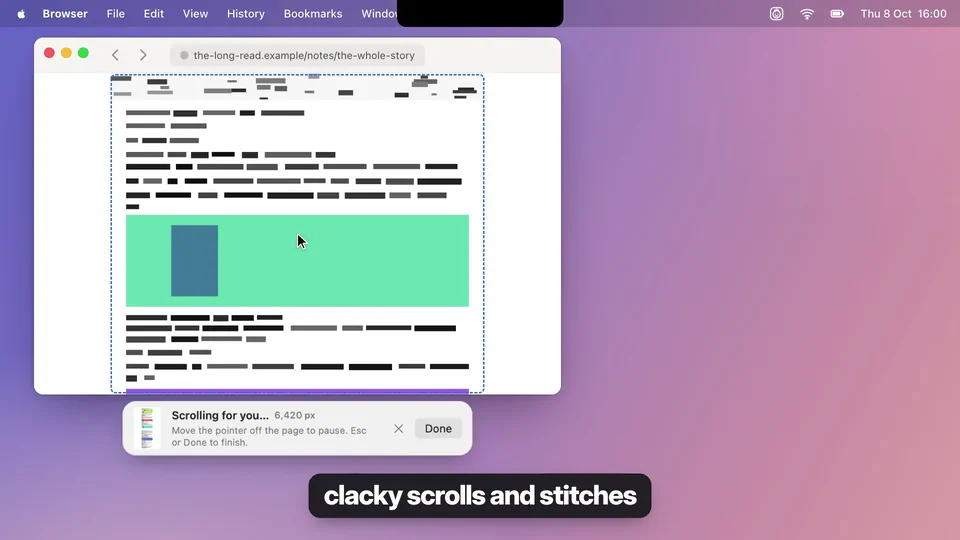
Screenshots, done right
A screenshot editor, Scrolling Capture for whole pages, and Grab Text to copy text from anything on your screen.
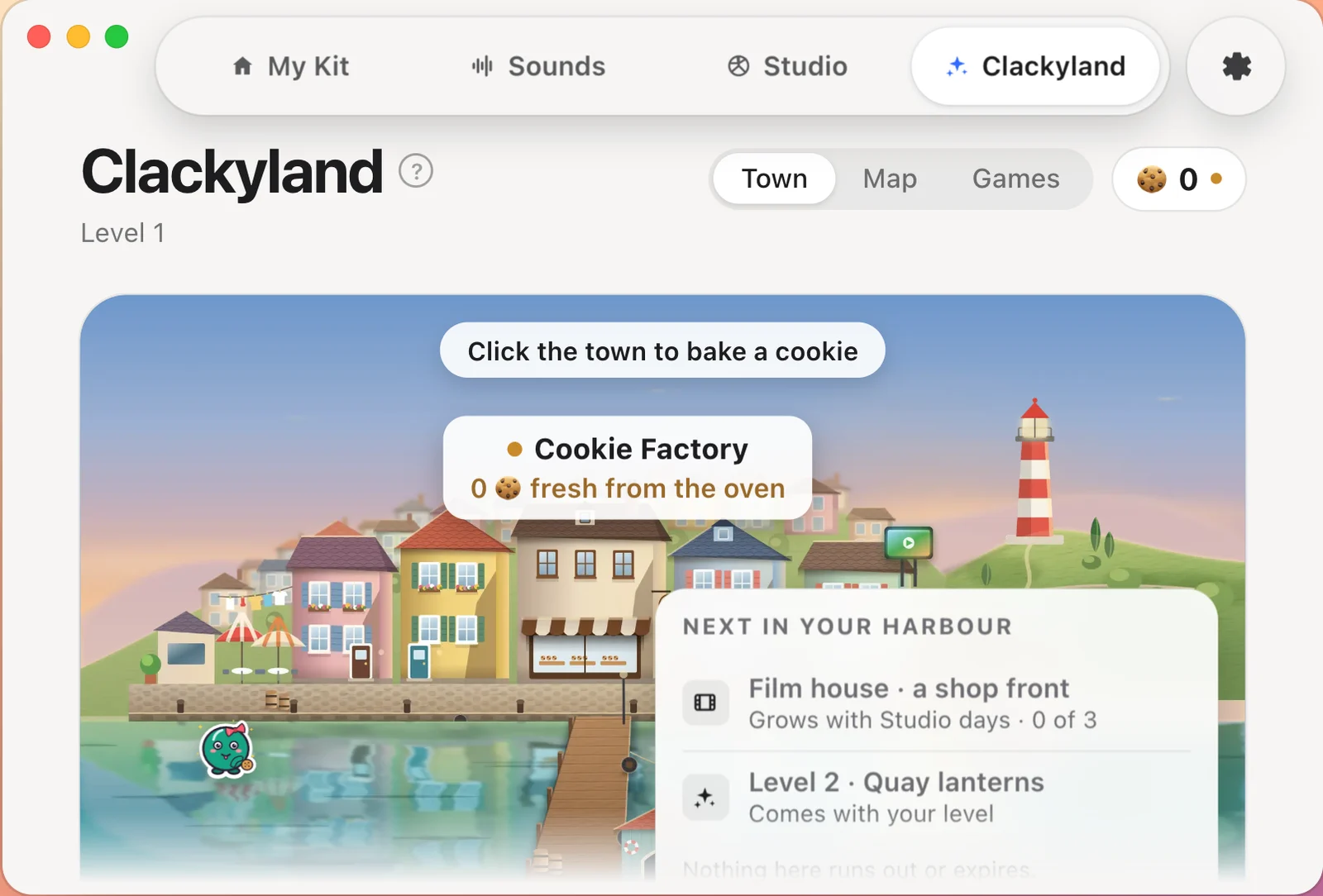
Clackyland
Using Clacky bakes cookies. Spend them in a little harbour town, unlock achievements, open the daily treat and visit your friends. The fun part, never in your way.
Simple to buy
$4.99 once, with every feature and every update. 3 days free with no card and no account, the app in 14 languages, for 1 Mac, and a real person answers your email.
| Clacky | Haptyk | |
|---|---|---|
| Free trial on your Mac | Yes3 days, no card, no account | Yes3 days (email needed) |
| Price | Yes$4.99 once | Yes$8 once |
| Runs on | YesMac, 1 Mac per licence | YesApple silicon MacBooks with a motion sensor |
| Keyboard sounds | Yes29 sounds | Yes16 recorded packs that follow how hard you type |
| Mouse & trackpad click sounds | Yes37 sounds, press and release | Not stated |
| Scroll sounds | Yes8 styles | Not stated |
| Click ripple on screen | Yes | Not stated |
| Built-in screen recorder | YesClicks and ripples in the video | Not stated |
| Screenshot editor | YesPlus Scrolling Capture | Not stated |
| A companion character | Yes | Not stated |
| Sounds only in apps you pick | Yes | Not stated |
| Sounds only in headphones | Yes | Not stated |
| App languages | Yes14 | Not stated |
| Every update included | Yes | Not stated |
| Needs | YesmacOS 13+ (recorder 15, screenshots 14) | YesAn Apple silicon MacBook with a motion sensor. Not desktops, Intel Macs, the M1 MacBook Air or the 13-inch M1 MacBook Pro |
| Refunds | YesBy email, through Polar | Yes14 days, no questions asked |
Where Haptyk is better: Haptyk measures how hard you hit each key with the MacBook’s motion sensor, so soft typing sounds soft, and it gives a 14-day refund.
Sources
- Haptyk: www.haptyk.com
Checked on 2026-10-29 from each app’s own website or App Store page. “Not stated” means we couldn’t find it there, not that it’s missing. Apps change: check their page before you buy.
Other comparisons
- Clacky vs KeebyA keyboard sound app with mouse clicks. Clacky adds scroll sounds, a ripple, a recorder and more.See how Clacky compares →
- Clacky vs KiiwiKeyboard, mouse and scroll sounds. Clacky adds a ripple, a recorder and screenshots.See how Clacky compares →
- Clacky vs KlackThe well-known keyboard sound app. Clacky adds scroll sounds, a ripple, a recorder and more.See how Clacky compares →
- Clacky vs MechvibesFree, open source and cross-platform. Clacky adds click and scroll sounds, a ripple, a recorder and screenshots, Mac only.See how Clacky compares →
- Clacky vs ThockOpen-source keyboard and click sounds. Clacky adds scroll sounds, a ripple, a recorder and screenshots.See how Clacky compares →
- Clacky vs KlakkKeyboard sounds for Mac and Windows. Clacky adds click and scroll sounds, a ripple, a recorder and screenshots.See how Clacky compares →
- Clacky vs Mouse Click SoundClick and scroll sounds with a ripple. Clacky adds keyboard sounds, a recorder, screenshots and more.See how Clacky compares →
- Clacky vs CursorFlowCursor trails and click ripples with a click sound. Clacky adds many more sounds, a recorder and more.See how Clacky compares →
- Clacky vs Screen StudioA full recording editor, on a subscription. Clacky is $4.99 once: live click sounds and ripples in every app, and a recorder that keeps them.See how Clacky compares →
- Clacky vs CleanShot XA polished screenshot and recording app. Clacky adds click and keyboard sounds, captions and Clackyland.See how Clacky compares →