Mechvibes not working on Mac? Fixes, and what to use instead
Mechvibes is the free app most people try first for mechanical keyboard sounds, and on a Mac it often goes quiet. It opens, you pick a sound pack, and then nothing happens when you type in another app. Or macOS won't open it at all.
I make a keyboard sound app, Clacky, so I've hit every one of these walls myself on my own Mac. Here's why each one happens and the fixes in the order I'd try them. Most of the time Mechvibes works fine after a couple of minutes in System Settings. If it doesn't, there's a short list of other options at the end.

Justinas, maker of Clacky
8 min read
The short answer
Why is Mechvibes not working on my Mac?
Usually a permission. Mechvibes needs Input Monitoring to hear keys while another app is in front, and macOS only applies it after you quit and reopen the app. If it won’t open at all, it isn’t notarized, so use Open Anyway in Privacy & Security. Silent everywhere? Check Secure Input.
Which Mechvibes do you have? There are two now
The original Electron app is being replaced by MechvibesDX, and their Mac builds behave differently.
Before fixing anything, check which one you installed, because the fixes differ a little.
Mechvibes is the original. It's free and open source (MIT), built with Electron, and its GitHub page has releases for Mac, Windows and Linux, with a big library of community sound packs. Its README now says it will become legacy once the new version is stable.
MechvibesDX is the successor, rewritten in Rust by the same maker. As of October 2026 its own page is honest about the Mac build: it's experimental, Apple Silicon only, ad-hoc signed and not notarized, and the maker says it hasn't been tested on real Mac hardware yet.
Neither of these is a criticism. It's a free project made in someone's spare time, and Apple's notarization costs a paid developer account. But it explains most of what goes wrong on a Mac: macOS is strict with apps it can't verify, and strict with anything that listens to the keyboard.
If you have an Intel Mac, MechvibesDX's Mac build won't run on it today. Use the original Mechvibes.
Mechvibes won’t open: “can’t be opened” or “damaged”
macOS blocks apps that Apple hasn’t notarized. You can allow one app, once, in System Settings.
When you double-click an app that isn't notarized, macOS shows a warning that it can't check the app for malicious software, with Done and Move to Trash. Click Done. Then:
- Open System Settings → Privacy & Security.
- Scroll down to the Security part. You'll see a line saying Mechvibes was blocked, with an Open Anyway button.
- Click it, confirm with your password or Touch ID, and open the app again.
On macOS 14 Sonoma and earlier, the shortcut still works: Control-click the app in Applications, choose Open, then Open again. macOS 15 removed that shortcut, which is why the old tutorials stopped working.
If the message says the app “is damaged and can't be opened”, macOS usually means it's unsigned and still marked as downloaded from the internet. People clear that mark in Terminal:
xattr -dr com.apple.quarantine /Applications/Mechvibes.appOnly do either of these for a copy you downloaded from the project's own GitHub releases page, never from a random mirror. You're telling macOS to trust that exact file.
Mechvibes only plays when its own window is in front
The most common problem. It has a permission to hear its own window, but not the rest of your Mac.
If Mechvibes clicks while you type in its own window and goes silent the moment you switch to Safari or Notes, it's missing Input Monitoring. That's the macOS permission that lets an app hear key presses while another app is in front. MechvibesDX's own README puts it plainly: without it, the app runs but stays silent unless its window has focus.
The fix:
- Open System Settings → Privacy & Security → Input Monitoring.
- Find Mechvibes (or MechvibesDX) and switch it on. If it isn't listed, click + and add it from Applications.
- Quit the app completely (from its menu bar or Dock icon, not just the window) and open it again. macOS applies the switch when the app starts, which catches almost everyone.
If it was already switched on, it's probably a stale permission. That happens after an update or a reinstall: the switch belongs to the old copy, not the one you're running. Select the app in the list, click − to remove it, add it again with +, then quit and reopen the app. Do the same in the Accessibility list if Mechvibes is there too.
Every keyboard sound app on a Mac needs this permission, Clacky included. So it's fair to ask what each one does with it; I wrote about that in do keyboard sound apps record what you type.
Silent everywhere, even with the permission on? Check Secure Input
One app holding a password field can switch off every keyboard sound app on your Mac.
When a password field has focus, macOS turns on Secure Input and stops sending key presses to every other app. That's a good thing: no keyboard app can hear your password. The problem is when an app forgets to turn it off again. A password manager's unlock window, a login prompt left open, or Terminal with Secure Keyboard Entry ticked can keep it on for hours, and every keyboard sound app goes quiet.
To find out which app is holding it, paste this into Terminal:
ioreg -l -w 0 | grep -i SecureInputIf it prints a line with kCGSSessionSecureInputPID, the number after it is the process ID. Find that number in Activity Monitor (the PID column), then click out of that app's password field or quit it. The sounds come back straight away.
Try it below: focus the password box and watch what a keyboard sound app would hear.
Try it: type in each field
Keys heard by the demo: 0
Both fields are local to this page and cleared when you leave it. The demo listens to the first field only, the way macOS keeps password keys from other apps.
Rule out the keyboard and the speakers
If a key doesn’t reach your Mac at all, no sound app can play it.

Two boring checks save a lot of time.
The keyboard. If only some keys are silent, the keys themselves might not be reaching your Mac, for example a Bluetooth keyboard that drops presses or a key that needs cleaning. Open the free keyboard tester and press the silent keys. Each one turns green when the Mac gets it. If a key never turns green, the problem is the keyboard, not Mechvibes.
The sound output. Click the volume in the menu bar and check which output is picked. AirPods that disconnected, a monitor with its own speakers, or an audio interface can quietly take over. Mechvibes also has its own volume slider, separate from the Mac's.
Then one more: some apps that also listen to the keyboard (text expanders, key remappers) can get in the way. Quit them for a minute and try again.
Mechvibes alternatives for Mac
If you’ve tried everything above and it still won’t play, here’s what else works on a Mac today.

Prices from each app's own listing, October 2026:
| App | Price | Good to know |
|---|---|---|
| Mechvibes | Free, open source | Huge library of community sound packs. Mac builds aren't notarized |
| Klack | $4.99, Mac App Store | Built around keyboard sounds |
| Keeby | $4.99 | Keyboard sounds, plus mouse clicks |
| Clacky | $4.99 a month or $19.99 once | Keyboard, click and scroll sounds, plus a screen recorder |
If you love a specific community pack, staying with Mechvibes is worth the setup above. Nothing else has that library.
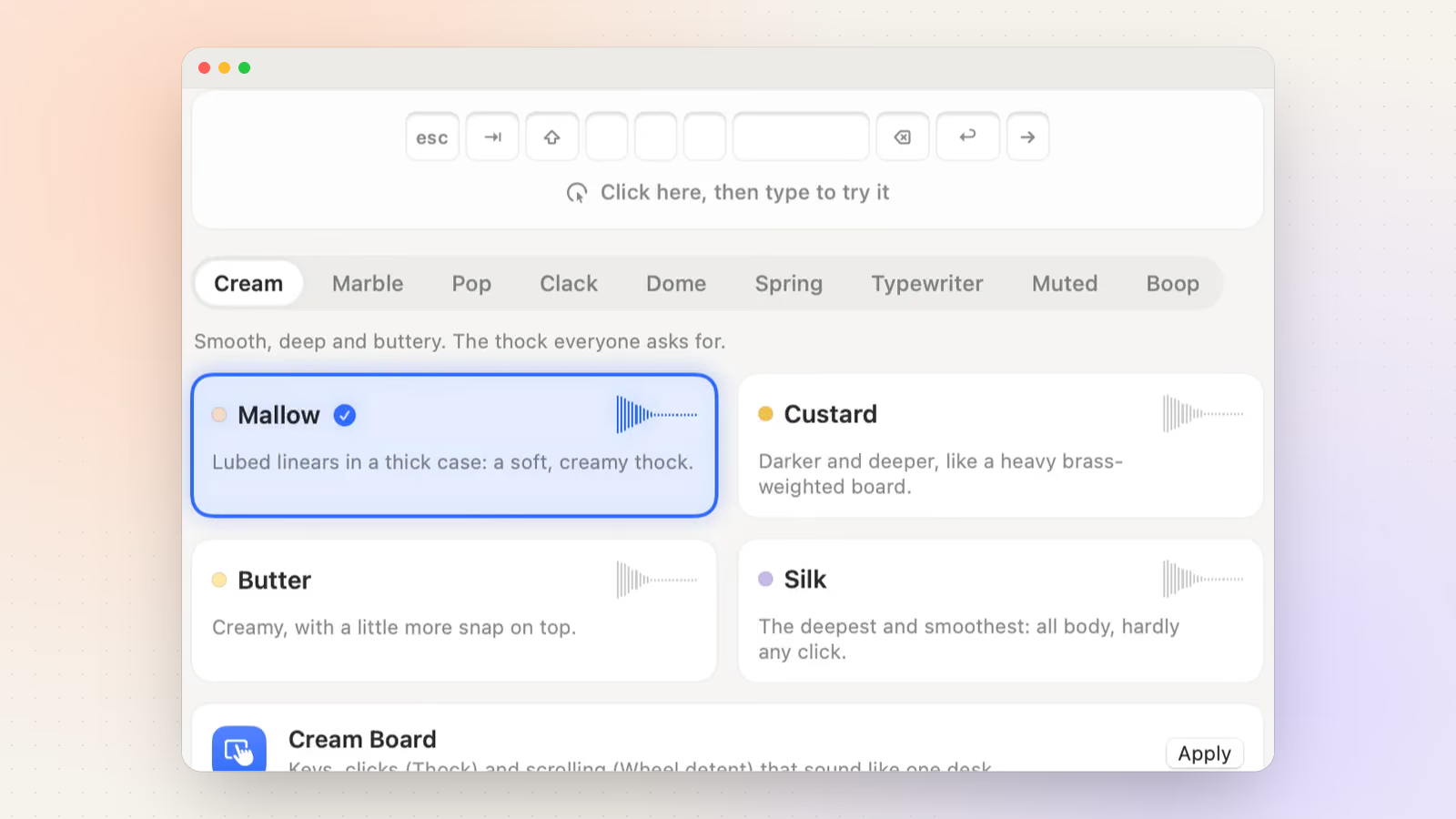
Clacky is the one I make, so weigh this paragraph accordingly. It has 29 keyboard sounds in 9 families, synthesized so no two presses sound exactly alike, plus sounds for clicks and scrolling. It's notarized by Apple, so it opens like any other app, and it walks you through Input Monitoring the first time. Keyboard sounds listen for key down/up only; Clacky never records, stores or sends which keys are typed, and it respects Secure Input. There's a 7-day free trial with no card. You can hear the click sounds right here:
Try it: tap a pad to hear it
Clacky’s own sound engine, playing in your browser. Turn your sound on.
Fix Mechvibes not playing sounds on a Mac
- Let it open. If macOS blocks it, click Done, then System Settings → Privacy & Security → Open Anyway. On macOS 14 or earlier, Control-click the app and choose Open.
- Switch on Input Monitoring. System Settings → Privacy & Security → Input Monitoring: switch Mechvibes on, or add it with +.
- Quit and reopen it. Quit Mechvibes completely and open it again. macOS applies the permission when the app starts.
- Reset a stale permission. Still silent after an update? Remove Mechvibes from the list with −, add it again with +, and reopen it. Do the same in Accessibility if it’s there.
- Check Secure Input. Run
ioreg -l -w 0 | grep -i SecureInputin Terminal. If it shows a process ID, leave that app’s password field or quit the app.
Test your keyboard in the browser
Open it on its own pageA free keyboard tester: press every key and watch it turn green, so you know whether a silent key reaches your Mac at all. Nothing you type leaves the page.
The tool loads here as you scroll. You can also open it on its own page.
Nothing you do in it is uploaded or saved.
Questions
Does Mechvibes work on Apple Silicon Macs?
Yes. The original Mechvibes builds for Apple Silicon and Intel, and MechvibesDX’s experimental Mac build is Apple Silicon only. On either, it needs Input Monitoring and a restart of the app before it plays in other apps.
Is Mechvibes safe?
It’s open source, so anyone can read what it does with key presses. Download it only from the project’s own GitHub releases page, since the Mac builds aren’t notarized by Apple and macOS can’t vouch for a copy from somewhere else.
Why did Mechvibes stop working after a macOS update?
macOS often keeps a stale Input Monitoring permission after an update or reinstall. Remove the app from the Input Monitoring list, add it again, then quit and reopen it.
Why is there a delay between my key press and the sound?
Usually Bluetooth audio. AirPods and other Bluetooth speakers add a noticeable lag to every sound. Wired speakers or the Mac’s own speakers play instantly.
Can I use Mechvibes sound packs in Clacky?
No. Clacky’s keyboard sounds are synthesized in the app, so it doesn’t load Mechvibes packs. If a particular pack matters to you, Mechvibes is the right app.
Written by Justinas Rolando
I make Clacky and build it in public. I write about what I learn making a small Mac app. More about me on the about page, and a free newsletter at justinasrolando.com.