The harbour
Clackyland is a little harbour town with wind, windmills, gulls and a lighthouse. Point at a building to see its name; click and your Blip walks there.
What it is
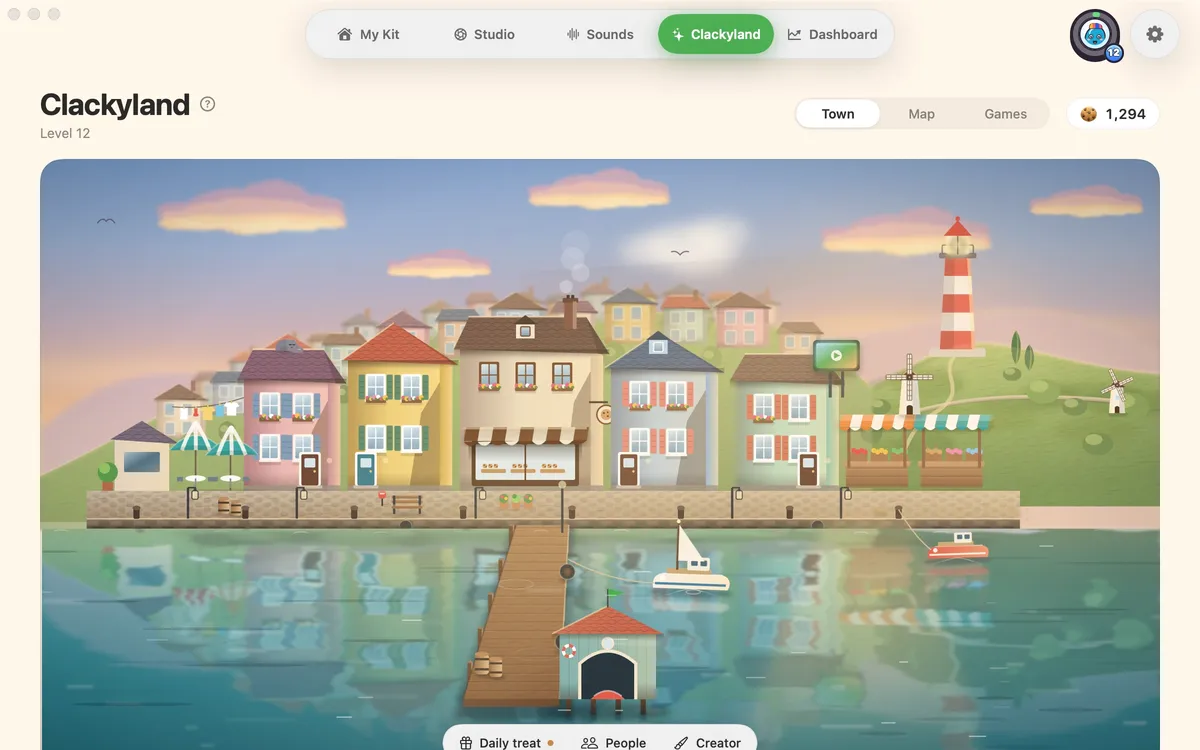
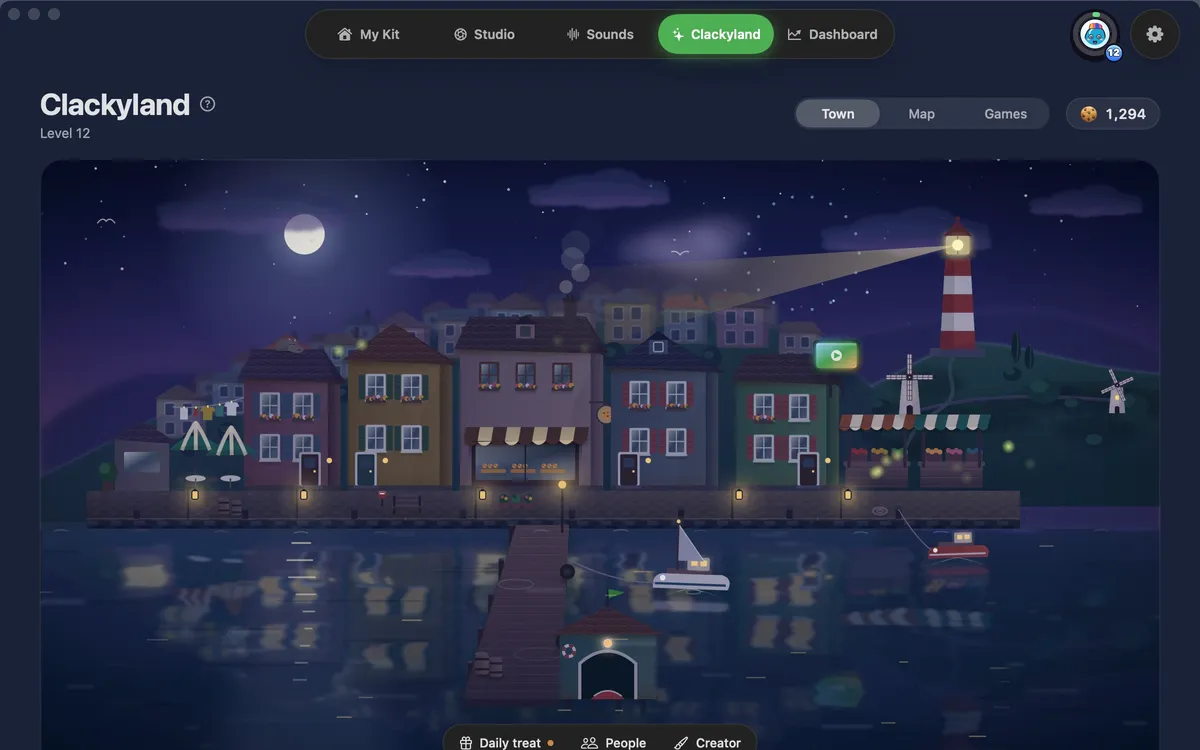
Clackyland is the playful side of Clacky: a small harbour town with turning windmills, washing in the wind, gulls, a smoking bakery chimney and a lighthouse that shines at night.
The town stays quiet. Point at a building to see its name: Your home, Cookie Factory, Boop’s Bazaar, Clacky TV, the Park and the Post office at the end of the pier. Click one and your Blip strolls over and goes in.
When something is waiting, like cookies fresh from the oven, one label says so. Night follows your Mac’s clock and dark mode. With Reduce Motion the town is a still picture, and it rests when you’re not looking at it.
How to use it
Open Clackyland
In the Clacky window, pick Clackyland in the switcher at the top, or press ⌘4.
Stay on Town
Town is the first of the three tabs at the top: Town, Map and Games.
Explore
Point at a building to see its name. Click it and your Blip walks there and goes in.
Find the rest
Daily treat and People sit in the small bar at the bottom of the town.
Tips
- Your cookies sit at the top right. Click them to see today’s cookies and how you earn.
- The Park leads to a meadow: move your pointer over the grass and it parts around your hand.
Questions
- Does Clackyland slow my Mac down?
- It only moves while you’re looking at it, and pauses when the window is hidden or on another place. With Reduce Motion it stays still.
- Can I buy levels here?
- No. Levels and freezes can never be bought. You earn them by using Clacky.
Make something on your Mac today.
Seven days free, every feature, cancel anytime.