Your Blip’s home
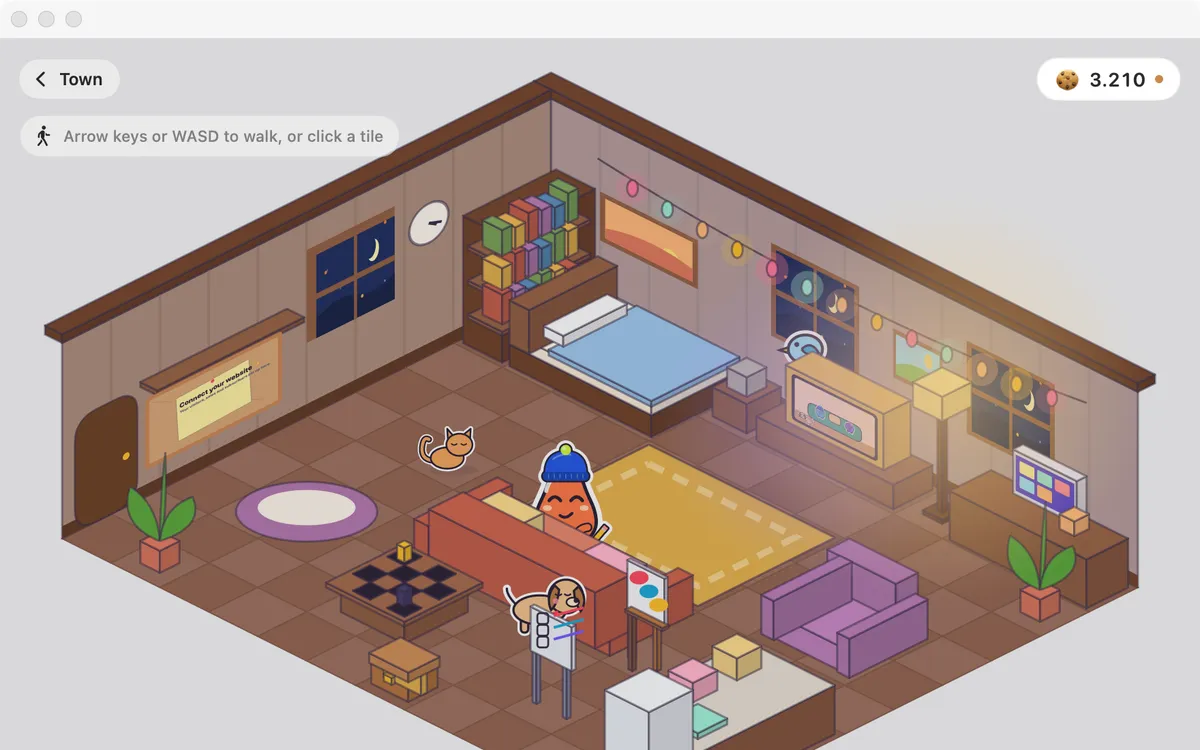
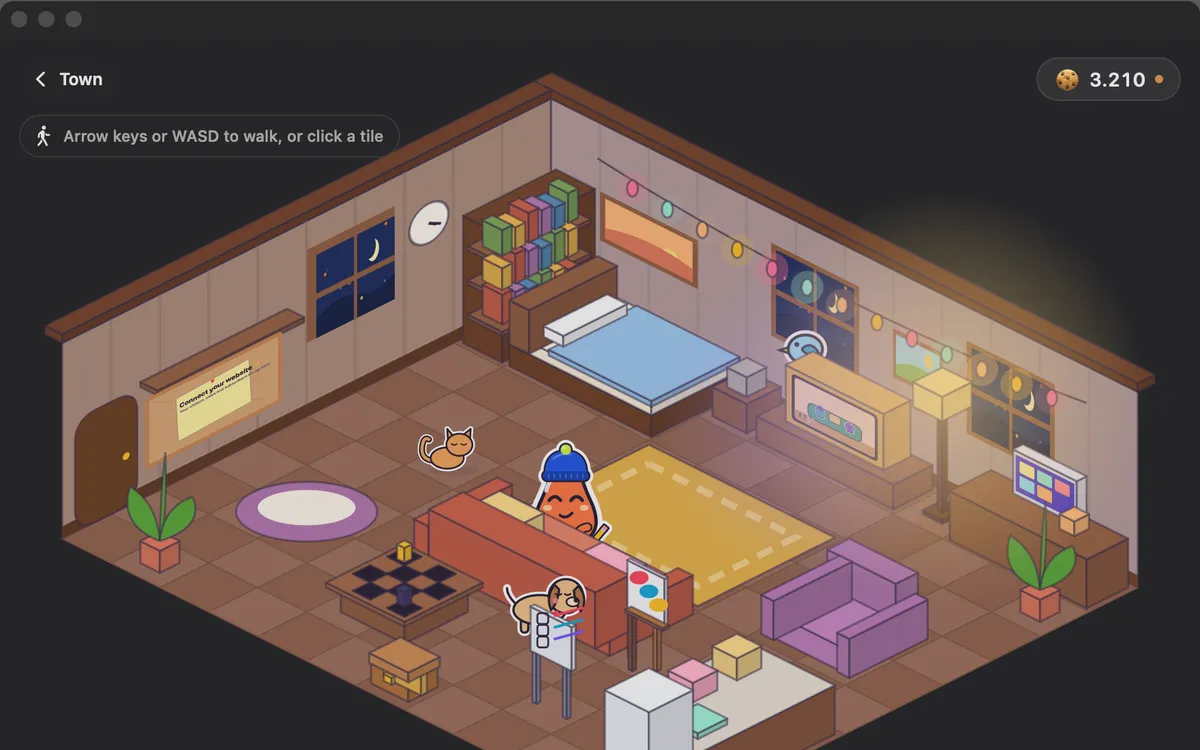
A cozy house: decorate it, hang your best screenshot on the wall, and watch Clacky TV, short original shows starring Blips.
What it is
Your Blip lives in a cozy house in Clackyland. Walk it around with the arrow keys or WASD, or click a tile.
Click the PC to see your own Clacky recordings and screenshots, read on this Mac, and hang your best one on the wall. The trophy shelf shows the achievements you’ve really earned.
Click the TV for Clacky TV: short original shows starring Blips. Leave your Blip be and it reads, watches TV or sleeps by your Mac’s clock. Pets move in as you level up, and they never get hungry, sad or sick.
How to use it
Go home
In Clackyland’s town, click Your home.
Decorate
Press Decorate and drag things onto free tiles. Green means it fits; R turns a thing.
Hang a picture
Click the PC, pick a recording or screenshot and press Hang on the wall.
Watch Clacky TV
Click the TV and pick a channel. Your Blip sits down to watch.
Tips
- Delete puts a thing back on your shelf, and ⌘Z undoes.
- Share my home makes a picture of your house as it is now. Your gallery and screen are never in it.
Questions
- Is my gallery uploaded?
- No. The PC shows only Clacky’s own recordings and screenshots, read on this Mac. Nothing is uploaded.
- Can friends see inside?
- Friends can peek inside, look only. They see your Blip, never your gallery.
Make something on your Mac today.
Seven days free, every feature, cancel anytime.