Calendar platforms
Plan and schedule posts to these platforms today.
- Bluesky
- Mastodon
- Telegram
- Discord
- X
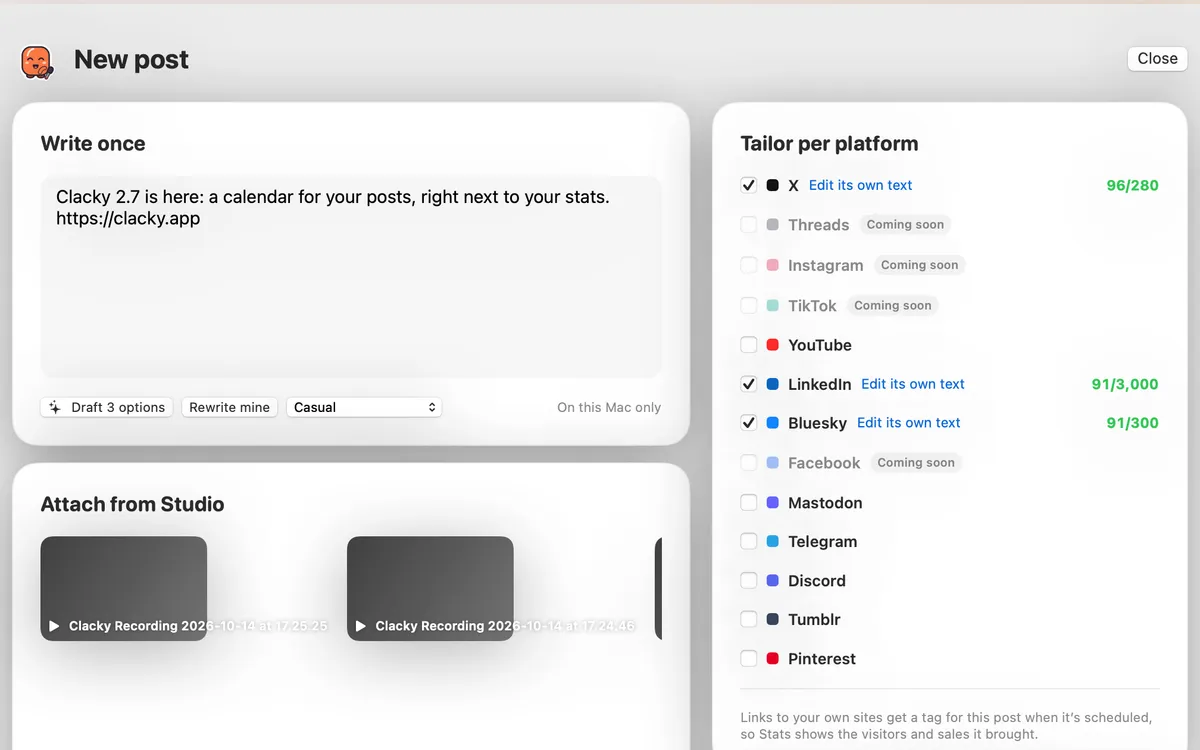
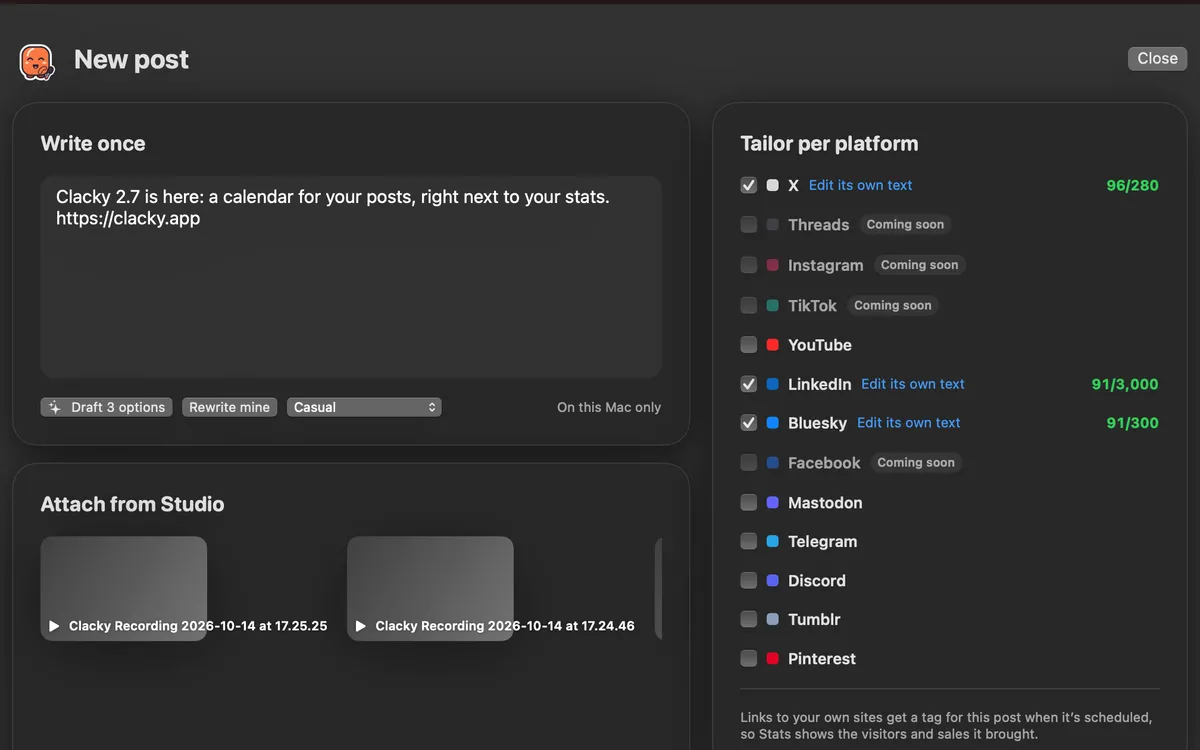
What it is
The Calendar posts to Bluesky, Mastodon, Telegram, Discord and X today.
Some connect with a few pasted fields, like a Bluesky app password, a Mastodon access token, a Telegram bot or a Discord webhook. They need no approval from us: you paste the details and Clacky checks them.
X can post for you with your own X API keys. Without keys, give just your @handle: when an X post is due, it waits for you with Copy and Open X.
How to use it
Open Accounts
In the Clacky window, pick Dashboard, then Calendar. Accounts is on the right.
Connect an account
Click Connect an account and pick a platform. Clacky says exactly what to paste or opens the platform’s sign-in.
Post
Click New post, pick the accounts and schedule it. Clacky checks each platform’s length limit.
Reconnect when asked
If an account’s sign-in expires, it shows Reconnect. Posts to it wait until you do.
Tips
- For Bluesky, use an app password, not your main password: Settings → Privacy and security → App passwords → Add.
- On YouTube, the first line of the post is the video’s title, and you choose who can watch and whether it’s made for kids.
- Right-click an account to disconnect it.
Questions
- Does posting to X cost anything?
- With your own X API keys, X bills the key’s owner per post. Without keys, Clacky reminds you when a post is due and you post it yourself, at no cost.
- What about Instagram, Facebook, Threads and TikTok?
- They’re coming soon, waiting for Meta’s and TikTok’s approval.
Make something on your Mac today.
Seven days free, every feature, cancel anytime.