Calendar for AI
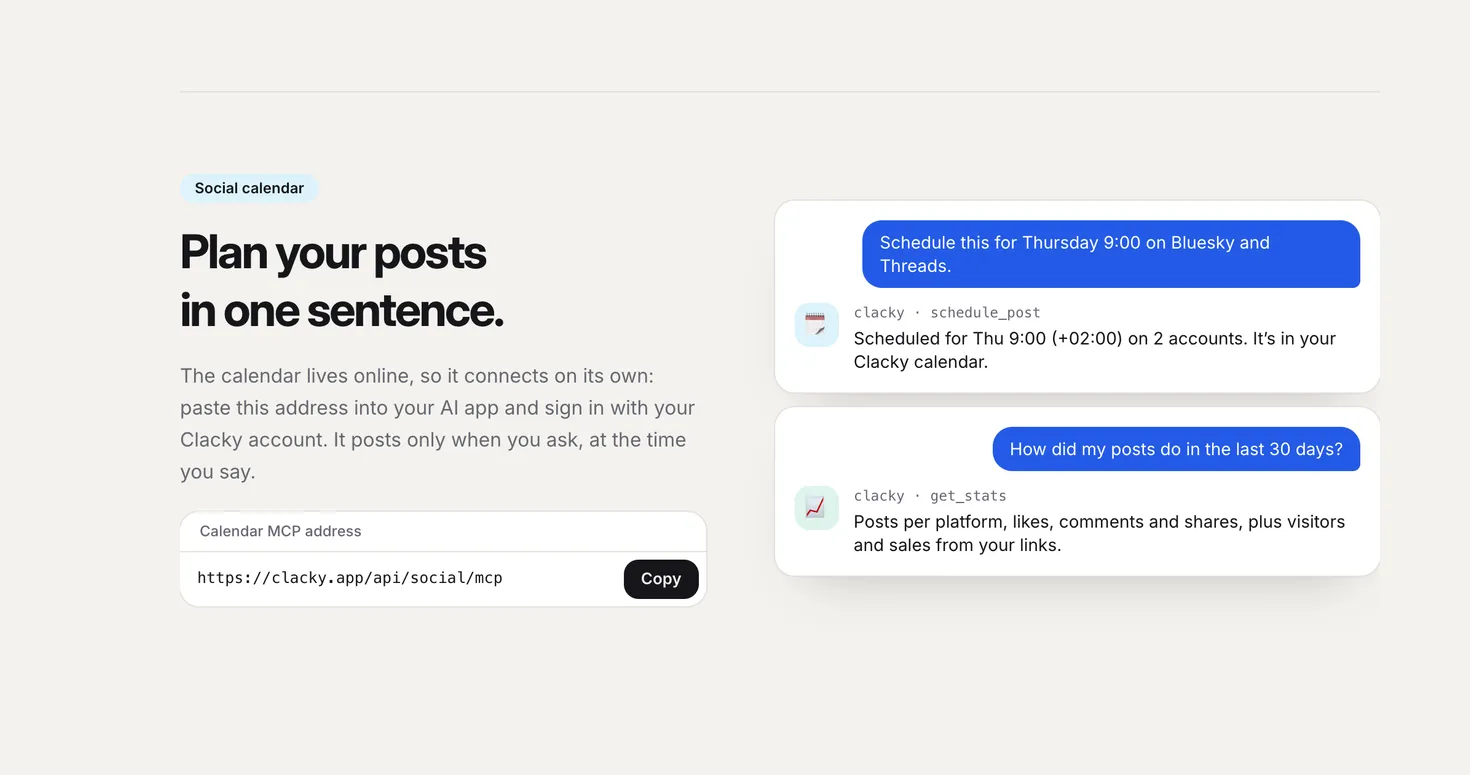
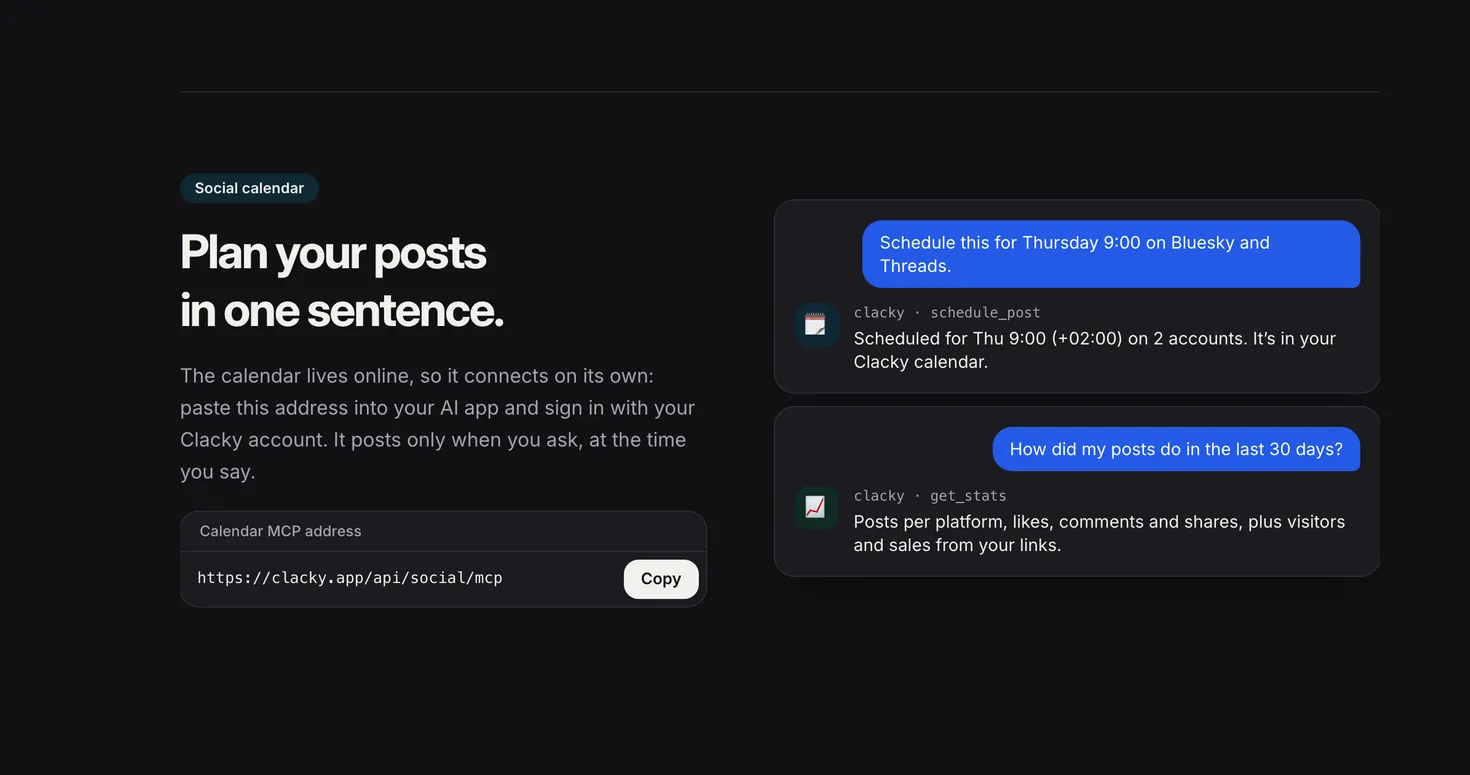
The social calendar is an online MCP server, so it also works in ChatGPT and claude.ai. It posts only when you ask. Its address:
https://clacky.app/api/social/mcp- schedule_post
- post_now
- reschedule_post
- cancel_post
- list_posts
- list_accounts
- get_stats
What it is
The social calendar lives online, so it works in ChatGPT and claude.ai as well as on your Mac. Your AI can schedule a post, post right now, move or cancel one that hasn’t gone out, list your posts and accounts, and read your stats.
It posts only when you ask, at the time you say. Cancelling a post doesn’t delete one that’s already published on the platform.
Stats cover the last 7, 30 or 90 days: posts per platform, likes, comments and shares, plus visitors and sales from your links.
How to use it
Copy the address
Copy the calendar’s MCP address from this page.
Add it to your AI app
In Claude, open Settings → Connectors → Add custom connector. In ChatGPT, open Settings → Apps & Connectors, turn on developer mode under Advanced, and create a connector.
Sign in
Sign in with your Clacky account and allow access.
Plan a post
Say “Schedule this for Thursday 9:00 on Bluesky.” It lands in your Clacky calendar.
Tips
- TikTok and YouTube posts need their own options and a video, so schedule those in the Clacky app.
Questions
- Which platforms can it post to?
- The accounts you’ve connected in Clacky’s calendar. Instagram, Facebook, Threads and TikTok are coming soon.
- Could my AI post something by mistake?
- Posting right away needs a clear ask and an explicit confirm from the AI. Everything else is scheduled for the time you give.
- Does ChatGPT need my Mac?
- No. The calendar runs online, so ChatGPT and claude.ai connect to it directly.
Make something on your Mac today.
Seven days free, every feature, cancel anytime.