Chess vs Boop
The first game in Games: play Boop at Sleepy, Clever or Genius. Undo and New game are always there.
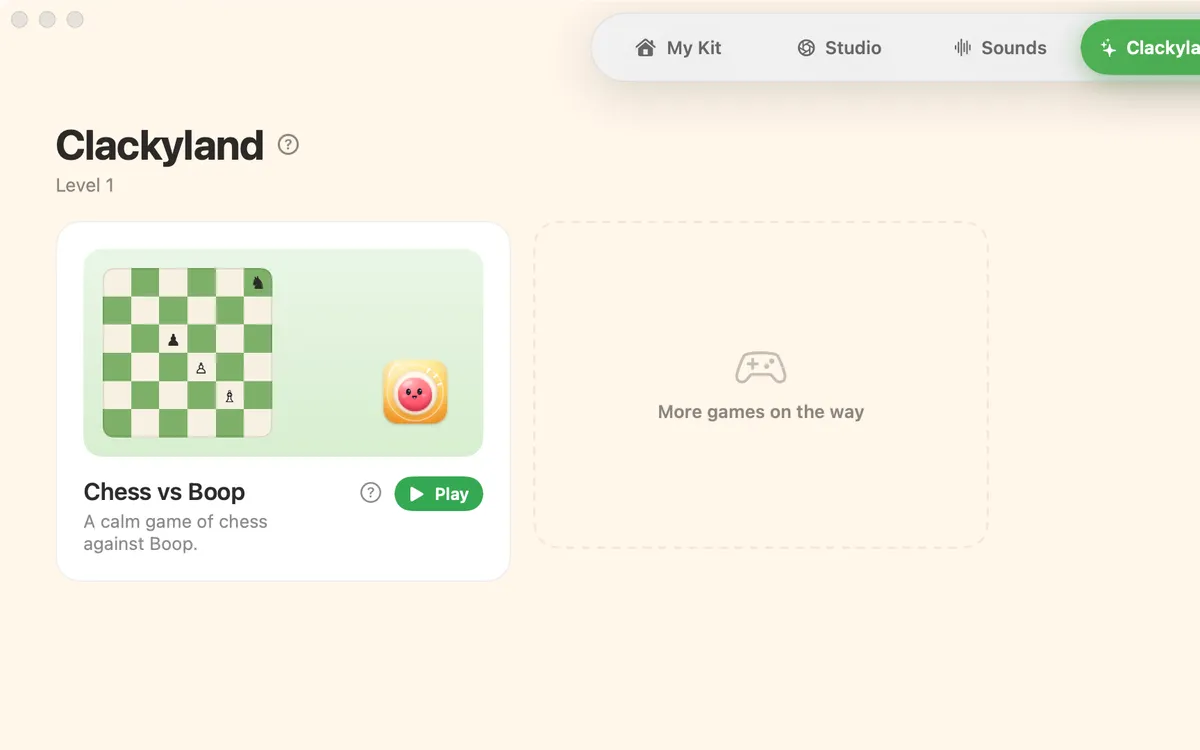
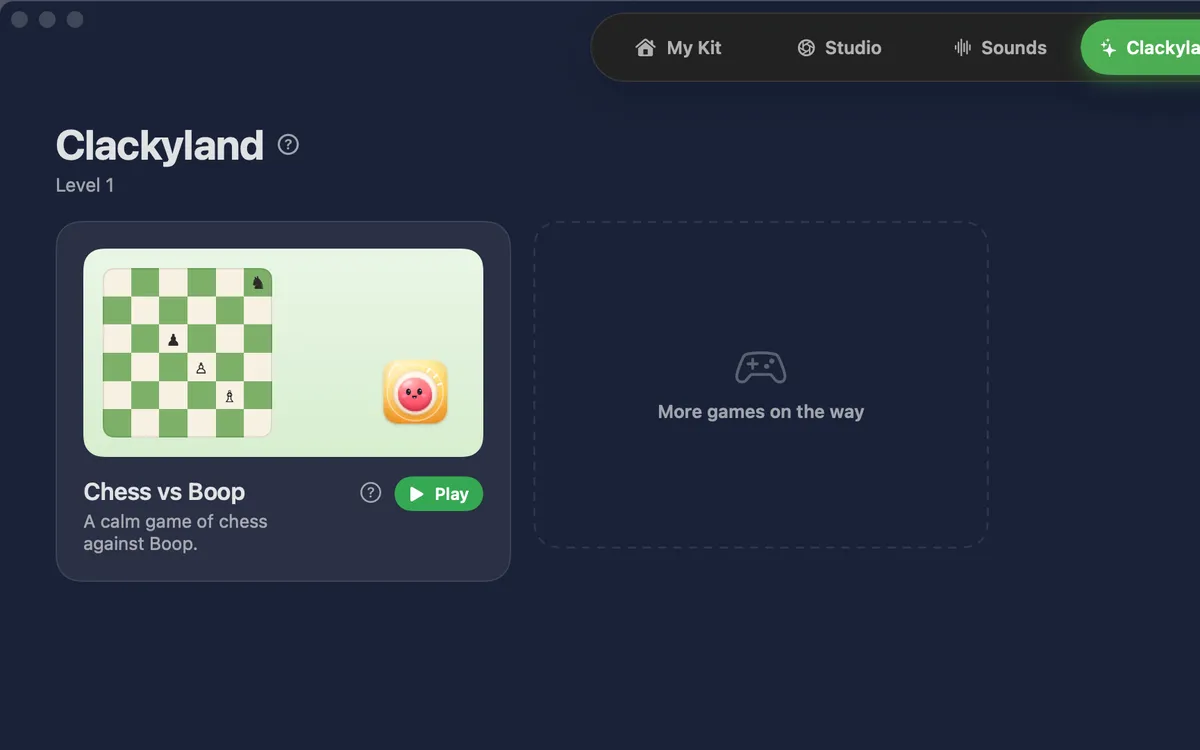
What it is
Chess vs Boop is a calm game of chess against Clacky’s mascot. It’s the first game in Clackyland’s Games tab.
Pick how hard Boop plays: Sleepy, Clever or Genius. You go first. Boop thinks for a moment, then plays, and chats a little along the way.
Undo and New game are always there, so a slip never spoils the game.
How to use it
Open Games
Pick Clackyland in the switcher at the top of the Clacky window, then choose Games.
Start
Press Play on Chess vs Boop.
Pick Boop’s level
Choose Sleepy, Clever or Genius.
Move
Click one of your pieces: the squares it can move to light up. Click a square to move there.
Win
Checkmate Boop’s king. Press Undo to take a move back, or New game to start over.
Questions
- Do I need the internet to play?
- No. Boop plays right on your Mac.
- Will there be more games?
- Games shows “More games on the way”. Chess vs Boop is the one you can play today.
Make something on your Mac today.
Seven days free, every feature, cancel anytime.