Friends
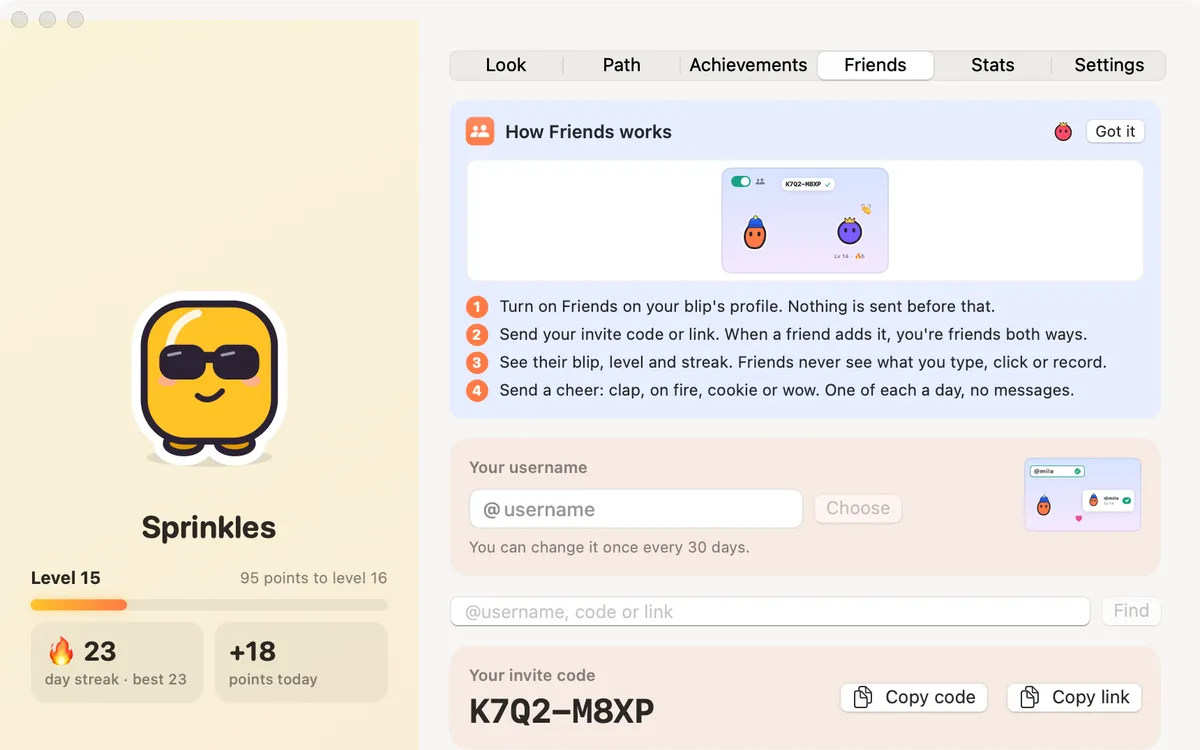
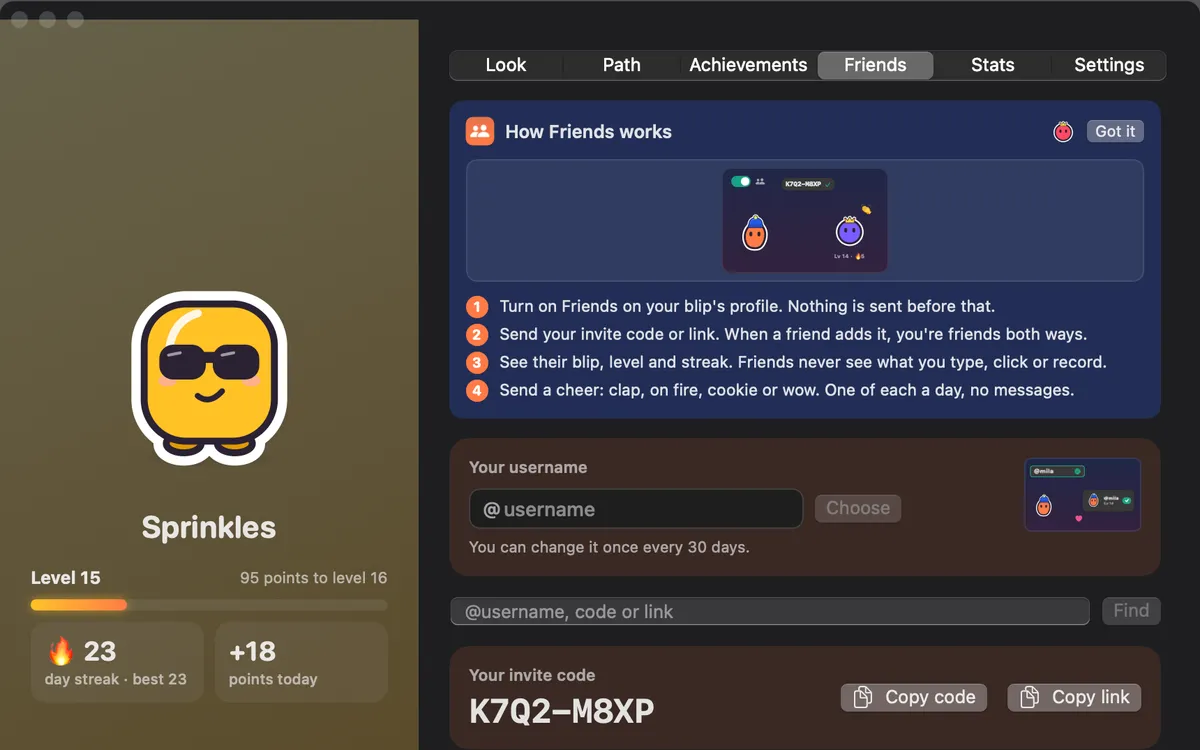
Turn on Friends, add people by @username, invite code or link, and send cheers: clap, on fire, cookie or wow. Nothing is sent before you turn it on.
What it is
Friends lets you add people who use Clacky and see each other’s Blip, level and streak. Add them by @username, invite code or link.
Send a cheer: clap, on fire, cookie or wow, one of each a day. There are no messages, just good vibes.
Friends is off until you turn it on, and nothing is sent before that. Friends see your Blip’s name, look, level and streak, never what you type, click or record. Turn it off any time and it’s deleted from Clacky’s server.
How to use it
Open Friends
In Clackyland, click People in the bar at the bottom of the town, then Open Friends.
Turn it on
Press Turn on Friends and pick a @username. Clacky checks it as you type.
Invite someone
Press Copy code or Copy link and send it to a friend. When they add it, you’re friends both ways.
Cheer
Click a friend and send a cheer.
Tips
- When a friend you invited uses Clacky on 3 different days, you both get the Buddy bandana and some cookies, for up to 5 friends.
- You can change your @username once every 30 days.
Questions
- What do my friends see?
- Your Blip’s name, look, level and streak. Never what you type, click or record.
- Can I send messages?
- No. Only the four cheers, one of each a day.
- How do I turn it off?
- Press Turn off Friends on the Friends tab. Your friends and card are removed from Clacky’s server.
Make something on your Mac today.
Seven days free, every feature, cancel anytime.