People
Find friends by @username. With Friends on, you can be found too; turn that off in Privacy. Unfriend, block or report anyone.
What it is
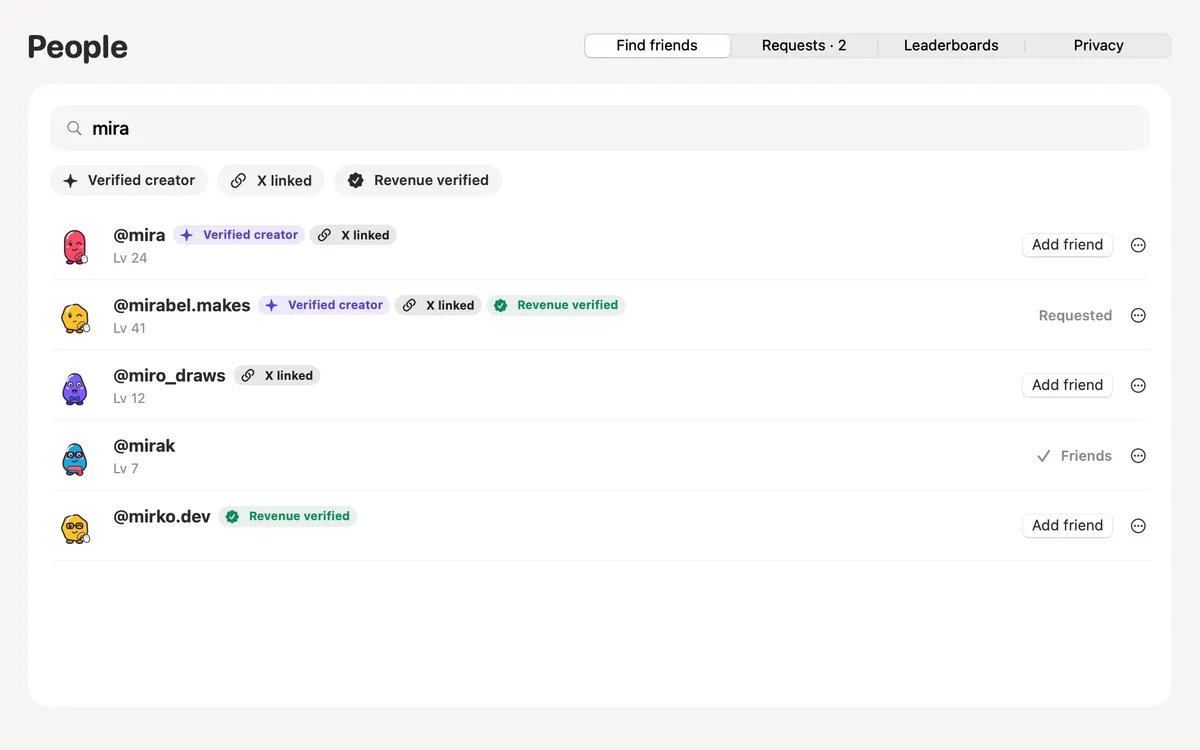
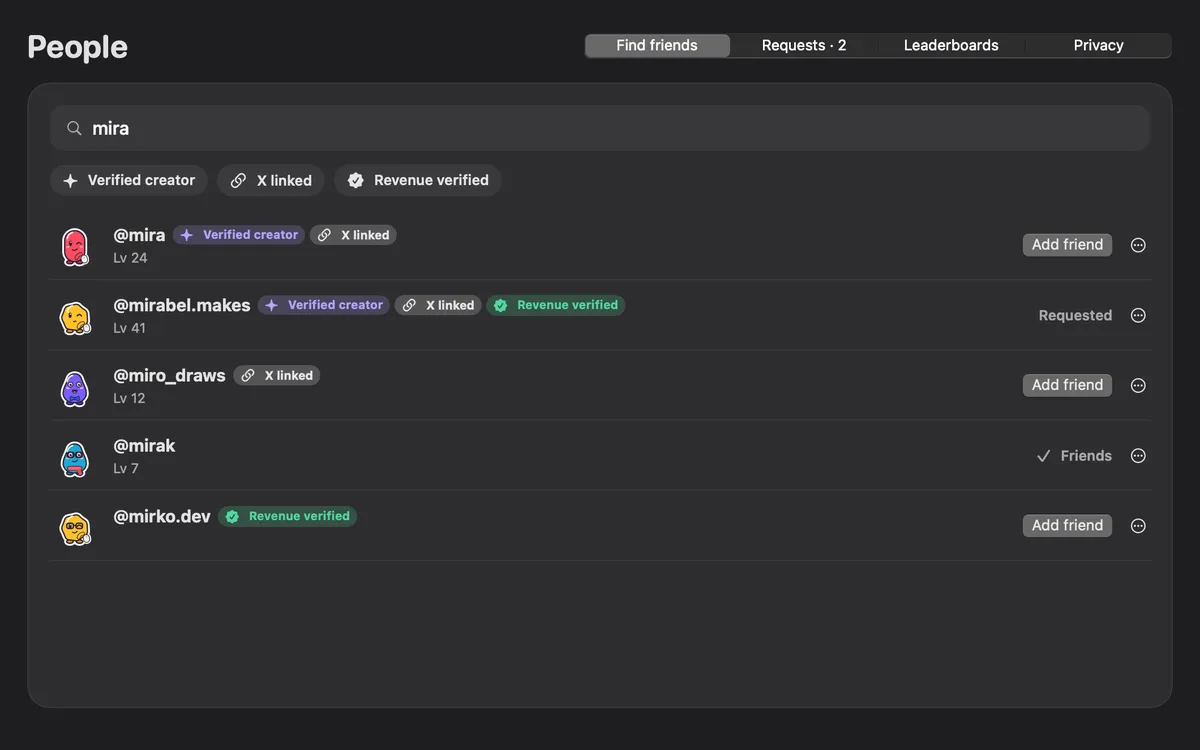
People is where you find others who use Clacky. Type part of a @username and send a friend request.
Only people who are findable show up, and only their @username, Blip and badges. Once you turn on Friends you’re findable too; switch that off any time in the Privacy tab. They accept, or quietly decline: you only ever see “Requested”.
You can unfriend, block or report anyone. A person at Clacky reads every report.
How to use it
Open People
In Clackyland, click People in the bar at the bottom of the town. Friends needs to be on.
Search
On Find friends, type at least 2 letters of a @username.
Add
Press Add friend. Incoming requests wait on the Requests tab.
Set your privacy
On Privacy, choose whether people can find you in search, and see who you’ve blocked.
Questions
- Can anyone find me?
- Only by your @username, and only while “Can people find me in search?” is on. Turn it off on the Privacy tab.
- What’s never public?
- Your email, real name, Mac, licence and detailed stats.
- How do I block someone?
- Open their row’s menu or their profile and press Block. Report… sends a note to a person at Clacky.
Make something on your Mac today.
Seven days free, every feature, cancel anytime.