Your Blip
Your own little character. Making things with Clacky levels it up, earns it things to wear and keeps a streak. It stays on your Mac unless you turn on Friends, which shows it to your friends.
What it is
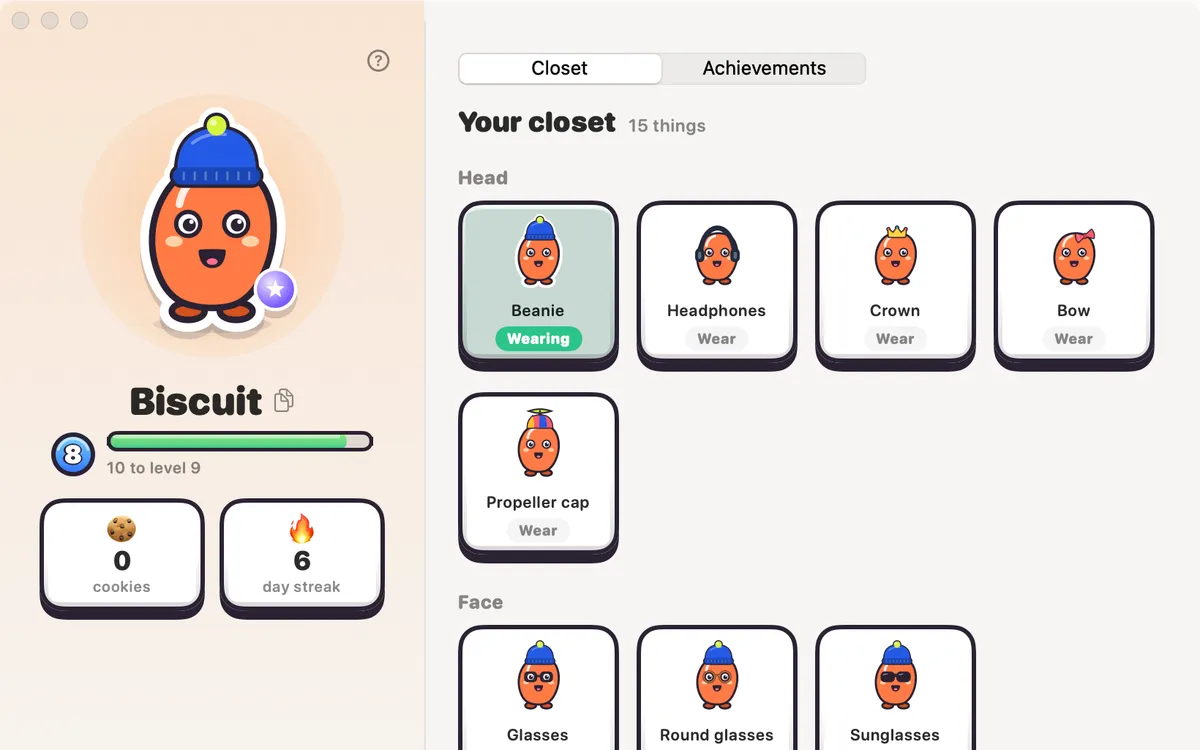
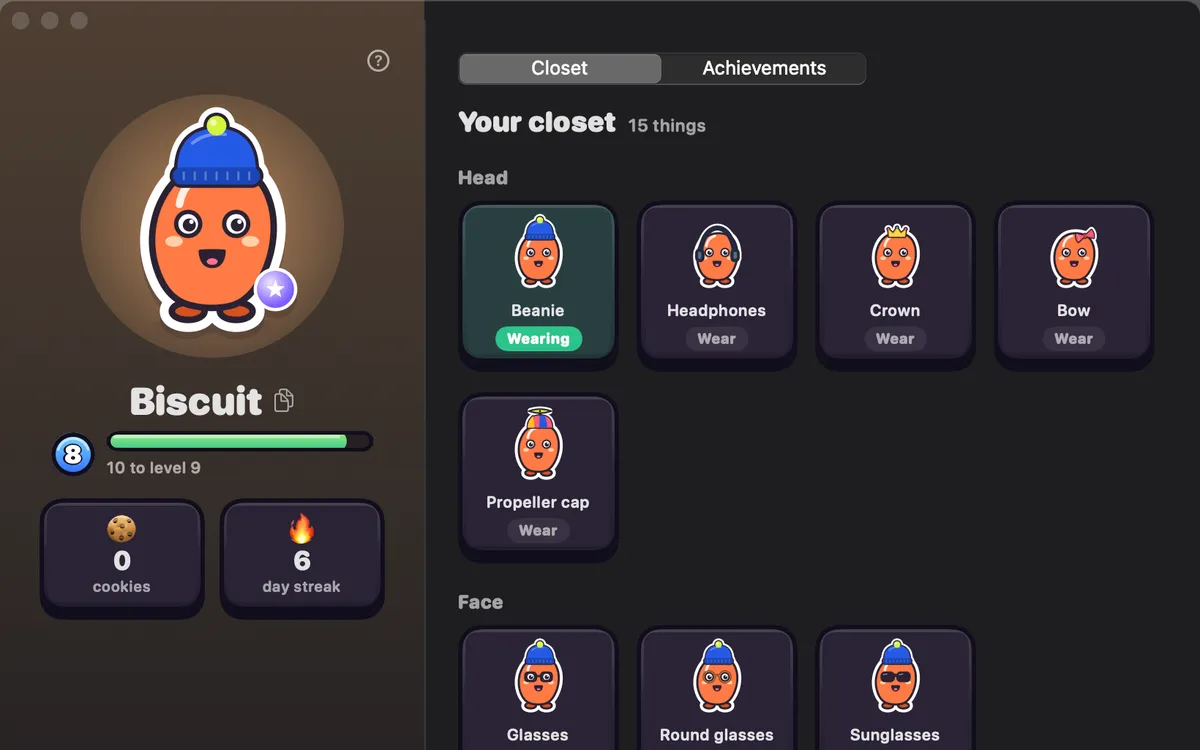
Your Blip is your own little character in Clacky, made by you in the welcome tour. It shows up in Clackyland, in your profile bubble and on your share cards.
Making things with Clacky fills its level bar a little each day, earns it new things to wear and keeps a streak going when you come back day after day.
Your Blip lives in one file on this Mac and is never sent anywhere. Only if you turn on Friends do your friends see its name, look, level and streak.
How to use it
Open your profile
Click your profile bubble at the top right of the Clacky window.
Edit your Blip
Press Edit your Blip to change its look.
Save
Press Save to keep the change, or Undo to go back.
Dress it up
Wear things from your closet: open your profile bubble and pick Closet.
Tips
- Prefer plain Boop? Settings → Boop → Your blip → Show my blip. Off keeps your Blip, level and streak for later.
Questions
- Is my Blip sent anywhere?
- No. It lives in one file on this Mac. Friends only see it if you turn on Friends.
- Does it count my typing?
- No. Your Blip grows from things you make and finish with Clacky. Clacky never records which keys you type.
Make something on your Mac today.
Seven days free, every feature, cancel anytime.