AccountLive
Plan & usage
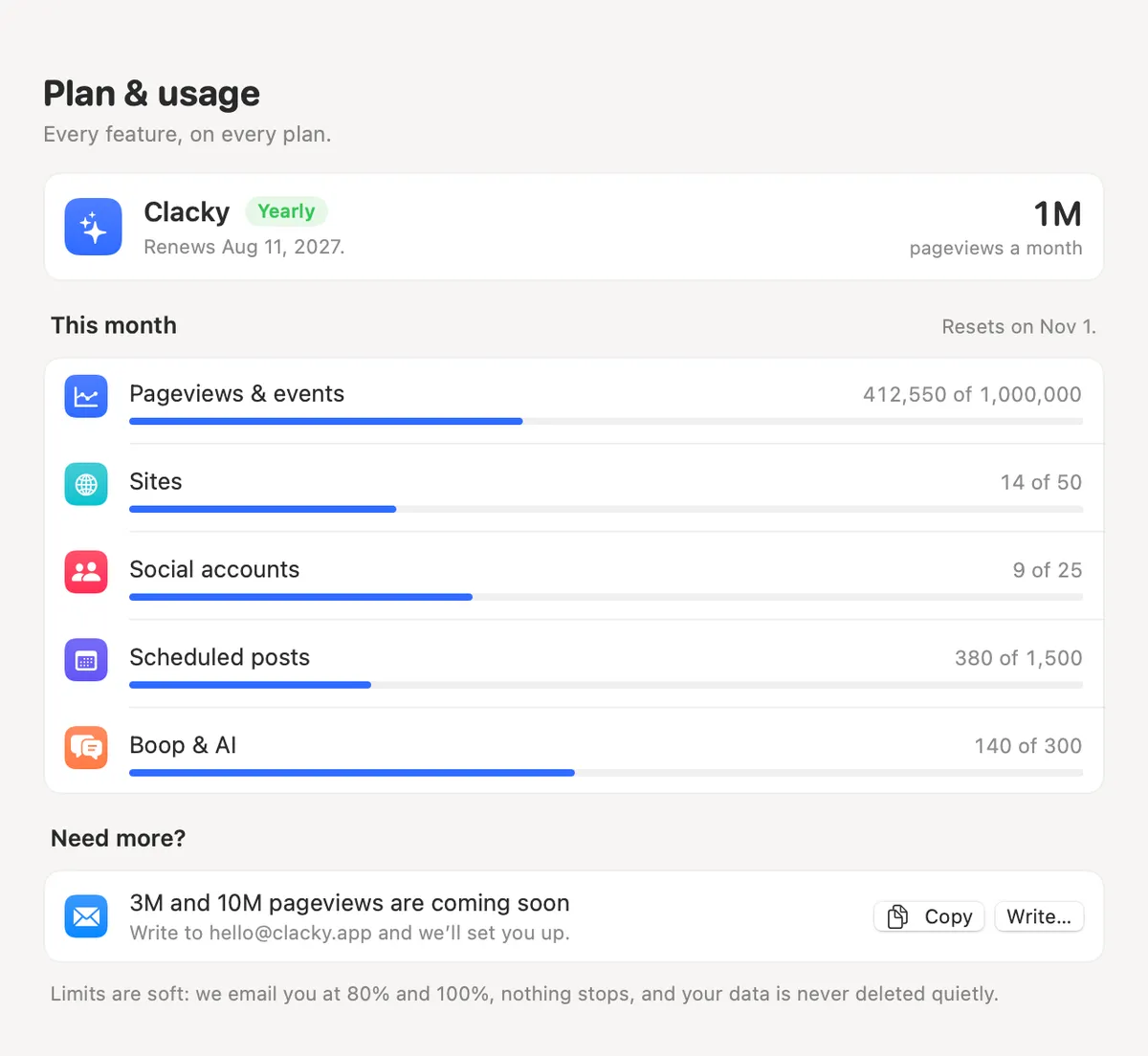
Settings → Plan & usage shows your tier and how much of it you’ve used this month.
What it is
Plan & usage shows which plan you’re on and this month’s usage for pageviews and events, sites, social accounts, scheduled posts, and Boop and AI questions, each against its limit.
It also says when the month resets and exactly what happens if you go over. Need more? It opens clacky.app to pick a bigger tier.
How to use it
Open Settings
Open Clacky’s Settings and pick Plan & usage in the sidebar.
Sign in if asked
For website and post usage, sign in. It uses your licence, or this Mac’s trial: no email or password.
Read your month
Each line shows how much you’ve used of your limit and the date it resets.
Questions
- What happens at 80% or 100%?
- Over 80%, Plan & usage says so. At 100% we email you. Nothing stops, and everything is kept up to 150%.
- Where do I change my plan?
- Settings → Licence → Manage subscription opens Polar’s customer portal.
Make something on your Mac today.
Seven days free, every feature, cancel anytime.