AccountLive
Two Macs
One licence works on 2 Macs. Clacky runs on macOS 13 or later; the recorder needs macOS 15, the screenshot studio macOS 14.
What it is
One licence works on 2 Macs, whichever plan you’re on.
Clacky runs on macOS 13 or later. The screen recorder needs macOS 15 and the screenshot studio macOS 14.
How to use it
Activate on a Mac
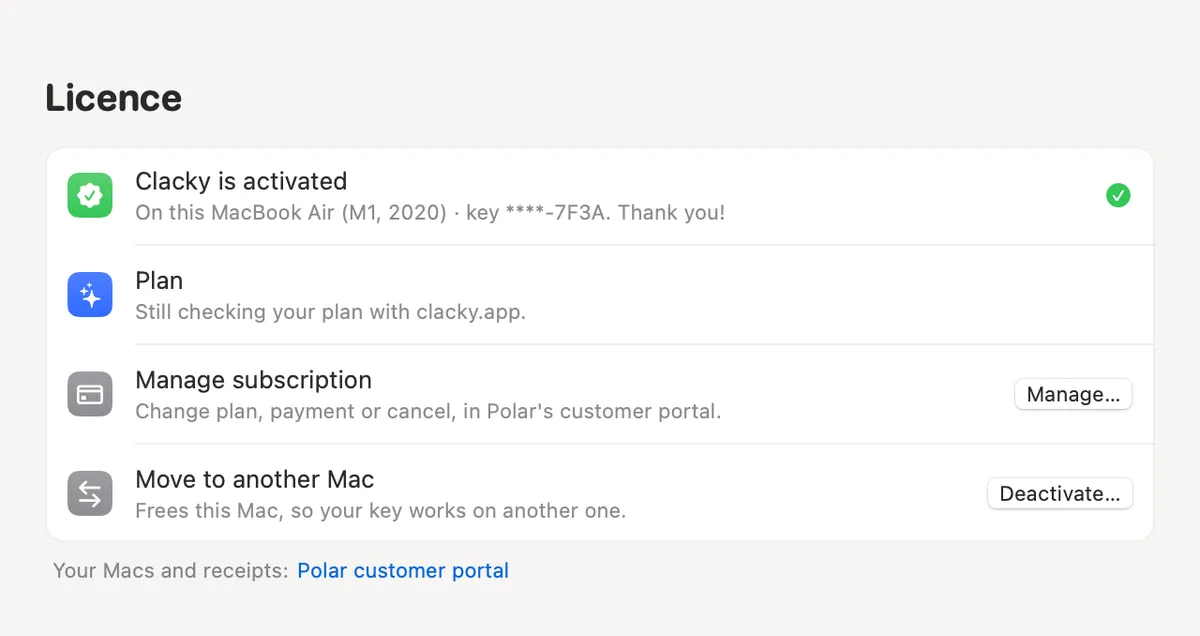
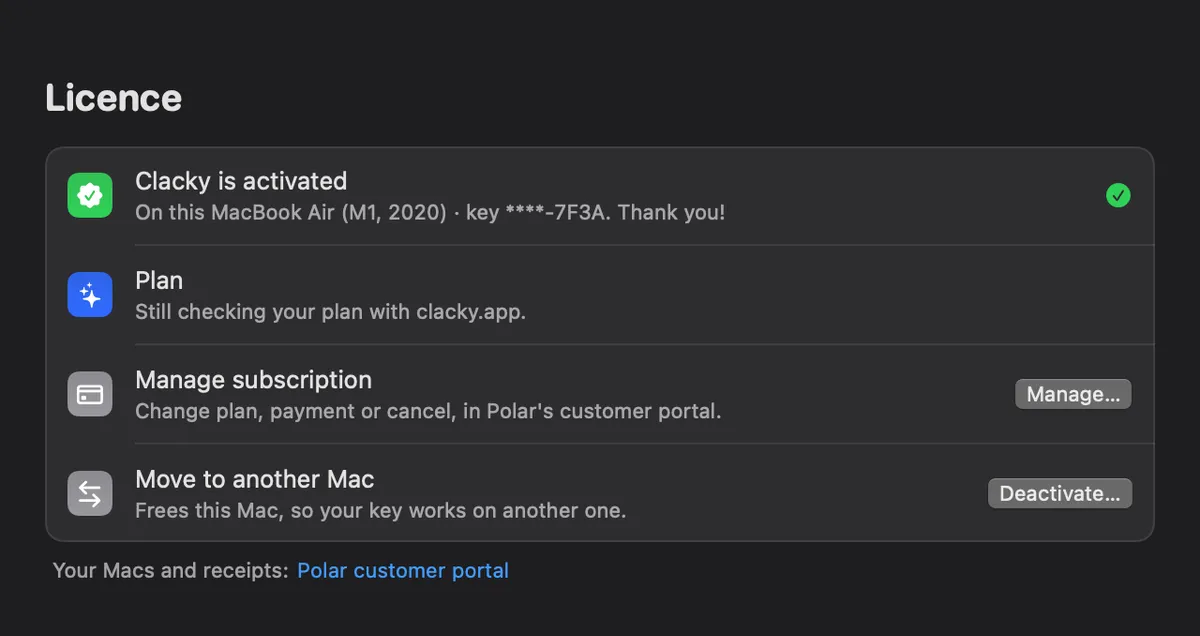
Paste the licence key from your receipt email in Settings → Licence.
Free a Mac
Moving to a new Mac? In Settings → Licence, use Move to another Mac → Deactivate… on the old one.
Activate the new one
Paste the same key on the new Mac.
Tips
- Move to a New Mac, in Settings, saves your Clacky set-up to a file you open on the new Mac.
Questions
- What does activation send?
- Only your licence key and your Mac’s model name, to Polar, so you can tell your Macs apart.
- What happens on a deactivated Mac?
- Clicks go quiet there until you activate again.
Make something on your Mac today.
Seven days free, every feature, cancel anytime.