Ask Boop
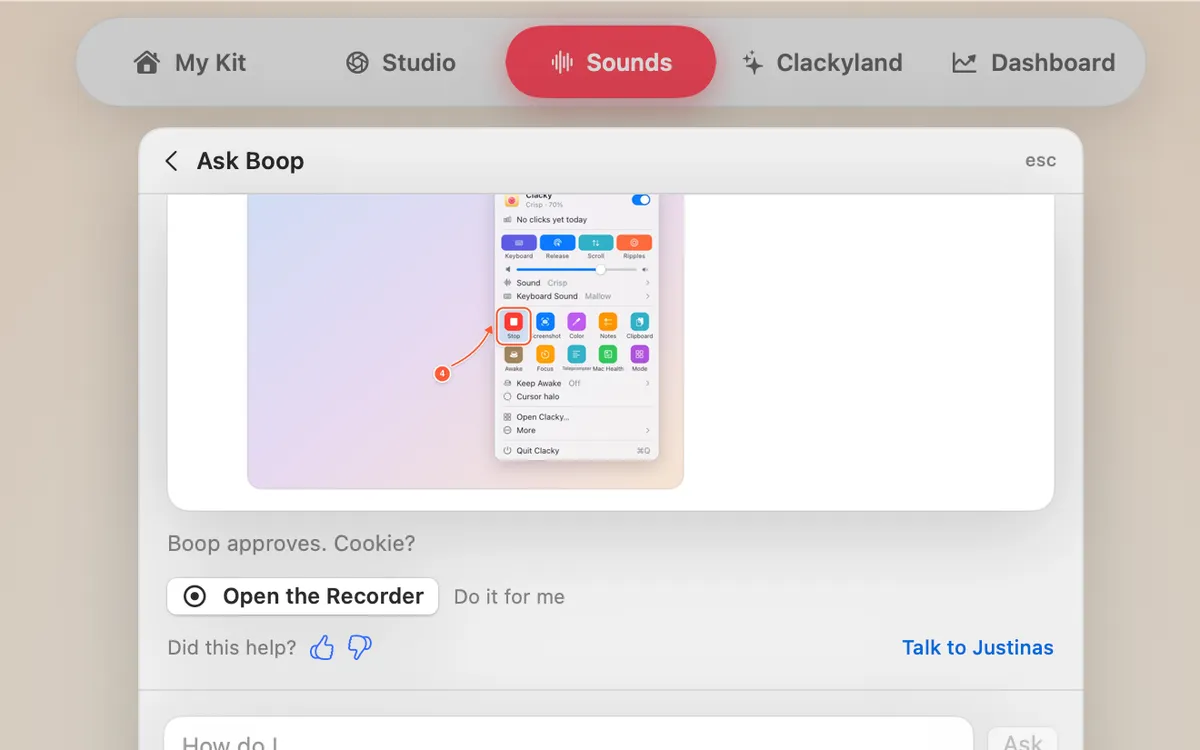
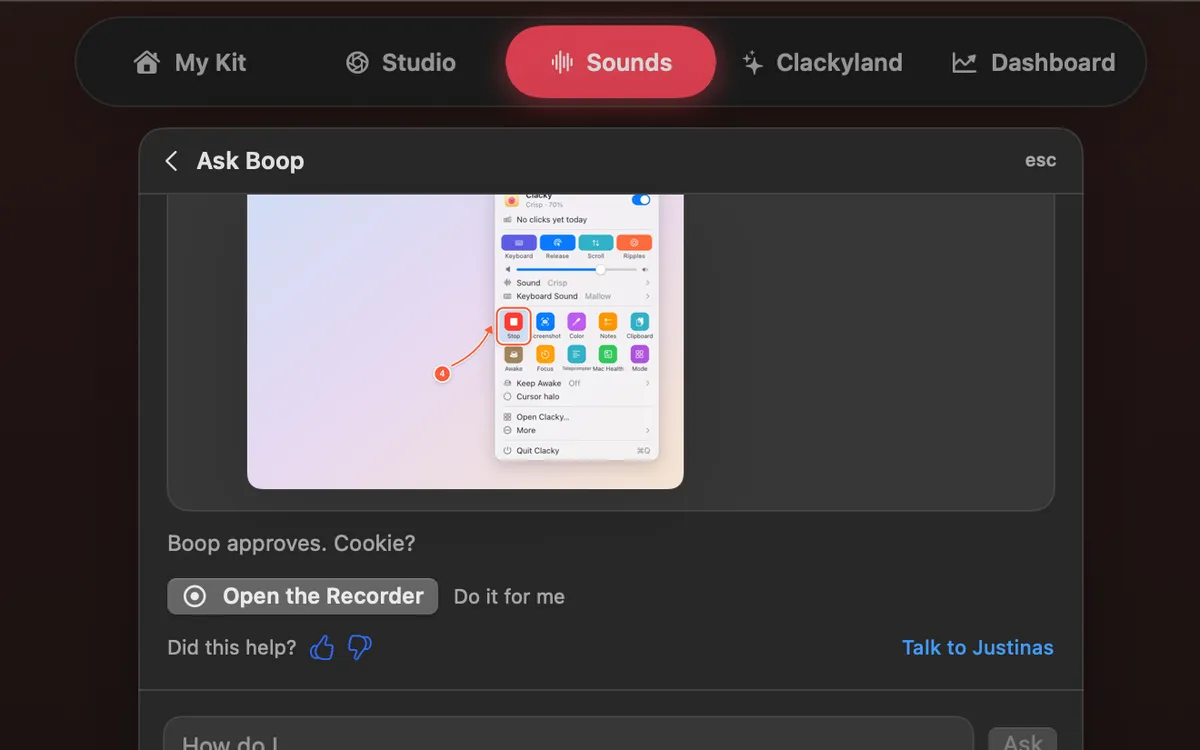
Ask “how do I…” and the answer comes as numbered steps with pictures. If it’s a setting, Do it for me flips it; Undo puts it back.
What it is
Ask Boop is Clacky’s built-in helper. Type a question in plain words, like “how do I record my screen?”, and the answer comes back as numbered steps, with pictures where they help.
When the answer is a setting you can switch, a Do it for me button does it for you, and Undo puts it back right away. Anything bigger only opens the right window, so nothing changes without you.
Answers are written by AI (Claude, by Anthropic). Your question is sent to clacky.app only when you press Ask, together with Boop’s last 3 answers, the app’s language, Clacky’s version and which features are on. No name, email or licence goes with it.
How to use it
Open Boop Support
Choose More → Boop Support… in Clacky’s menu bar menu.
Ask your question
Type it in the “How do I…” field and press Ask.
Follow the steps
Boop answers with numbered steps. Click a picture to see it bigger.
Let Boop do it
If the answer is a setting, press Do it for me. Changed your mind? Press Undo.
Still stuck?
Press Talk to Justinas to ask the human who makes Clacky, in the same window.
Tips
- From anywhere in Clacky, press ⌘K, type your question and pick “Ask Boop: …” at the bottom of the list.
- Rate an answer so Boop gets better. If it missed, Justinas can sort it out.
Questions
- Is Ask Boop a real person?
- No. Ask Boop answers with AI. For a person, press Talk to Justinas and the maker of Clacky answers you himself.
- What is sent when I ask?
- Only when you press Ask: your question, Boop’s last 3 answers, the app’s language, Clacky’s version and which features are on. Never your name, email, licence key or what you type elsewhere.
- Can Do it for me change things without asking?
- Only settings that can be switched straight back, and each one shows Undo right after. Everything else just opens the right window for you.
Make something on your Mac today.
Seven days free, every feature, cancel anytime.