Profile bubble
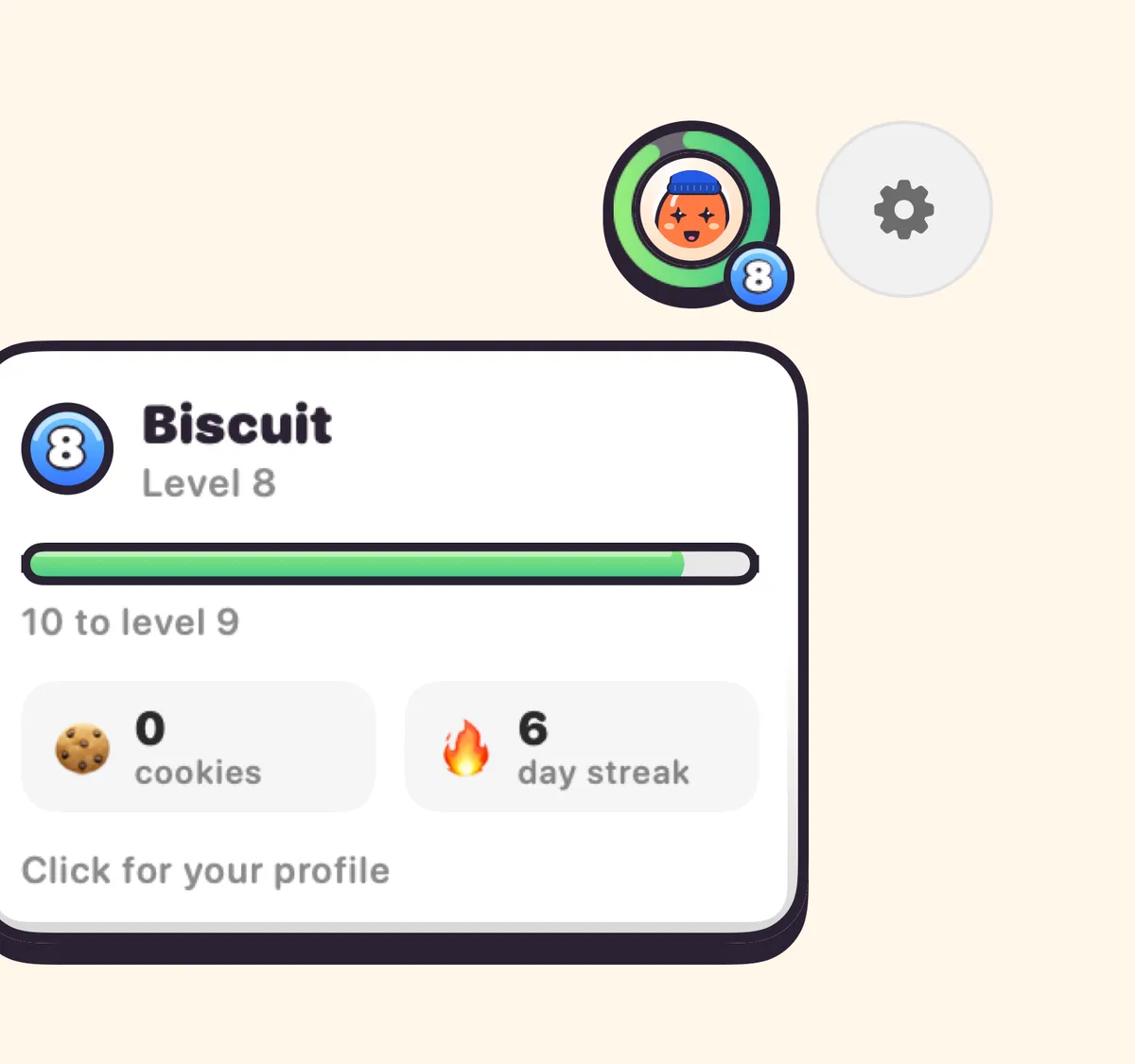
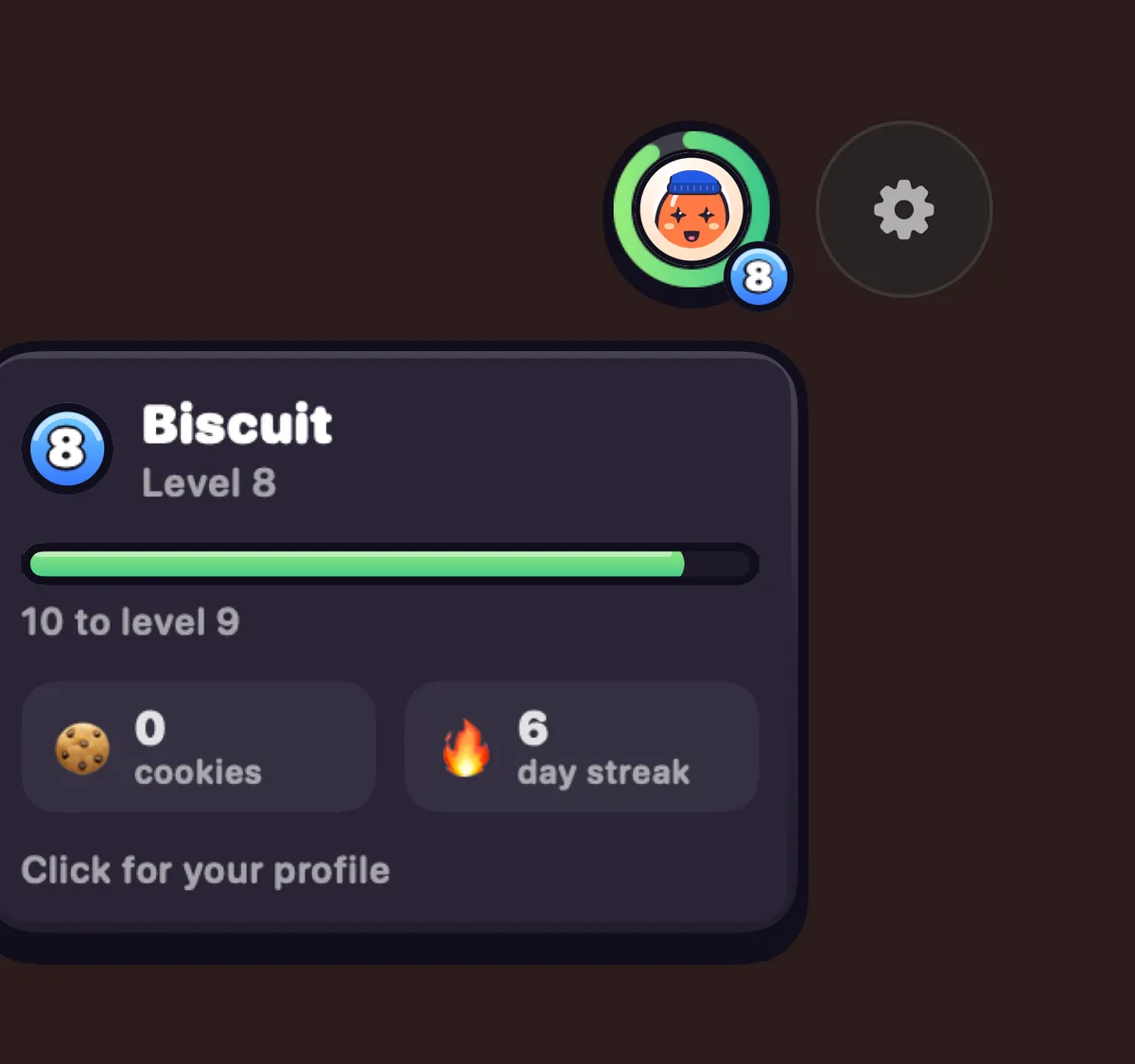
Your Blip in a ring that fills as you earn points. Hover for level, cookies and streak; click for your closet, achievements and Your Stats.
What it is
The profile bubble is your Blip in a round ring at the top right of the Clacky window, beside the Settings gear. The ring fills as you earn points toward the next level.
Hover it to see your level, cookies and streak at a glance. Click it for your profile: your closet, your achievements, Edit your Blip and Your Stats.
It reacts, too: a hop when you level up, a grin for new cookies.
How to use it
Find it
Look at the top right of the Clacky window, next to the gear.
Hover
Point at it to see your level, cookies and streak.
Click
Click it to open your profile.
Choose
Pick Closet or Achievements, or press Edit your Blip or Your Stats.
Questions
- Where does the ring’s progress come from?
- From level points you earn by using Clacky. Never from typing, and never for sale.
- Can I change my Blip from here?
- Yes. Click the bubble, then Edit your Blip.
Make something on your Mac today.
Seven days free, every feature, cancel anytime.