Your Stats
Your clicks, focus, recordings and streak by day, week or month, with your busiest hours. Counted on this Mac; Share on X when you like.
What it is
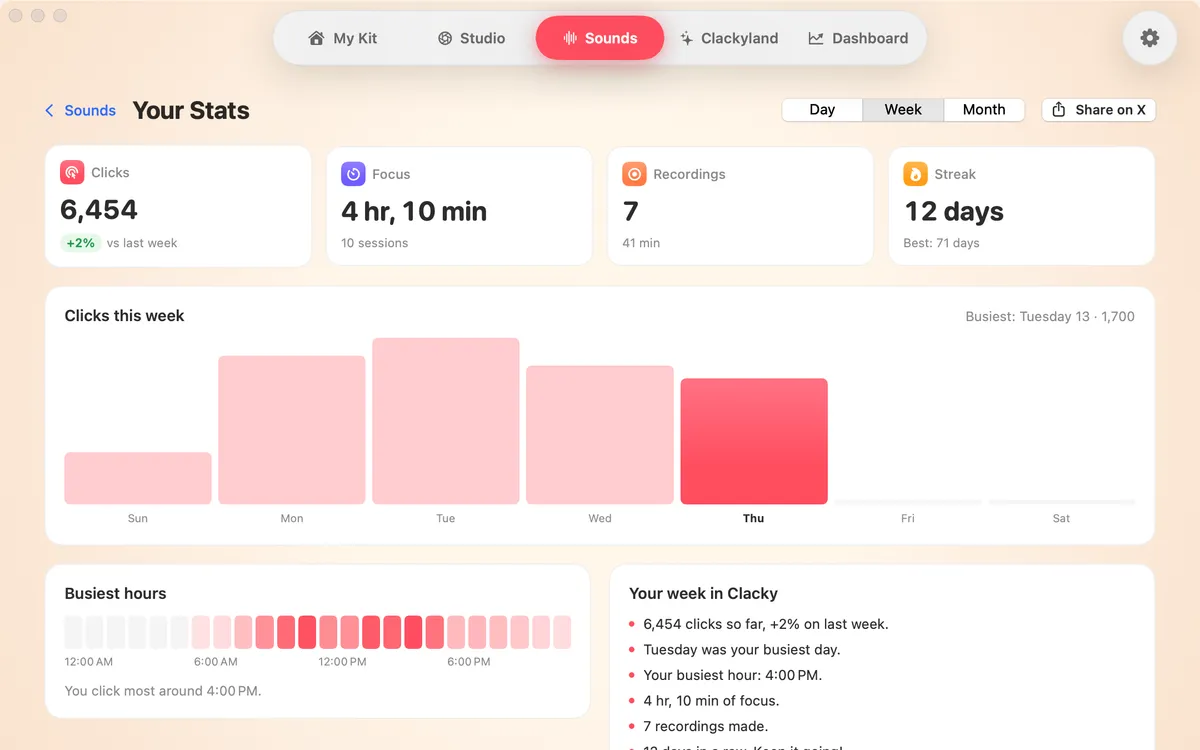
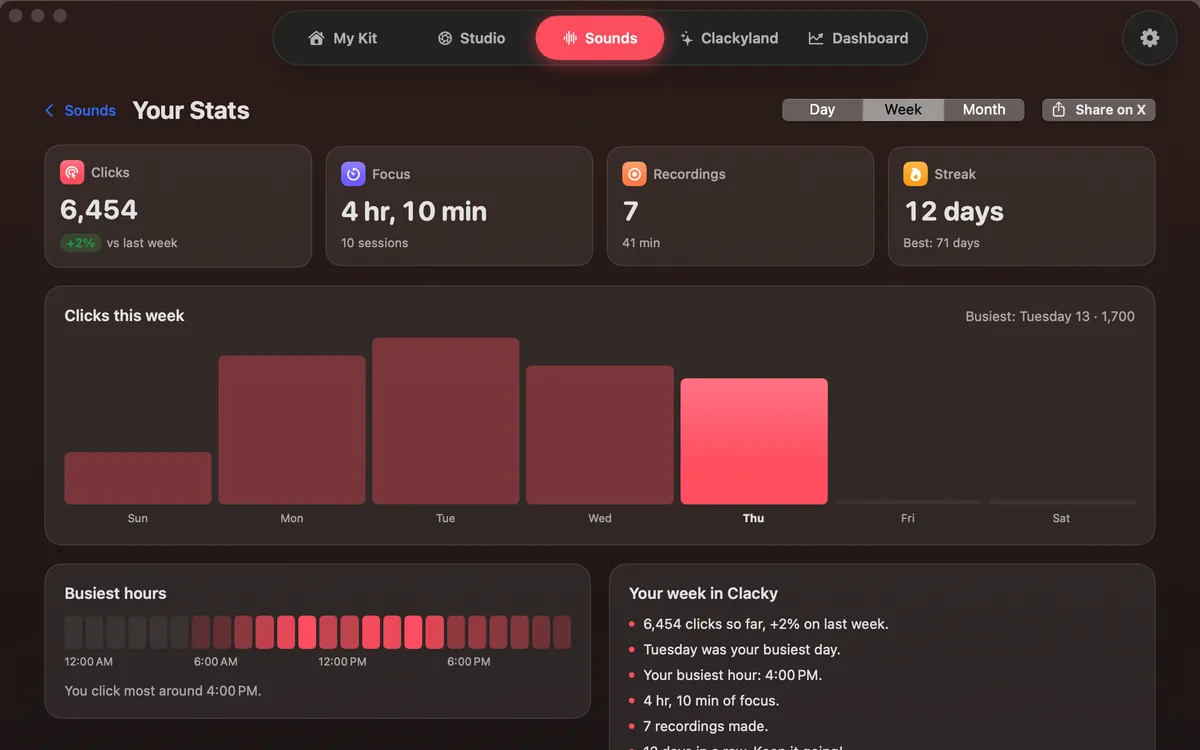
Your Stats shows how you use your Mac with Clacky: clicks, focus time, recordings and your streak, for a day, a week or a month, with a chart and your busiest hours.
Everything is counted on this Mac. Clicks, scrolls, recordings and focus minutes only: never what you type and never what’s on screen. Nothing on this page is sent anywhere.
When you want to show off a good week, Share on X copies a card of your week and opens X with the text filled in. Nothing is posted until you press Post.
How to use it
Go to Sounds
Open the Clacky window and pick Sounds in the switcher at the top, or press ⌘3.
Open the card
Click the “Your week in Clacky” card under the header. Your Stats slides up.
Pick a range
Switch between Day, Week and Month. The chart, totals and busiest hours follow.
Share if you like
Press Share on X. The card is copied, X opens, and you decide whether to post.
Go back
Press Sounds at the top left, or Esc.
Tips
- You can also reach Your Stats from your profile bubble: click your Blip at the top right, then Your Stats.
- Each total shows how it compares with the day, week or 30 days before.
Questions
- Does Clacky see what I type?
- No. Your Stats counts clicks, scrolls, recordings and focus minutes only. It never records which keys you press or what’s on your screen.
- Are my stats uploaded?
- No. They’re read from this Mac. Sharing only happens when you press Share on X, and even then nothing is posted until you press Post.
Make something on your Mac today.
Seven days free, every feature, cancel anytime.