AccountLive
Quiet updates
Updates download in the background and install when you’ve been away and nothing is recording, shared or in a call.
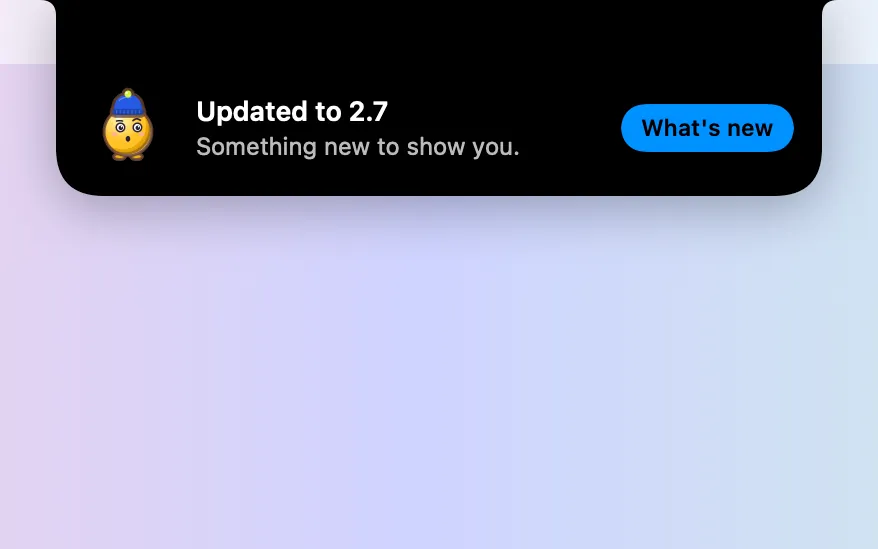
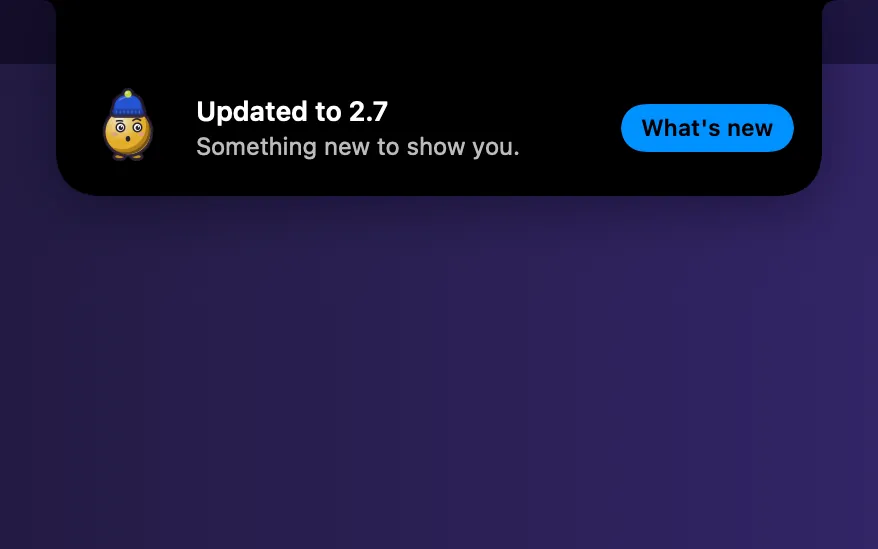
What it is
A new version downloads quietly in the background. When you’ve been away for 2 minutes and nothing is recording, shared or in a call, Clacky restarts into it.
Busy? It waits. A dot on the menu bar icon shows an update is ready, and the menu says Update ready · Restart to update.
How to use it
Open Settings
Open Clacky’s Settings and pick About in the sidebar.
Choose how
Leave “Install updates automatically when my Mac is idle” on, or turn it off to install only when you choose.
Update now
Click Check Now, or pick Check for Updates… in the menu.
Questions
- Will it restart in the middle of a recording or a call?
- No. It waits while you’re recording, sharing your screen or in a call, and while Presenter Mode or a focus session is on.
- Does checking for updates send anything about me?
- No. The app downloads a list of versions from clacky.app; the request carries only the app version and what every web request does.
Make something on your Mac today.
Seven days free, every feature, cancel anytime.