AccountLive
Privacy
Keys become sounds and are never recorded. Screenshots, recordings and captions stay on your Mac. Anonymous usage stats you can switch off.
What it is
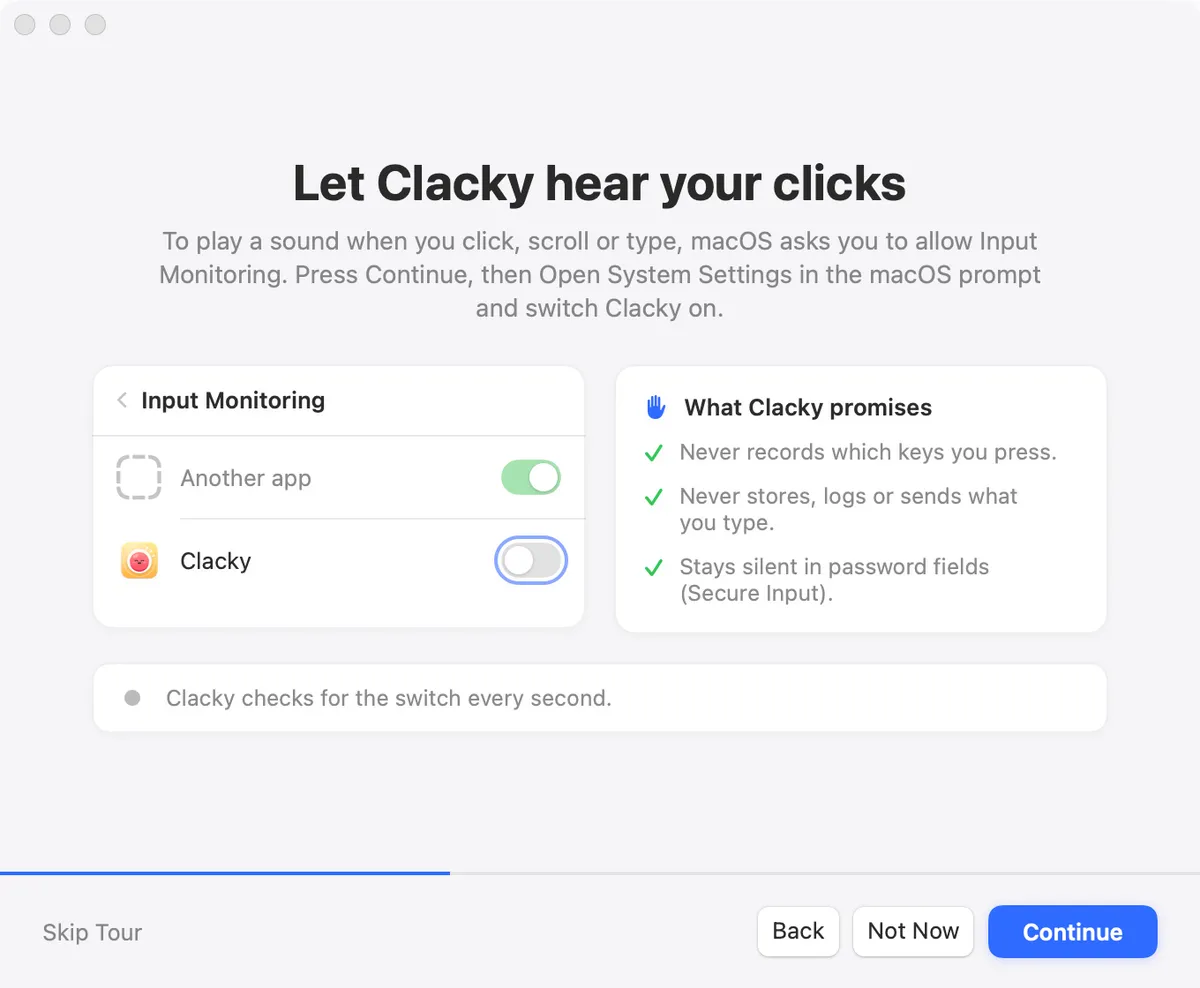
Each key press only plays a sound. Clacky never records, stores, logs or sends which keys you type, and never captures text. Password fields (Secure Input) stay quiet.
Your recordings, screenshots, captions, notes and clipboard stay on your Mac unless you share them yourself. Voice and captions are processed on your Mac too.
Anonymous usage stats show which tools are used, never what you type or see. New installs ask first, and one switch turns them off.
Tips
- Turn stats off any time with “Share anonymous usage stats” in Settings.
- The full privacy page lists every tool, what it does and what it never does.
Questions
- Does Clacky read my keyboard?
- It listens for key presses only while keyboard sounds are on, to pick the right sound for the kind of key. It never records, stores, logs or sends which keys you type.
- Does Clacky sell my data?
- No. Clacky doesn’t sell or share your data, and there’s no data business.
- What goes online?
- Update checks, licence activation with Polar, the trial check, anonymous stats if you allow them, and the online parts you use yourself, like the Dashboard and the social calendar.
Make something on your Mac today.
Seven days free, every feature, cancel anytime.