Move to a New Mac
Save your Clacky set-up to a file and open it on your new Mac. Private things stay behind.
What it is
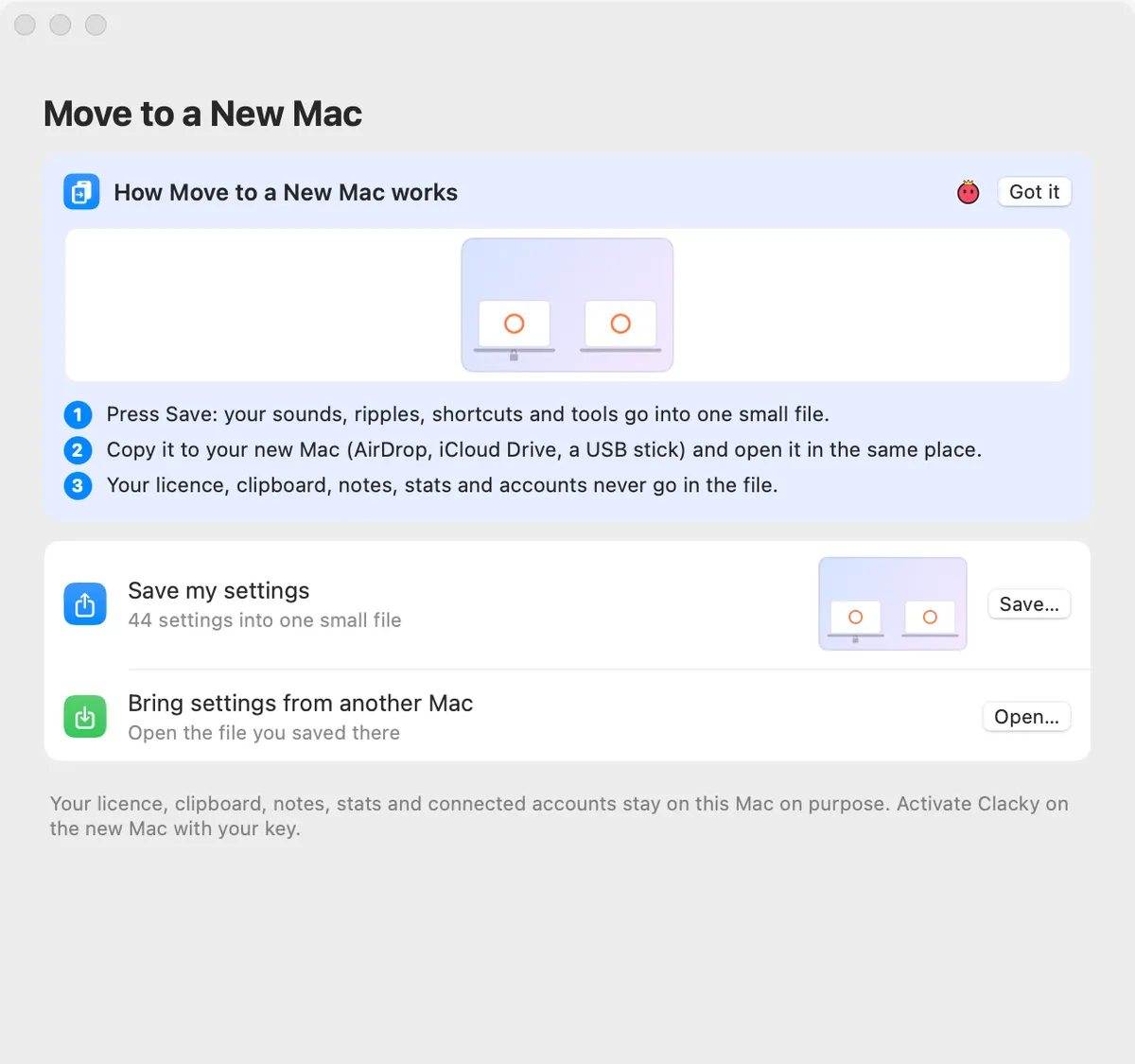
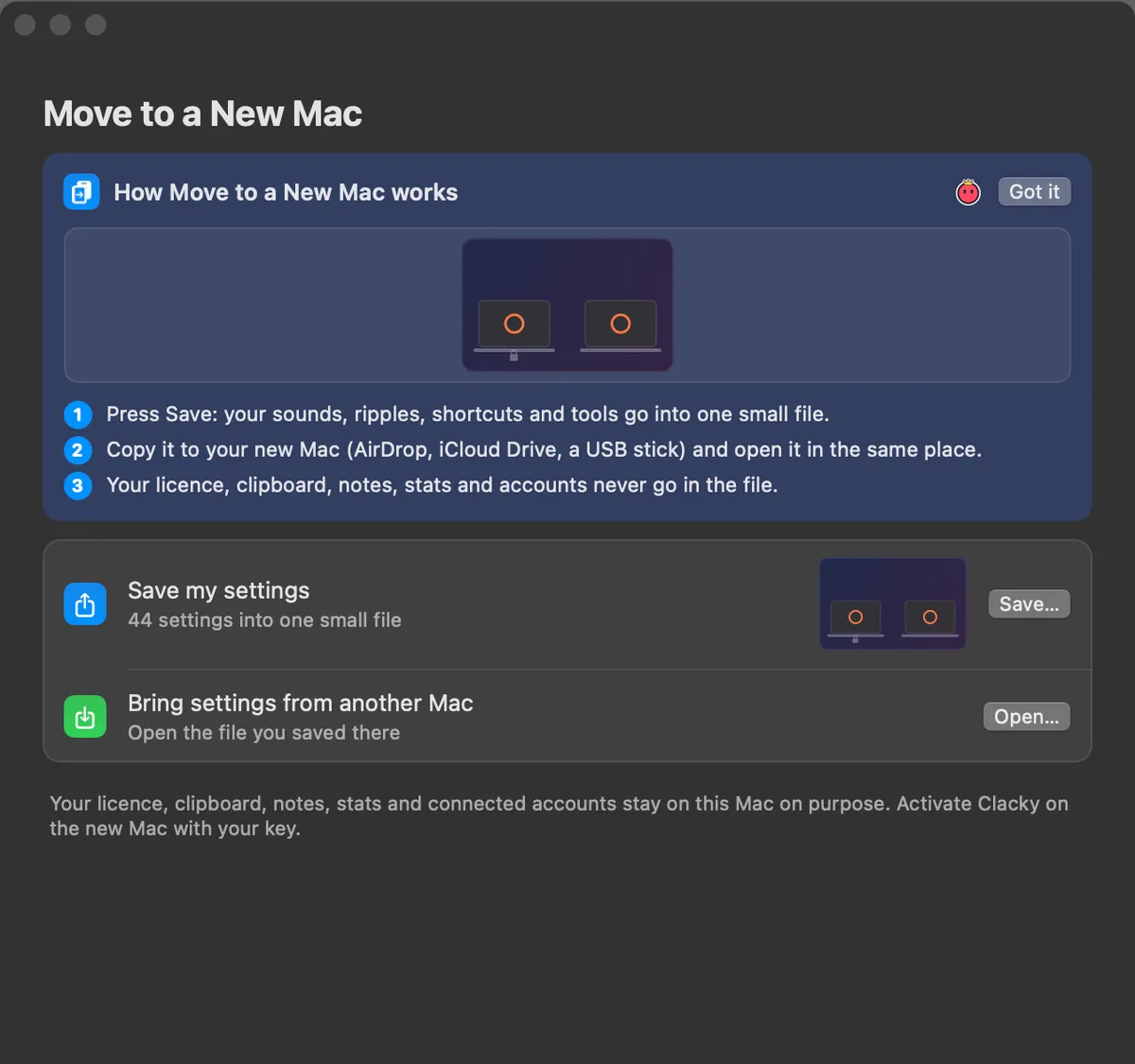
Got a new Mac? Move to a New Mac saves your Clacky set-up, your sounds, ripples, shortcuts and tools, into one small file. Open it on the new Mac and everything matches.
Your licence, clipboard, notes, stats and connected accounts never go in the file. They stay on the old Mac on purpose.
How to use it
Save on the old Mac
Open Settings → Move to a New Mac and press Save… next to Save my settings.
Copy the file
Move the file to your new Mac: AirDrop, iCloud Drive or a USB stick.
Open on the new Mac
In the same place, press Open… next to Bring settings from another Mac and pick the file.
Bring them in
Press Bring In. Clacky restarts to apply them.
Tips
- Activate Clacky on the new Mac with your licence key. One licence covers 2 Macs.
Questions
- Does it move my licence?
- No. Activate the new Mac with your key, as usual.
- Is anything private in the file?
- No. Only settings on an allow-list go in; your clipboard, notes, stats, store tokens and accounts stay behind.
Make something on your Mac today.
Seven days free, every feature, cancel anytime.