 MacPip
Answer
Clacky vs KeyEcho: which keyboard sound app should you use?
Pick KeyEcho if you want a free, open-source keyboard sound app that also runs on Windows and Linux, with recorded packs and your own packs. Pick Clacky if you only use a Mac and want your mouse, trackpad and scroll wheel to sound good too, with a click ripple and a screen recorder.
KeyEcho is free, with 53 crafted packs at $3.99 each or $9.99 for all of them. Clacky is $4.99 once for 1 Mac, after 3 days free with no card.
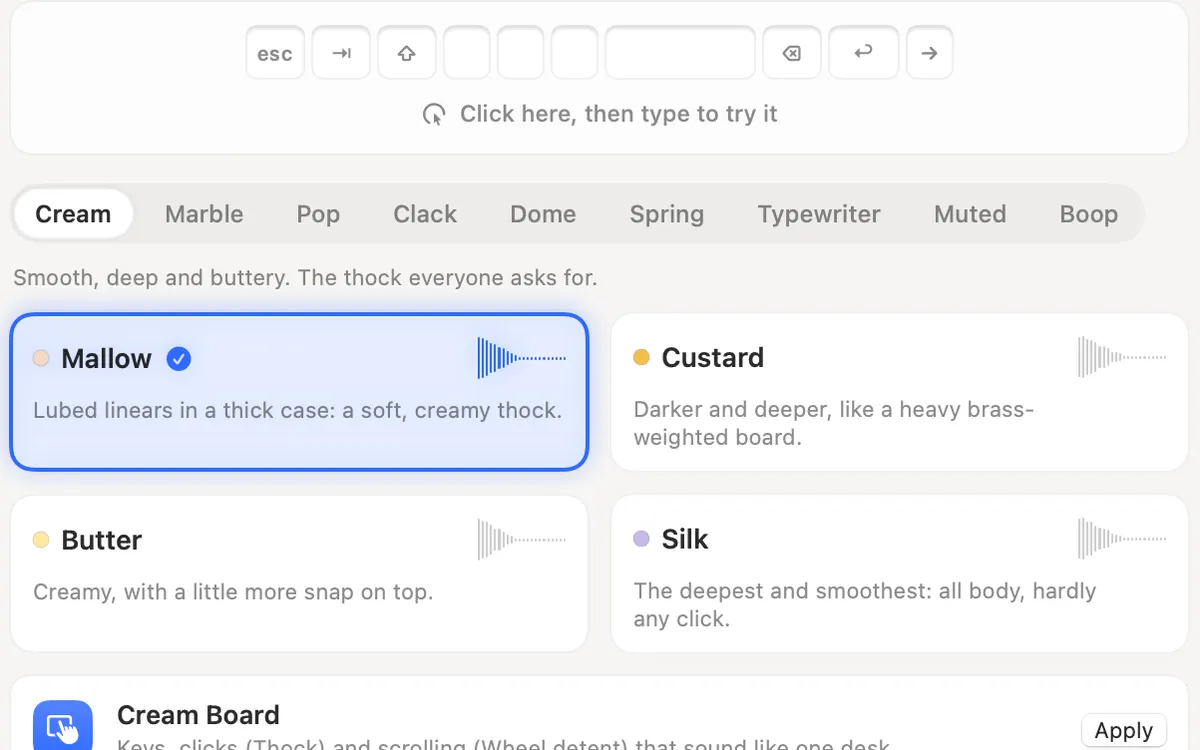
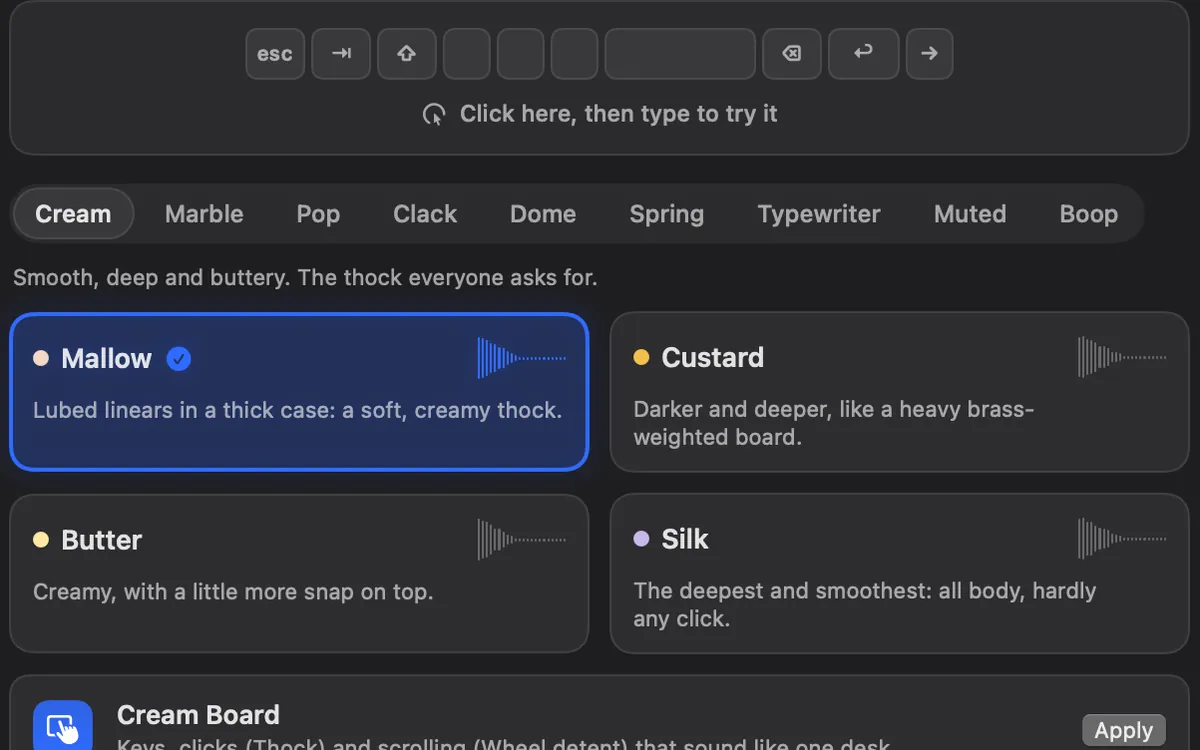
Clacky and KeyEcho side by side
From KeyEcho’s site and GitHub page and Clacky’s own pages, read on 5 November 2026.
| Clacky | KeyEcho | Ahead | |
|---|---|---|---|
| Price | $4.99 once | Free app, packs $3.99 each or $9.99 for all | KeyEcho to start |
| Open source | No | Yes (AGPL-3.0) | KeyEcho |
| Platforms | Mac only | Mac, Windows and Linux | KeyEcho |
| Keyboard sounds | 29, synthesized | Recorded per key, press and release, 6 featured free packs | KeyEcho for recordings |
| Your own packs | Clicks and scroll only, no keyboard packs | Yes, with a custom sounds guide | KeyEcho |
| Mouse, trackpad and scroll | Yes | Not on its pages | Clacky |
| Ripple, recorder, screenshots | Yes | Not on its pages | Clacky |
| Privacy line | Keys never recorded, stored or sent | Nothing you type is read or stored, no account or cloud sync | Same |
Pick KeyEcho if…
KeyEcho is a small app (under 5 MB) built with Tauri and Rust. Its packs are sampled per key, with separate press and release recordings, and you can preview them in your browser. The all-packs unlock is paid once through Stripe, the key arrives by email, and it comes with a 14-day money-back guarantee.
- You also use a Windows or Linux computer and want the same app on each.
- You want open source you can read.
- You want to record and add your own packs.
- You want to pay nothing, or only for the packs you like.
Pick Clacky if…
Clacky is a native Mac menu-bar app that plays your whole desk: 37 click sounds for the mouse and trackpad, 8 scroll tick styles and 29 keyboard sounds, with clicks that follow your pointer from left to right. It also draws a ripple on every click and records your screen with the sounds in the video (macOS 15 or later).
Keyboard sounds listen for key down/up only. Clacky never records, stores or sends which keys you type, and respects Secure Input.
- You only use a Mac and want one app for clicks, keys and scrolling.
- You want it signed and notarized by Apple, with updates inside the app.
- You want Only with headphones and Quiet during calls.
Installing KeyEcho on a Mac
KeyEcho’s GitHub page lists Mac builds for Apple silicon and Intel on its Releases page. Our 5 November guide lists macOS 12.4 or later for its Mac App Store version. Like every keyboard sound app on a Mac, it needs a permission to see key presses, usually Input Monitoring in System Settings → Privacy & Security.
You can run both. Turn off the Keyboard Sounds tile in Clacky’s My Kit, and Clacky keeps playing your clicks and scroll ticks while the other app plays your keys.
Where these facts come from
Checked on 5 November 2026. Prices are in US dollars, before tax. Apps change, so check each page before you buy.
- KeyEcho: keyecho.app and GitHub README
- Clacky: clacky.app, privacy and the 17-app guide
Questions
Is KeyEcho free?
Does KeyEcho play mouse sounds?
Is Clacky open source?
Facts checked on 5 November 2026.
Related
- The best keyboard sound apps for Mac (2026)The best keyboard sound apps for Mac, side by side: price, trial, sounds, privacy and network, macOS version. Free and paid, every fact sourced.
- Free alternatives to ClackyYes: Mechvibes, Thock, Keyboard Sounds Pro, KeyEcho and Clank Keys are free, and macOS can circle your clicks in a recording. Here is what each does.
- Is Clacky open source?No. Clacky’s code isn’t public. Mechvibes, Thock, Keyboard Sounds Pro and KeyEcho are open-source keyboard sound apps if you want code you can read.
- Clacky vs Keyboard Sounds ProKeyboard Sounds Pro is free and open source for Mac, Windows and Linux, with a profile editor. Clacky adds scroll sounds, a ripple and a recorder.
- Clacky vs MechvibesMechvibes vs Clacky on a Mac: price, keyboard, click and scroll sounds, a click ripple, a recorder and screenshots. A fair comparison, with sources.
- Is there a Clacky for Windows, iPhone or iPad?No. Clacky is a Mac app only. Its free browser tools work on any device, and Mechvibes, KeyEcho, Klakk and Keeby have Windows versions.
Make something on your Mac today.
3 days free, every feature. Then $4.99 once.