 MacPip
Answer
Clacky vs Keyboard Sounds Pro: which is better on a Mac?
Pick Keyboard Sounds Pro if you want a free, open-source app with keyboard and mouse sounds on Mac, Windows and Linux, and you like to tinker: per-app rules, per-device volume, pitch, pan and an equalizer, and an editor for your own profiles. Pick Clacky if you want a native, notarized Mac app with scroll ticks, trackpad sounds, a click ripple and a screen recorder too.
Keyboard Sounds Pro is free under the MIT licence. Clacky is $4.99 once for 1 Mac, after 3 days free with no card.
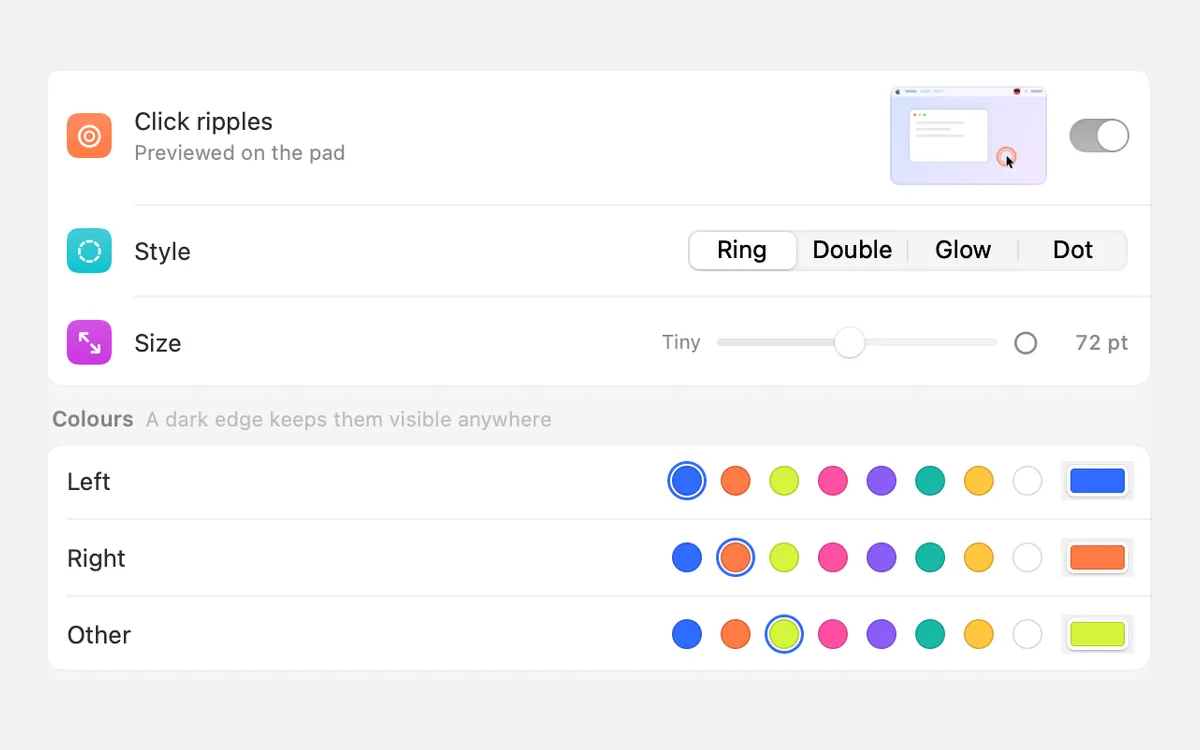
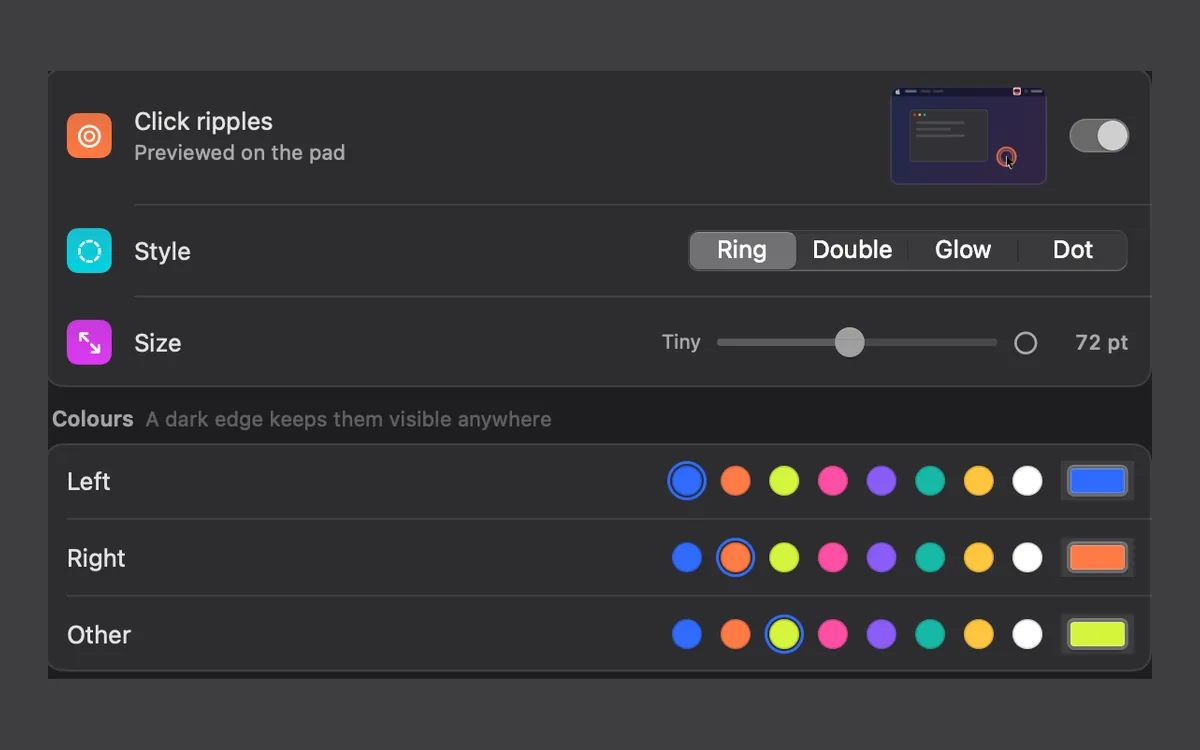
Clacky and Keyboard Sounds Pro side by side
From Keyboard Sounds Pro’s GitHub page and releases and Clacky’s own pages, read on 5 November 2026.
| Clacky | Keyboard Sounds Pro | Ahead | |
|---|---|---|---|
| Price | $4.99 once | Free, open source (MIT) | Keyboard Sounds Pro |
| Platforms | Mac only | Mac, Windows and Linux | Keyboard Sounds Pro |
| Sounds | 29 keyboard, 37 click, 8 scroll ticks | 13 keyboard and 7 mouse profiles | Clacky for range |
| Your own sounds | Clicks and scroll only, no keyboard packs | Yes, an editor for .wav and .mp3 | Keyboard Sounds Pro |
| Per-app rules | Quiet in these apps | Profiles per app | Keyboard Sounds Pro |
| Ripple, recorder, screenshots | Yes | On-screen modifier keys for tutorials | Clacky |
| Notarized by Apple | Yes | Not stated | Clacky |
Pick Keyboard Sounds Pro if…
Keyboard Sounds Pro is the most adjustable free option we found. You can set a profile for each app, change volume, pitch, pan and EQ per output device, set hotkeys, show the modifier keys you press on screen for tutorials and streams, and import or export profiles to share. Mac support arrived in version 0.3.2 as one universal DMG, next to Windows and Linux installers.
- You use a Mac and a PC and want the same app on both.
- You want to build your own keyboard and mouse profiles.
- You like detailed audio controls.
Pick Clacky if…
Clacky is a native Mac menu-bar app, signed and notarized by Apple, so it opens like any other app. It plays the mouse and the trackpad (tap to click included), ticks for every scroll notch, and keys that sound a little left or right by where they sit on the keyboard. It also draws a coloured ripple under the pointer and records your screen with the clicks in the video, which helps if you were planning to make tutorials.
Keyboard sounds listen for key down/up only. Clacky never records, stores or sends which keys you type, and respects Secure Input.
- You want trackpad and scroll sounds, not only keys and mouse buttons.
- You want a click ripple that any recorder or screen share shows.
- You’d rather pick from ready-made sounds than build your own.
What to know before you install
Keyboard Sounds Pro’s release notes don’t say whether the Mac app is notarized. If macOS blocks the first launch, you can usually right-click the app and choose Open, or click Open Anyway in System Settings → Privacy & Security. Any keyboard sound app also needs Input Monitoring there.
keyboardsounds.net describes Keyboard Sounds, with a desktop app for Windows and Linux and a command-line version. The Pro app on GitHub is the one with the Mac DMG. You can run both. Turn off the Keyboard Sounds tile in Clacky’s My Kit, and Clacky keeps playing your clicks and scroll ticks while the other app plays your keys.
Where these facts come from
Checked on 5 November 2026. Prices are in US dollars, before tax. Apps change, so check each page before you buy.
- Keyboard Sounds Pro: GitHub README and releases
- Keyboard Sounds: keyboardsounds.net
- Clacky: clacky.app, privacy and the 17-app guide
Questions
Is Keyboard Sounds Pro free?
Does Keyboard Sounds Pro play mouse clicks?
Can I use my own sounds in Clacky?
Facts checked on 5 November 2026.
Related
- The best keyboard sound apps for Mac (2026)The best keyboard sound apps for Mac, side by side: price, trial, sounds, privacy and network, macOS version. Free and paid, every fact sourced.
- Clacky vs KeyEchoKeyEcho is free and open source for Mac, Windows and Linux, with paid packs. Clacky is Mac only and adds click, scroll and trackpad sounds.
- Free alternatives to ClackyYes: Mechvibes, Thock, Keyboard Sounds Pro, KeyEcho and Clank Keys are free, and macOS can circle your clicks in a recording. Here is what each does.
- Can I add my own sounds to Clacky?Yes, for clicks and scroll ticks: drop in your own WAV, AIFF, MP3 or M4A file. Keyboard sounds are Clacky's own 29 sounds, with no custom packs.
- Scroll TicksA soft tick for every notch of the scroll wheel, in 8 scroll styles.
- How do I show mouse clicks in a screen recording on Mac?Show mouse clicks in a Mac screen recording: Apple’s Show Mouse Clicks option, editors that add click effects later, and a live click ripple with a sound.
Make something on your Mac today.
3 days free, every feature. Then $4.99 once.