 MacPip
Answer
Are there free alternatives to Clacky?
Yes. For keyboard sounds, Mechvibes, Thock, Keyboard Sounds Pro and KeyEcho are free and open source, and Clank Keys is free too. For showing clicks in a screen recording, macOS draws a black circle around the pointer when you choose Show Mouse Clicks in the Screenshot toolbar’s Options (Shift-Command-5).
What we haven’t found for free is all of it in one app: mouse, trackpad and scroll sounds, a coloured click ripple that any recorder or screen share shows, and a recorder that keeps the click sounds in the video. That is what Clacky’s $4.99 pays for, after 3 days free with no card.
The free apps, side by side
From each app’s own page, read on 5 November 2026.
| App | What’s free | Runs on | Mouse sounds | Keep in mind |
|---|---|---|---|---|
| Mechvibes | Everything (MIT) | Mac, Windows, Linux | 4 mouse packs | Mac version experimental, not notarized |
| Thock | Everything (MIT) | Mac, macOS 13.5+ | Clicks since 1.19 | Mac only |
| Keyboard Sounds Pro | Everything (MIT) | Mac, Windows, Linux | 7 mouse profiles | Notarization not stated |
| KeyEcho | The app and some packs (AGPL) | Mac, Windows, Linux | Not on its pages | 53 packs cost $3.99 each or $9.99 for all |
| Clank Keys | Everything | Apple silicon (M1+), made for MacBooks | Not on its page | Not notarized, opens with a Terminal command |
| Kachunk | 2 packs | Mac, macOS 13+ | Not on its page | $4.99 once for all 26 packs |
| macOS Show Mouse Clicks | Built in | Every Mac | No sound | A black circle, in recordings only |
Show your clicks with macOS alone
macOS has no typing or click sound setting of its own, but its screen recorder can circle each click.
- Press Shift-Command-5 to open the Screenshot toolbar.
- Pick Record Entire Screen or Record Selected Portion (or Record Selected Window on macOS 26 Tahoe and later).
- Click Options and choose Show Mouse Clicks. Pick a microphone there too if you want your voice.
- Click Record. To stop, click the Stop button in the menu bar or press Command-Control-Esc.
What the free options don’t do
Of the pages we read, none of the free apps lists all of these:
- A sound for trackpad taps and for each scroll notch, next to mouse clicks and keys.
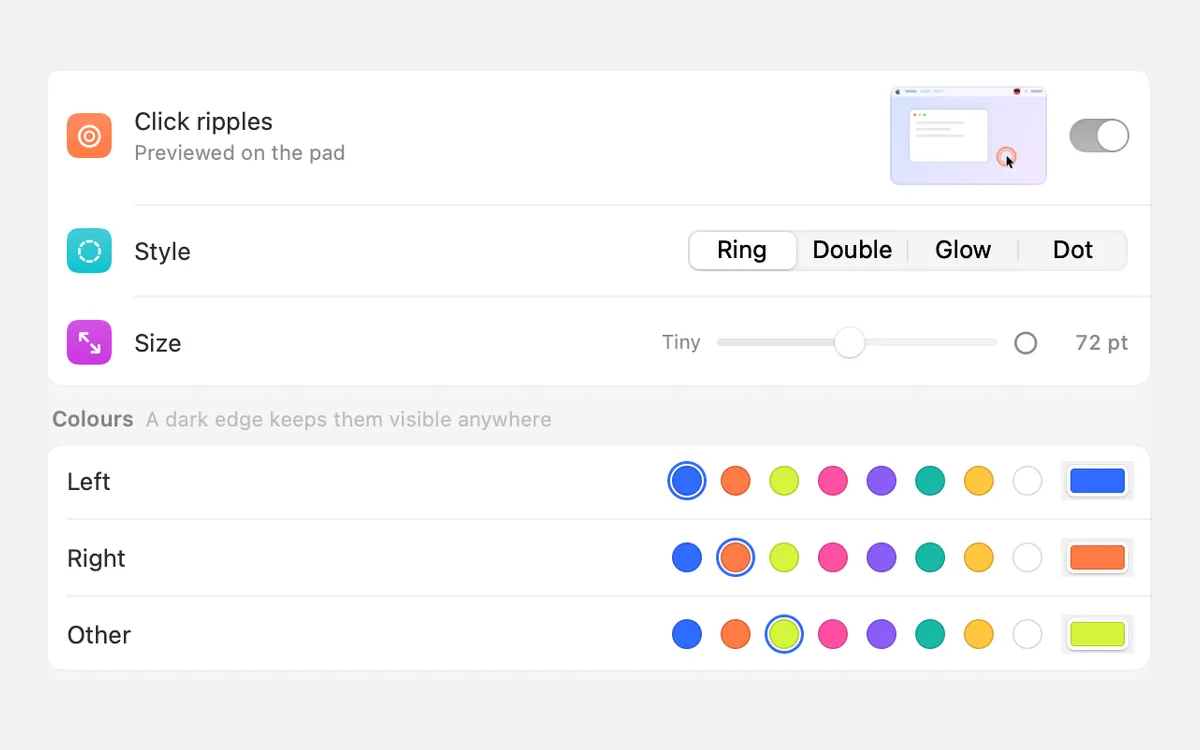
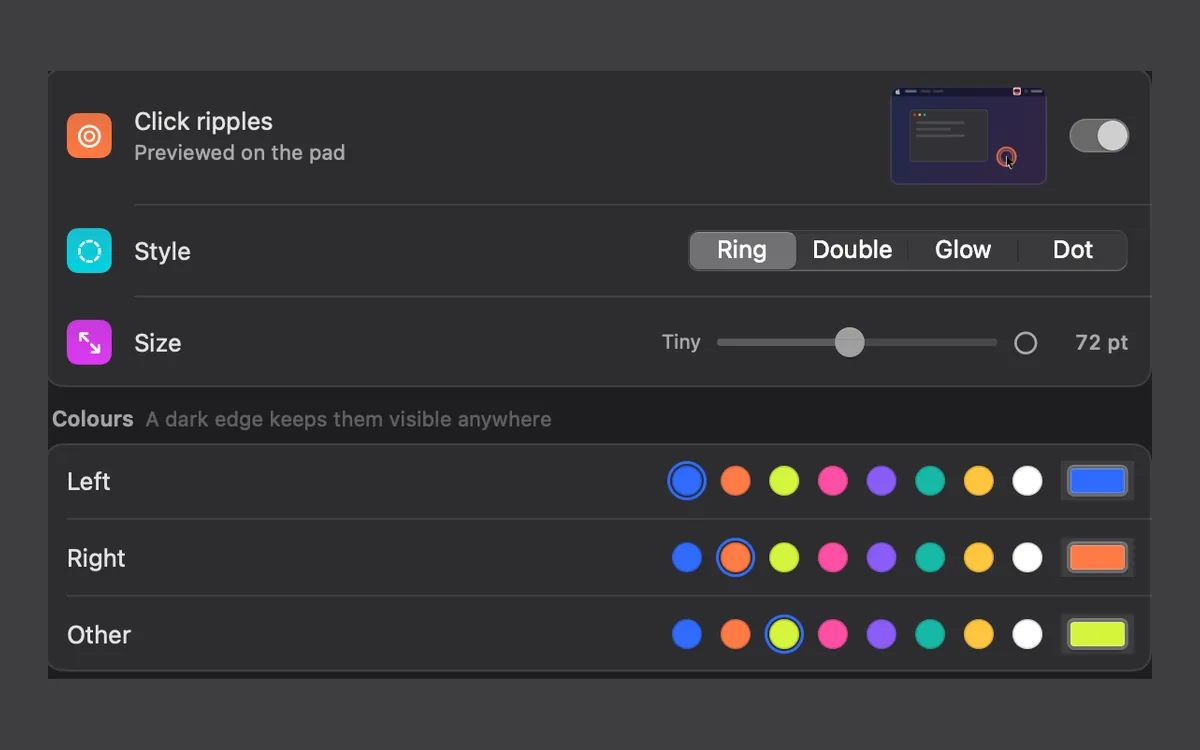
- A coloured ripple drawn on the real screen, so Zoom, Meet, OBS or any recorder shows it. The macOS circle only appears in its own recordings.
- A recorder that keeps the click sounds and ripples in the video. The macOS toolbar adds Include System Audio only from macOS 27 Golden Gate. OBS is free and records Mac sound, but it doesn’t make click sounds or ripples itself.
- Only with headphones and Quiet during calls (Kachunk and Keyboard Sounds Pro do have per-app rules).
Free tools on clacky.app
If you only need something now and then, the free tools on clacky.app run in your browser on any computer: a click sound generator, a keyboard tester, a click ripple maker and the typing test, where you can hear every Clacky keyboard sound.
And if the app is what you want, Clacky is a one-time $4.99 for 1 Mac, with every update included, and refunds within 7 days if it isn’t right for you. Keyboard sounds listen for key down/up only. Clacky never records, stores or sends which keys you type, and respects Secure Input.
Where these facts come from
Checked on 5 November 2026. Prices are in US dollars, before tax. Apps change, so check each page before you buy.
- Mechvibes: GitHub README
- Thock: GitHub README
- Keyboard Sounds Pro: GitHub README
- KeyEcho: keyecho.app
- Clank Keys: clankkeys.web.app
- Kachunk: getkachunk.com
- macOS: Apple, record the screen on your Mac
Questions
Is there a free version of Clacky?
Which free app is closest to Clacky?
Is Clacky open source?
Does macOS have a keyboard click sound like the iPhone?
Facts checked on 5 November 2026.
Related
- Is there a free version of Clacky?No. Clacky is $4.99 once after a 3-day free trial with every feature. You can hear every sound free on clacky.app first.
- Free screen recorder for Mac that shows clicksYes. The Mac’s own recorder is free and can circle every click. OBS, Cap and Loom’s free plan are free too, but each shows clicks differently.
- The best keyboard sound apps for Mac (2026)The best keyboard sound apps for Mac, side by side: price, trial, sounds, privacy and network, macOS version. Free and paid, every fact sourced.
- How do I show mouse clicks in a screen recording on Mac?Show mouse clicks in a Mac screen recording: Apple’s Show Mouse Clicks option, editors that add click effects later, and a live click ripple with a sound.
- Is Clacky open source?No. Clacky’s code isn’t public. Mechvibes, Thock, Keyboard Sounds Pro and KeyEcho are open-source keyboard sound apps if you want code you can read.
- Free Mac toolsFree tools in your browser: click sound generator, click ripple maker, screenshot frame, keyboard, mouse, webcam and mic tests, and more.
- Does a MacBook have a keyboard click sound setting like the iPhone?No. macOS has no keyboard click setting like the iPhone. The only built-in key sound is part of Slow Keys. For typing sounds, use an app like Clacky.
Make something on your Mac today.
3 days free, every feature. Then $4.99 once.