 MacPip
Answer
How do I get help with Clacky?
The fastest way is Boop Support: choose More → Boop Support… in Clacky's menu-bar menu, write your question, and Justinas, the person who makes Clacky, answers you there.
You can also email hello@clacky.app, or ask Ask Boop for step-by-step help with a setting.
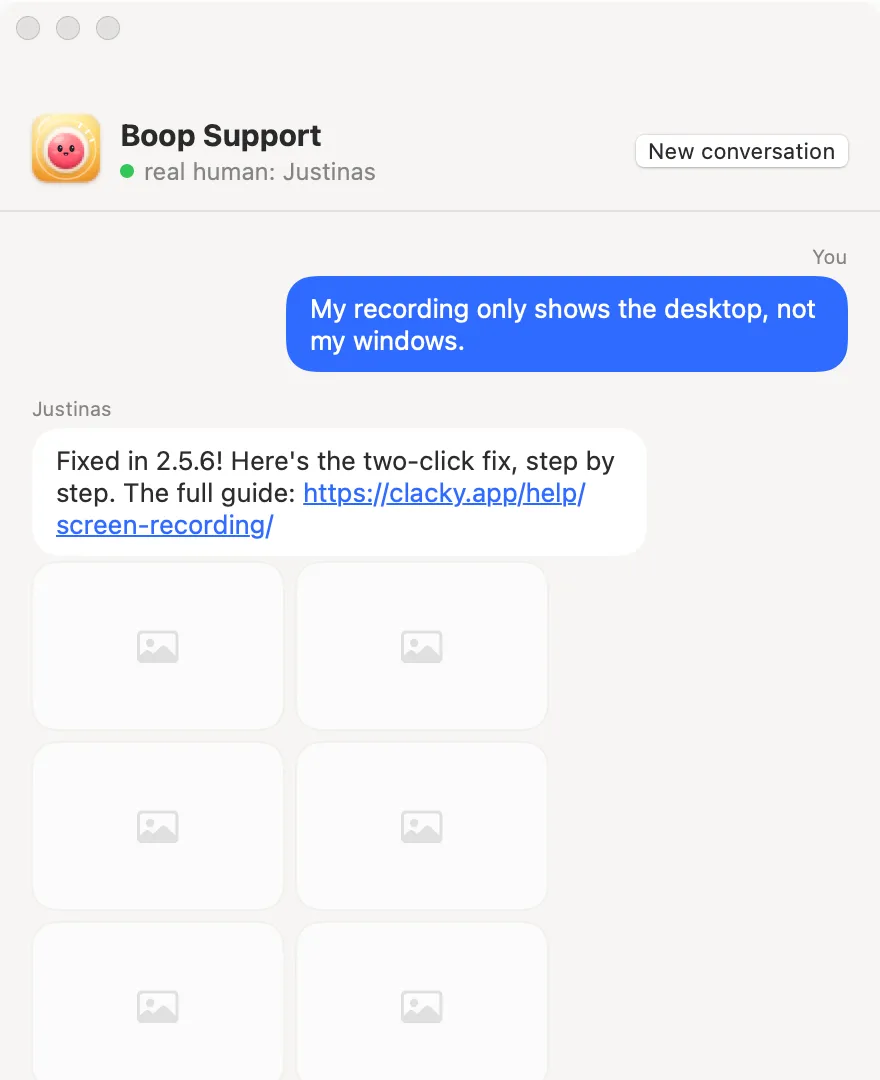
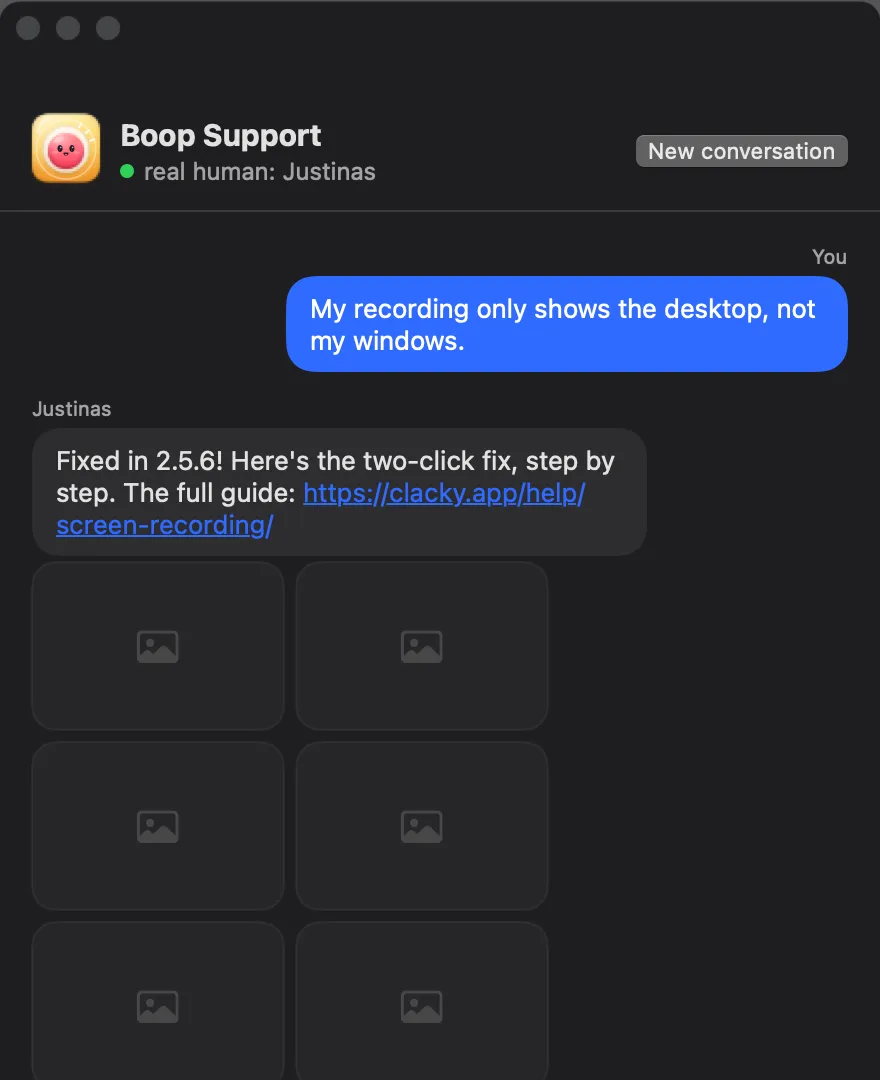
Every way to get help
| Way | Where | Who answers |
|---|---|---|
| Boop Support | Clacky's menu → More → Boop Support… | Justinas, a real person |
| Support page | clacky.app/feedback | Justinas, the same chat as in the app |
| hello@clacky.app | Justinas | |
| Ask Boop | Inside Boop Support, or ⌘K in the Clacky window | An AI assistant, with numbered steps |
| This site | Answers and the guides | Written answers |
How to use Boop Support
Nothing is sent before you press Send. The app keeps a ticket number on your Mac so you can read the reply, and there is no account. Messages are private.
- Click Clacky's icon in the menu bar, then More → Boop Support….
- Write what happened, in your own words. Add a screenshot if it helps.
- Add your email if you want an answer by email too. Tick Include to send your Clacky and macOS versions, which often makes a fix faster.
- Press Send. Replies show in the same window, sometimes with step-by-step pictures.
Ask Boop, for quick how-to steps
Ask Boop answers "how do I…" questions with numbered steps and pictures. If the answer is a setting, Do it for me flips it for you, and Undo puts it back. Boop's answers are written by an AI model (Claude, by Anthropic). Your question, Clacky's version and which features are on are sent to write the answer, never your name, email or licence key. If Boop isn't sure, Talk to Justinas opens Boop Support.
Try these first
- No sound at all? Check the switch at the top of Clacky's menu, your Mac's volume and Settings → Sounds → Output.
- No keyboard sounds? Allow Input Monitoring in System Settings → Privacy & Security, then quit and reopen Clacky. The guide to keyboard sounds not working has every fix.
- Silent during a call? That is Quiet during calls, on by default. The menu offers Play Sounds Anyway.
- Can't find Clacky's icon? A full menu bar can hide it. Open Clacky again from Applications and its window appears.
- Lost your way in the app? More → Welcome Tour… in the menu walks you through it again.
Licence, refunds and privacy requests
For a lost licence key, moving your licence, a refund or a privacy request, email hello@clacky.app or use the contact page. Refunds are explained on the refunds page.
Questions
Is Boop Support a bot?
Can I get help before I buy Clacky?
How do I report a bug?
Does Clacky have a user manual?
Facts checked on 5 November 2026.
Related
- Boop SupportAsk a question or report a bug and Justinas, the human who makes Clacky, answers, with step-by-step pictures when it helps.
- Ask BoopAsk “how do I…” and the answer comes as numbered steps with pictures. If it’s a setting, Do it for me flips it; Undo puts it back.
- Who is Boop in Clacky?Boop is Clacky's mascot. Boop bakes the cookies in Clackyland, runs Boop's Bazaar, plays chess with you and is the face of Ask Boop and Boop Support.
- Keyboard sounds not working on Mac? 8 fixesKeyboard sound app silent on your Mac? Check Input Monitoring, Secure Input, the sound output and the app’s own quiet settings. Fixes for any app, Clacky too.
- Support and feedbackAsk a question or report a bug, and the person who makes Clacky answers.
- Features
Make something on your Mac today.
3 days free, every feature. Then $4.99 once.