Boop Support
Ask a question or report a bug and Justinas, the human who makes Clacky, answers, with step-by-step pictures when it helps.
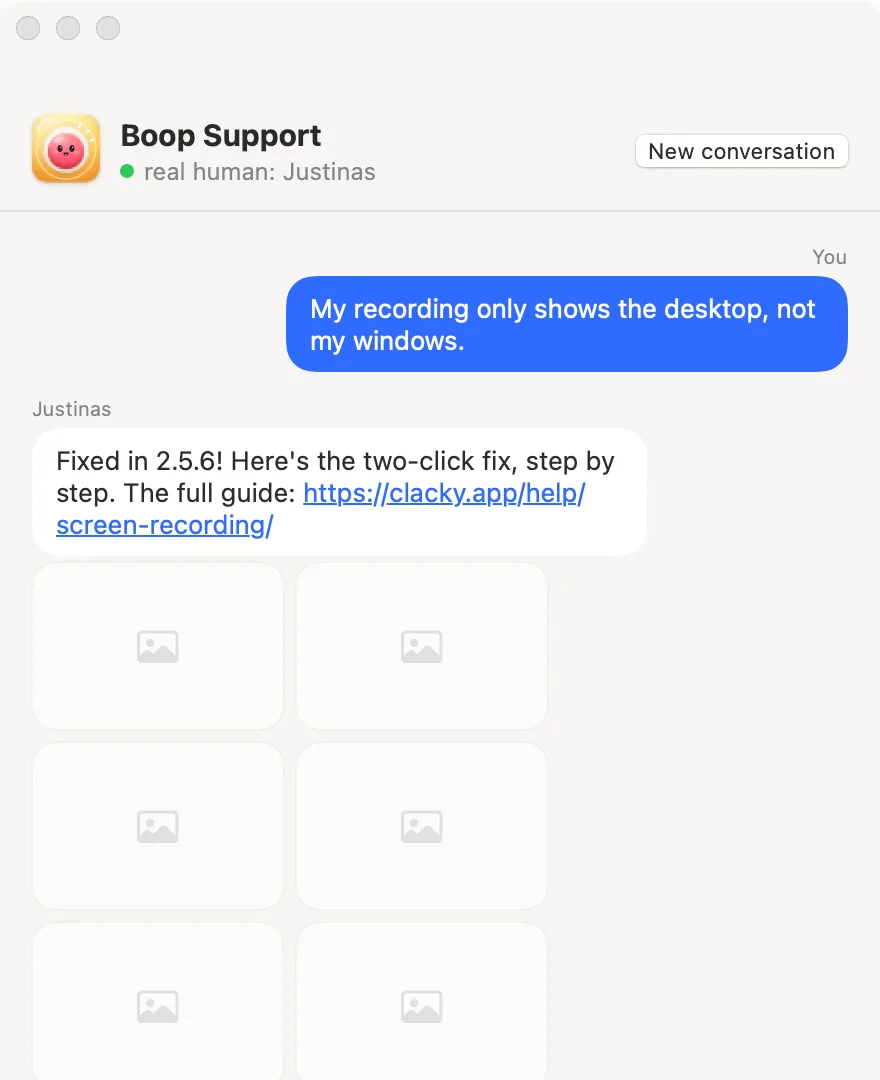
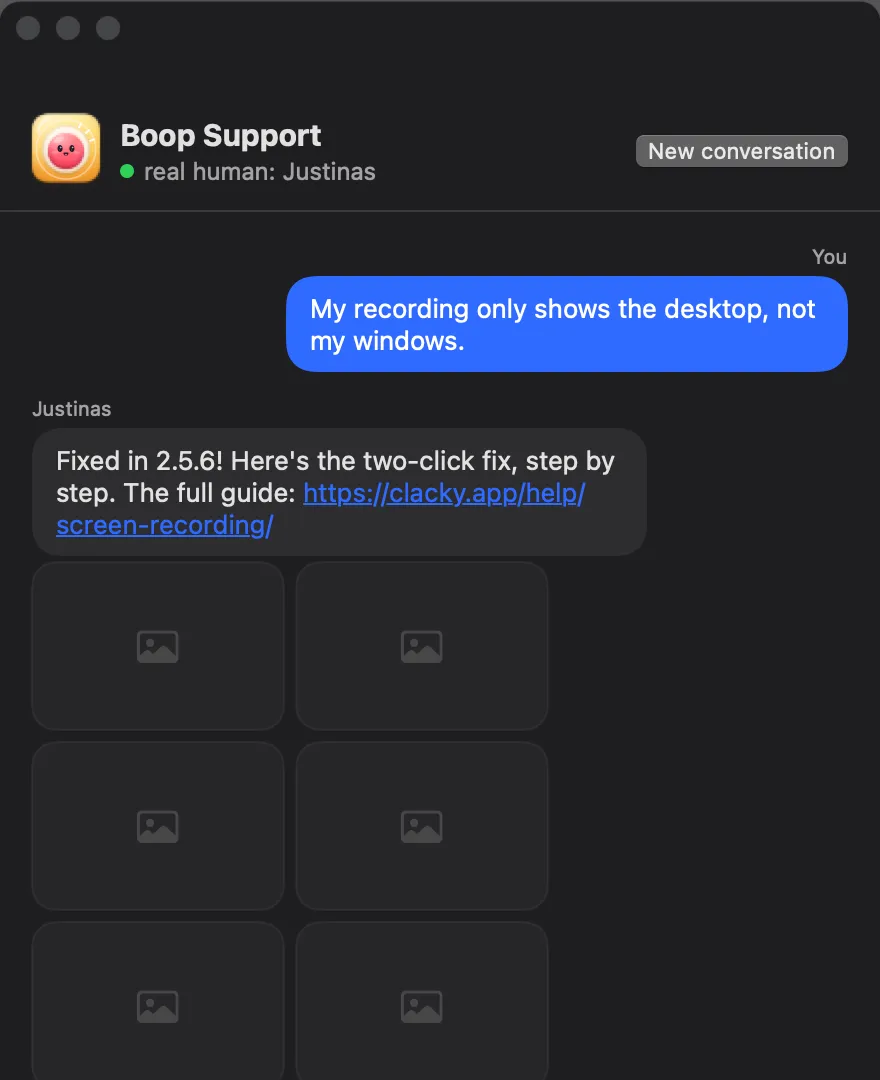
What it is
Boop Support is a private chat inside Clacky. Ask a question or report a bug, and Justinas, the person who makes Clacky, answers you himself.
Replies can come with step-by-step pictures. You can send screenshots back by pasting, dropping or picking them, up to 6 per message. Only the images you attach are sent.
Only you and Justinas see the conversation. Add your email if you’d like the reply by email too; it’s optional.
How to use it
Open Boop Support
Choose More → Boop Support… in Clacky’s menu bar menu.
Say what’s up
Write your question. For a bug: what happened, and what you expected.
Attach a screenshot
Paste, drop or pick one if it helps. Only what you attach is sent.
Send
Press Send. Replies show up in the same window.
Tips
- Want a quick answer first? Ask Boop in the same window answers how-to questions instantly.
- While you wait, there’s a small game: help Boop hop.
- Boop Support stays open to you even when your trial is over.
Questions
- Is it a bot?
- No. Boop Support is answered by Justinas, a real person. The separate Ask Boop helper uses AI and says so.
- Is my message public?
- No. Nothing you send is published. Only you and Justinas see the conversation.
- Do I have to give my email?
- No. It’s optional, and only for getting the reply by email as well.
Make something on your Mac today.
Seven days free, every feature, cancel anytime.