 MacPip
Answer
Is Clacky safe to install on my Mac?
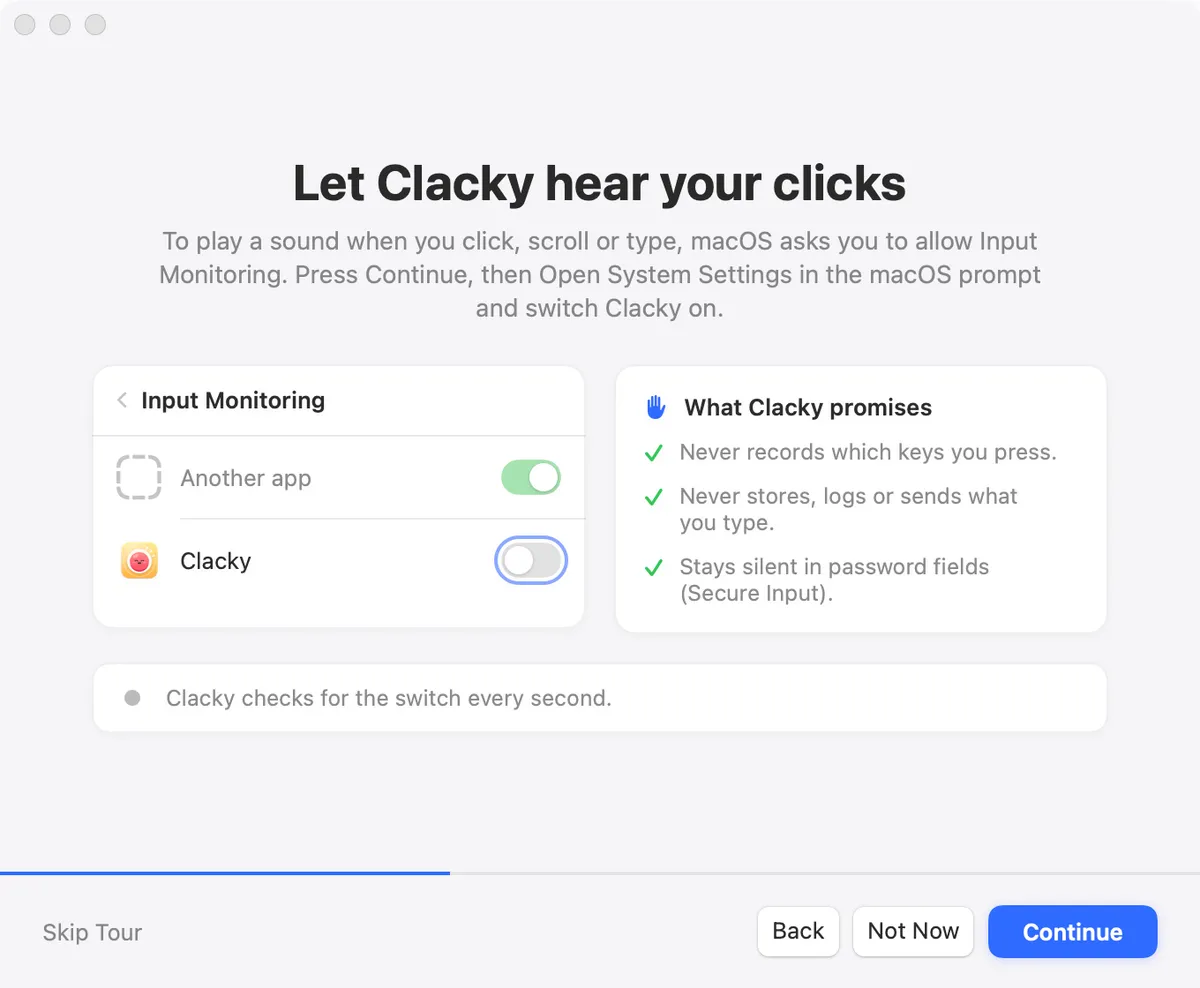
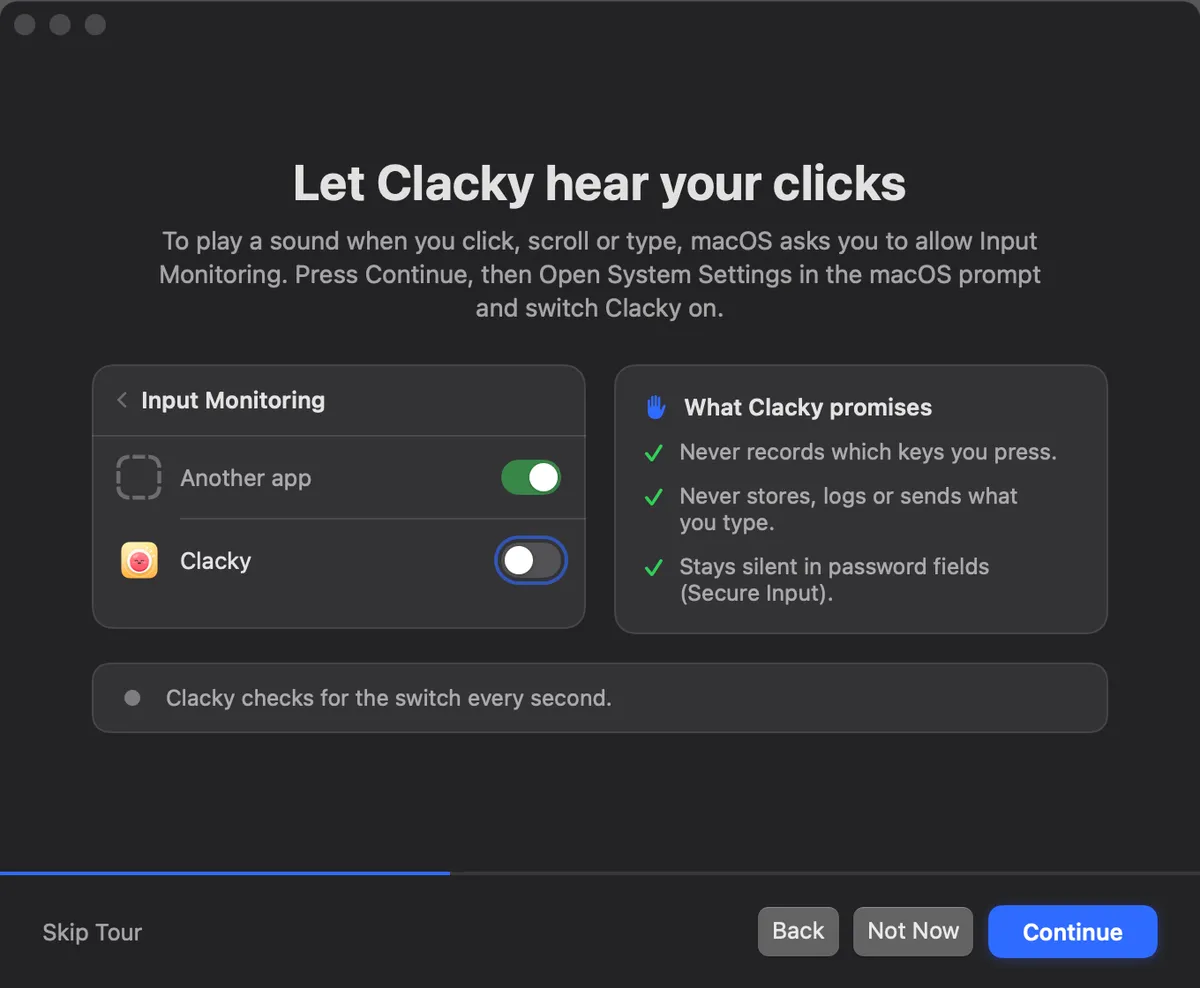
Yes. Clacky is a small Mac menu-bar app that is signed with an Apple Developer ID and notarized by Apple, and its sounds need one macOS permission, Input Monitoring.
Keyboard sounds listen for key down/up only. Clacky never records, stores or sends which keys you type, and respects Secure Input. Your recordings and screenshots stay on your Mac, the free trial needs no account and no card, and one switch in the menu bar turns Clacky off.
What Apple checks before Clacky opens
Clacky is signed with an Apple Developer ID and notarized, which means Apple scanned this exact build for known malicious code before it could be opened normally. The first time you open it, macOS shows its usual question about an app downloaded from the internet, with no warning about an unknown developer.
Updates come through Sparkle, an open-source updater used by many Mac apps. Clacky only installs an update that is signed with Clacky’s own key, so a file from anywhere else is refused. Clacky is sold only at clacky.app, so download it there and nowhere else.
What Clacky can see, and what it does with it
Clacky watches clicks, scrolls and (while keyboard sounds are on) key presses through a listen-only event tap. Listen-only means it can notice that something happened, but it cannot change, delay or block anything you do, so even a crashed Clacky can’t break your clicking.
For each key press it learns only the kind of key (an ordinary key, space, return, delete, an arrow, a modifier) and roughly where it sits on the keyboard, picks a sound, and drops it. Nothing in Clacky turns a key into a letter. More in why Clacky needs Input Monitoring.
| Permission | What it is for | When Clacky asks | If you say no |
|---|---|---|---|
| Input Monitoring | Click, keyboard and scroll sounds, and the click ripple | In the welcome tour, after explaining it | Keyboard sounds stay silent. On recent macOS, clicks and scrolls still play |
| Screen Recording | The screen recorder and screenshots | The first time you use one of them | Those two can't start. Everything else works |
| Microphone | Your voice in a screen recording | Only if you pick a microphone for a recording | Recordings are made without your voice |
What Clacky sends, in short
Clacky goes online for a few small things, and the privacy page lists every request. It never sells or shares your data, and there are no ads.
- A daily anonymous check-in: a random ID made for this alone, the Clacky and macOS versions, and whether it runs as a trial, licensed or locked.
- Update checks, and licence checks with Polar and clacky.app.
- An anonymous one-way Mac ID, once, so the free trial works once per Mac.
- Anonymous usage stats, only if you say yes. One switch turns them off: Settings → Share anonymous usage stats.
How to check it yourself
You don’t have to take our word for any of this. A few minutes with tools already on your Mac shows what Clacky can reach.
- System Settings → Privacy & Security → Input Monitoring shows Clacky in the list, with its switch. Screen Recording and Microphone show it only after you used the recorder or screenshots.
- Activity Monitor → Network shows how much Clacky sends, so you can watch it while you type and click.
- In Clacky, Settings → General → More options → “Every event Clacky can send” lists every usage stats event with every value it can have, with a Copy button.
When Clacky may not be the right pick
If you want an app whose source code you can read, Clacky isn’t that: see is Clacky open source? for open-source keyboard sound apps. On a work Mac managed by an IT team, ask them before you allow Input Monitoring for any app.
Clacky is made by Justinas Rolando. Payments go through Polar, who take every payment, so Clacky never sees your card number.
Questions
Does Clacky record what I type?
Can Clacky see my passwords?
Is Clacky a keylogger?
Do I need an account to use Clacky?
Facts checked on 5 November 2026.
Related
- Why does Clacky need Input Monitoring?Clacky needs Input Monitoring to notice clicks, scrolls and key presses in other apps and play a sound for each. It never records which keys you type.
- What does Clacky send over the internet?A daily anonymous check-in, update and licence checks, a one-time trial ID and, only if you agree, anonymous usage stats. Never your keys or screen.
- Is Clacky open source?No. Clacky’s code isn’t public. Mechvibes, Thock, Keyboard Sounds Pro and KeyEcho are open-source keyboard sound apps if you want code you can read.
- PrivacyWhat Clacky does and never does, and every request it makes.
- Do keyboard sound apps record what you type? How to check on a MacKeyboard sound apps need Input Monitoring, the permission a keylogger needs. What it allows, what Clacky does with a key press, and how to check any app.
- PrivacyKeyboard sounds listen for key down and up only and never record, store or send which keys you type, and Clacky respects Secure Input. Screenshots, recordings and captions stay on your Mac. Anonymous usage stats you can switch off.
Make something on your Mac today.
3 days free, every feature. Then $4.99 once.