 MacPip
Answer
Does a MacBook have a keyboard click sound setting like the iPhone?
No. macOS has no setting like the iPhone’s keyboard click sound: a MacBook types silently unless an app adds the sound.
The only built-in key sound is part of Slow Keys, an accessibility feature that also waits before it accepts each key, so it isn’t made for everyday typing. For a sound on every key in every app, you need a keyboard sound app such as Clacky.
Where the iPhone setting is, and what the Mac has instead
On an iPhone the switch is in Settings → Sounds & Haptics → Keyboard Feedback, with Sound and Haptic. It only works for the on-screen keyboard.
On a Mac, System Settings → Sound has the alert sound, the alert volume and switches for interface sound effects and volume feedback, but nothing for key presses. Mac keyboards have no haptic motor either, so there is no Mac version of Haptic.
The one built-in option: Slow Keys click sounds
Slow Keys is meant for people who press keys by accident. It waits a moment before it accepts each key, and it can play one sound when you press a key and another when the press is accepted.
- Open the Apple menu → System Settings → Accessibility → Keyboard.
- Turn on Slow Keys, then click the Info button next to it.
- Turn on Use click key sounds and set the Acceptance Delay.
- Type a few words. Each key now waits for the delay before it appears, which is why most people turn Slow Keys off again.
A typing sound on every key, without the wait
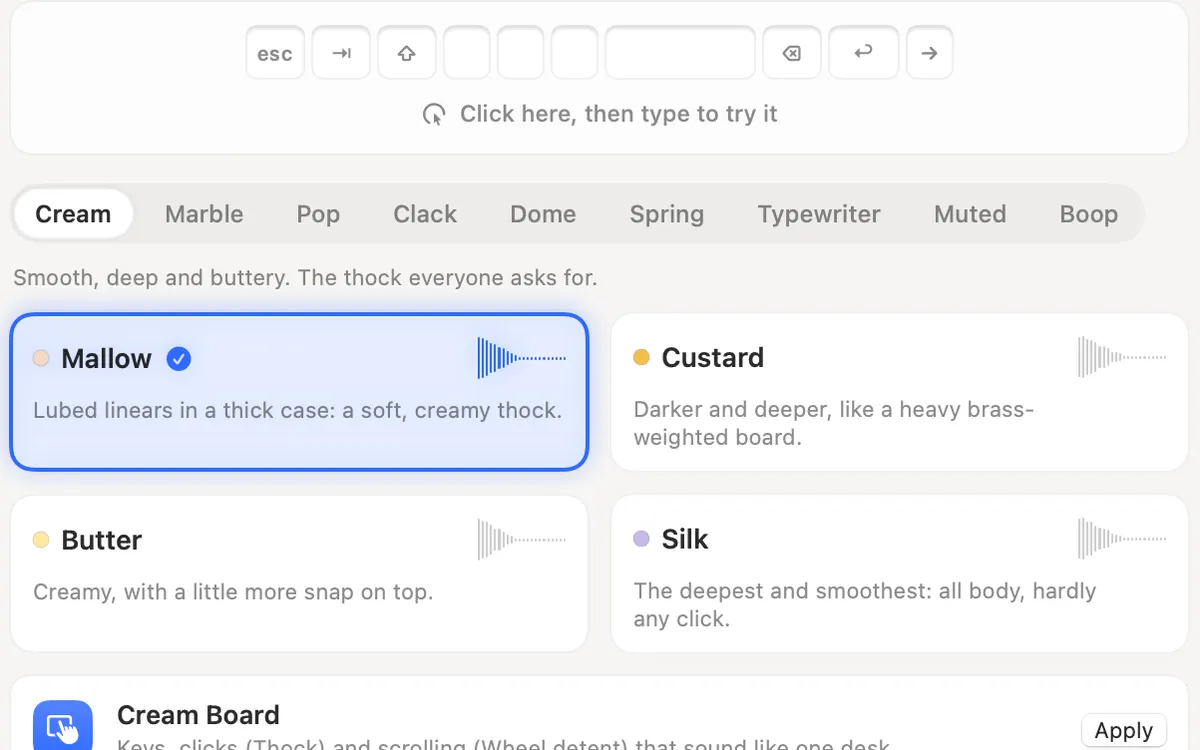
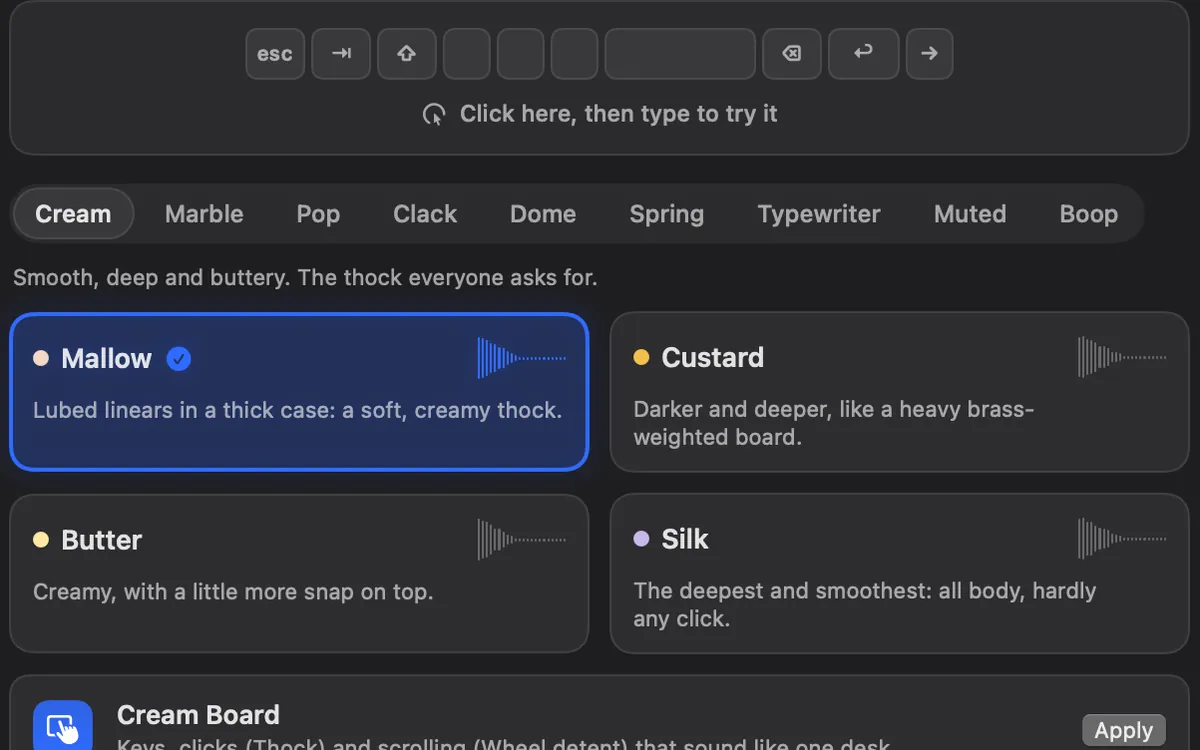
A keyboard sound app plays a sound the moment you press a key, in every app, with no delay added to typing. Clacky has 29 keyboard sounds in 9 families, from creamy thock to a typewriter with a bell on Return, plus click and scroll sounds. It’s $4.99 once for 1 Mac, after a 3-day free trial with no card.
It needs one permission, Input Monitoring. Keyboard sounds listen for key down/up only. Clacky never records, stores or sends which keys you type, and respects Secure Input.
- Hear every sound first in the typing test, in your browser.
- Free and paid apps side by side: the best keyboard sound apps for Mac.
- How these apps work and what they can see: Mac keyboard sounds.
Where these facts come from
Apple: Change Keyboard settings for accessibility on Mac. Checked on 5 November 2026.
Questions
Can I get iPhone-style haptic typing on a Mac?
Is there a free way to get keyboard sounds on a Mac?
Is it safe to let an app hear my key presses?
Facts checked on 5 November 2026.
Related
- Mechanical keyboard and click sounds on your MacHow keyboard and click sound apps work on a Mac, what the permission allows, how to check one is safe, the best apps, and fixes when there’s no sound.
- The best keyboard sound apps for Mac (2026)The best keyboard sound apps for Mac, side by side: price, trial, sounds, privacy and network, macOS version. Free and paid, every fact sourced.
- How do Clacky's keyboard sounds work?Clacky hears only that a key went down or up and plays a sound made on your Mac. It never records which keys you type. 29 sounds in 9 families.
- Typing test with keyboard soundsTest your typing speed in the browser and hear every Clacky keyboard sound as you type.
- How do I turn off keyboard sounds on a Mac?macOS makes no typing sounds itself, so turn them off where they come from: a keyboard sound app, Slow Keys, the alert beep or VoiceOver.
- Is there a Clacky for Windows, iPhone or iPad?No. Clacky is a Mac app only. Its free browser tools work on any device, and Mechvibes, KeyEcho, Klakk and Keeby have Windows versions.
Make something on your Mac today.
3 days free, every feature. Then $4.99 once.