 MacPip
Answer
Where does Clacky save my screen recordings and screenshots?
Clacky saves screen recordings in Movies › Clacky (~/Movies/Clacky) and screenshots in Pictures › Clacky Screenshots (~/Pictures/Clacky Screenshots).
You can change either folder in a click, and every file stays on your Mac. Clacky never uploads your recordings or screenshots.
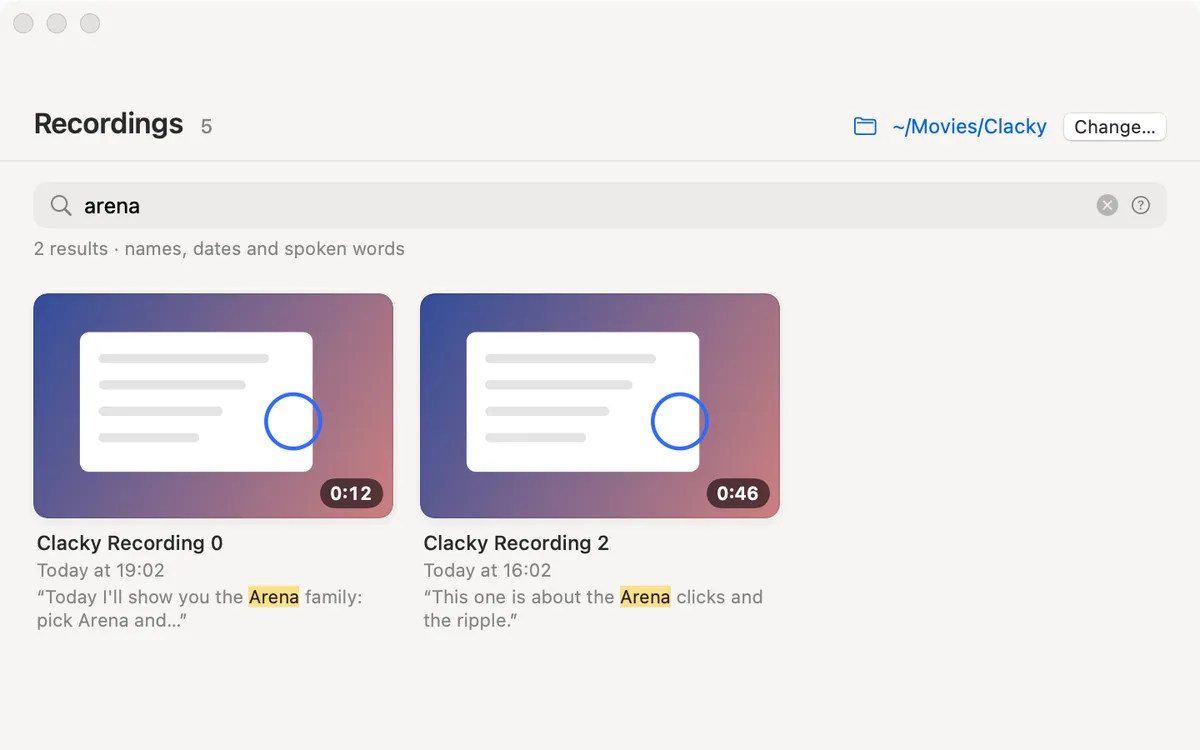
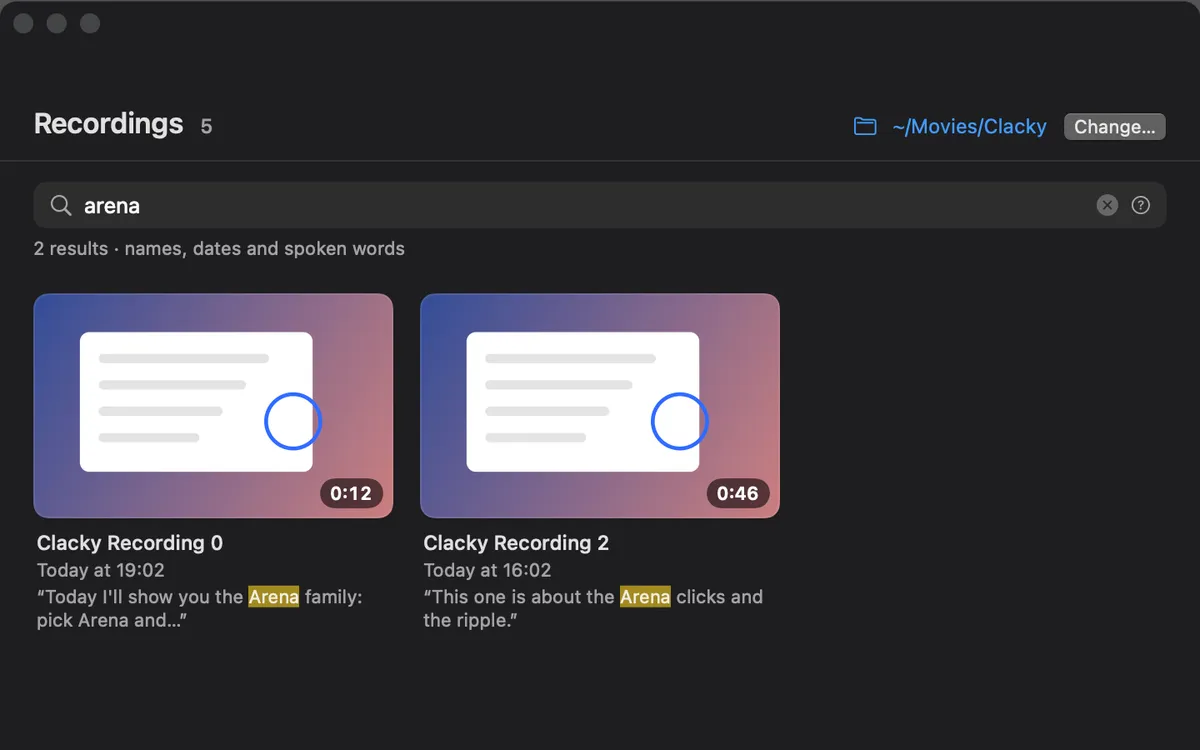
Every file Clacky makes, and where it goes
Recordings are .mov files (H.264 video with AAC audio), which QuickTime, iMovie, Final Cut Pro and most editors open.
| What | Where | Name |
|---|---|---|
| Screen recordings | ~/Movies/Clacky | Clacky Recording (date) at (time).mov |
| Studio exports, GIFs, .srt captions | Next to the recording they came from | The recording's name plus the shape or format |
| Screenshots | ~/Pictures/Clacky Screenshots | Clacky Screenshot (date) at (time).png |
| Collages | The screenshots folder | Clacky Collage (date).png |
| Copy only shots | Nowhere, only the clipboard | Saved only when you click Save |
| Your own click sounds | ~/Library/Application Support/Clacky/CustomSounds | press.wav, release.wav, tick.wav |
How to change where recordings are saved
The Recordings window (Show Recordings…) shows the folder at the top too, with its own Change… button. It also searches your recordings by name, date and the words you said.
- Open Clacky's Settings and go to Recorder.
- Next to Save recordings to, click Change… and pick a folder.
- New recordings go there. Recordings you already made stay where they are.
- To go back, click Default next to the same row.
How to change where screenshots are saved
- Open Clacky's Screenshots… window from its menu-bar menu.
- Next to Saved to, click Change… and choose a folder.
- To keep a shot off the disk entirely, use Copy only: mark it up, press ⌘C and nothing is saved until you click Save.
Finding a file fast
- In Finder, press ⇧⌘G and paste
~/Movies/Clackyor~/Pictures/Clacky Screenshots. - Clacky's Recordings window lists every recording with a thumbnail, its length and the first words you said.
- Screenshots also slide onto the Shelf beside the screenshot editor. Drag one straight into Finder, Slack or any app.
Space and cleaning up
Screen recordings get big quickly, especially at Retina sizes. The screen recording size calculator and the post on how big a Mac screen recording is show what to expect. Uninstalling Clacky leaves your recordings and screenshots in their folders until you delete them yourself.
Questions
Can I save Clacky recordings to iCloud Drive or an external drive?
Does Clacky use the same folder as macOS screenshots?
Are my recordings uploaded anywhere?
Where do Studio exports go?
Facts checked on 5 November 2026.
Related
- Screen RecorderRecord the full screen, one window or an area, with your clicks heard and their ripples seen. Saved to Movies › Clacky.
- Screenshot editorGrab an area, a window or the whole screen. Mark it up with arrows, steps, text and blur, then copy or save.
- Change where screenshots are saved on a MacPress Shift-Command-5, click Options and pick a place under Save to: Desktop, Documents, Clipboard, Mail, Messages, Preview or Other Location.
- How do I uninstall Clacky?Quit Clacky, drag it to the Trash, remove it from Input Monitoring and Screen Recording, then delete its support folder and preferences file.
- Screen recording size calculatorHow big will your screen recording be? Pick the length, resolution, frame rate and format (H.264, HEVC, ProRes, GIF) to see the size and MB per minute.
- How big is a screen recording on a Mac? I measured itI saved four test recordings seven ways. A minute of typing was 2.5 MB, scrolling 49 MB, ProRes almost 1 GB. What decides the size, and how to shrink it.
Make something on your Mac today.
3 days free, every feature. Then $4.99 once.