Agent Alerts
A sound and a nudge when your AI agent, like Claude Code or Codex, finishes or needs you.
What it is
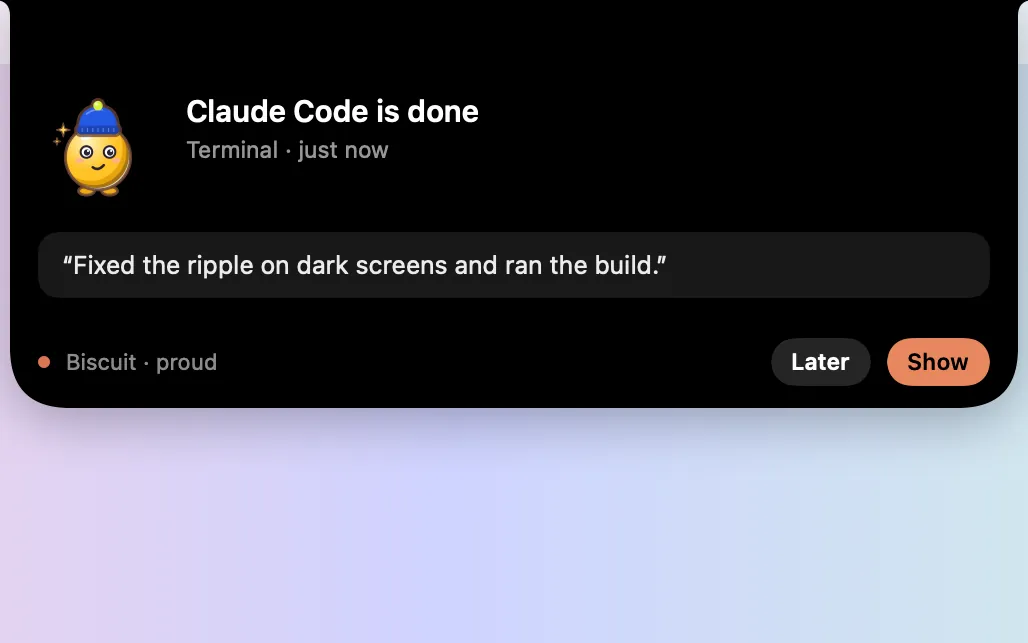
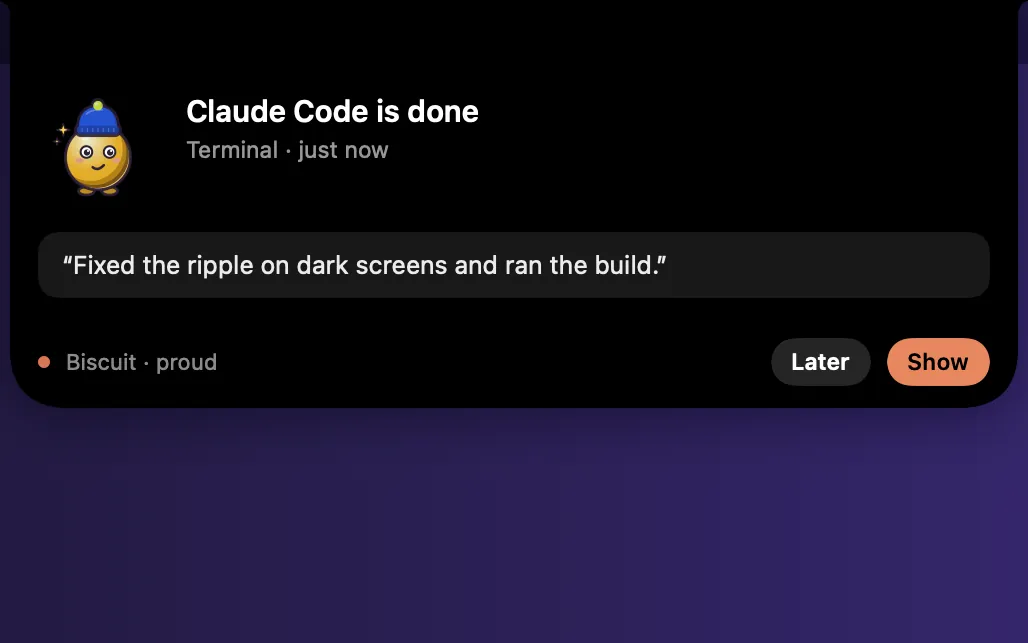
Agent Alerts tells you when your AI coding agent is done or needs you: a sound, a soft glow around the screen, and a dot in the notch and the menu bar. Each agent can have its own sound.
It works with Claude Code in Terminal and in the Claude app’s Code tab, and with the Codex CLI. Clacky adds a one-line hook to the agent’s settings file, with a backup saved first.
No network, and it never reads your terminal. Off, the hooks stay in place and Clacky just keeps quiet.
How to use it
Open Agent Alerts
Add Agent Alerts to My Kit from Explore and click it, or go to Settings → Agent Alerts.
Set it up
Press Set Up… next to Claude Code or Codex, then Add Hooks.
Try it
Press Send a Test Alert to hear and see it.
Start a session
Start Claude Code or Codex in Terminal. Sessions that were already running pick up the hook the next time they start.
Tips
- Quiet when it’s in front keeps alerts silent while the agent’s terminal or editor is the active app.
- Keep Awake can keep your Mac awake until your agent is done.
Questions
- Does it work with Claude Code on the web?
- No. Claude Code on the web runs in Anthropic’s cloud, so its hooks never reach your Mac. Run it in Terminal or in the Claude app’s Code tab instead.
- Does it work with regular Claude chat or Cursor?
- Not yet. Regular Claude chat doesn’t use hooks, and Cursor’s hooks are still in beta.
- How do I remove it?
- Press Remove… next to the agent. Only Clacky’s entries are removed, and a backup is saved first.
Make something on your Mac today.
Seven days free, every feature, cancel anytime.