Alerts and Keep Awake
Your agent can tell you when a long task is done or needs you, and keep the Mac awake while it works.
- notify
- keep_awake
What it is
Two small tools for long tasks. notify plays Clacky’s agent sound and shows a macOS notification when your agent is done, needs you, or hit an error. keep_awake stops the Mac and display from sleeping while it works.
Start a long build, walk away, and come back when Clacky calls you. Quiet hours still apply.
How to use it
Connect Clacky
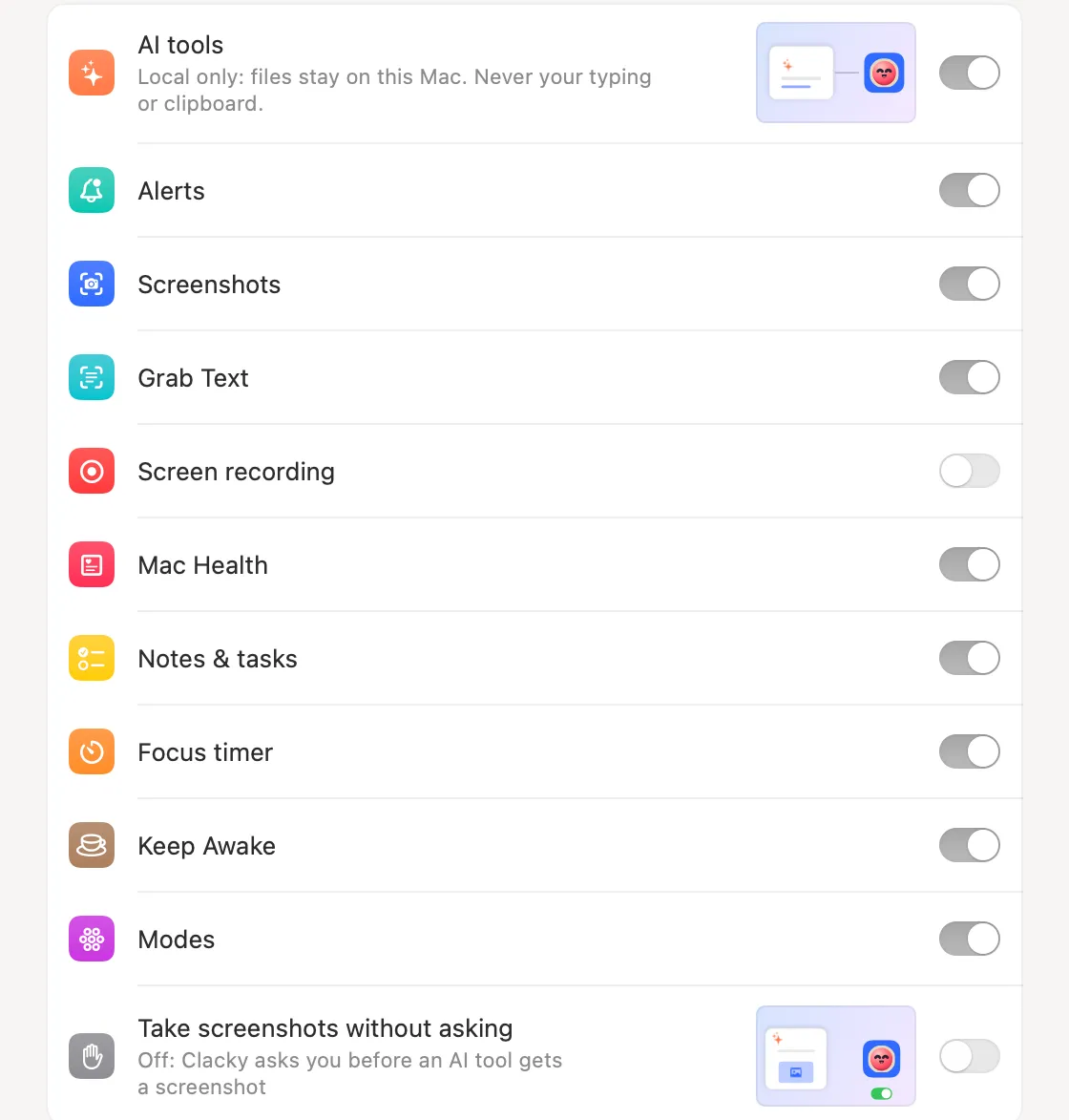
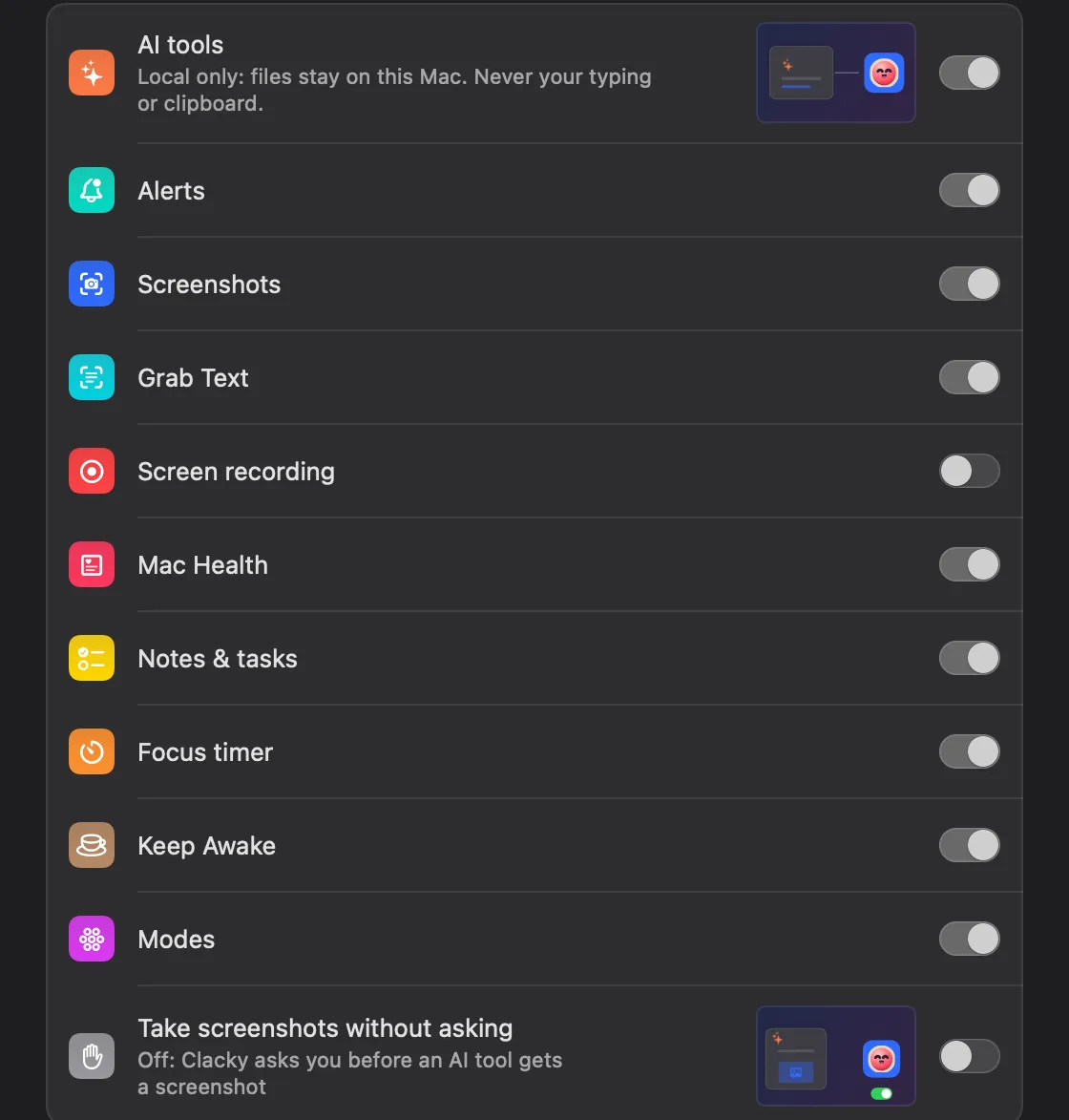
Turn on Settings → Connect AI tools and add Clacky to your AI app.
Leave Alerts and Keep Awake on
Both groups are in the list under AI tools. Switch either off if you don’t want it.
Ask for it
Say “Keep my Mac awake while the tests run, and ping me when they’re done.”
Hear it
Your agent turns on Keep Awake, then sends a short alert with a done, needs or error sound when it finishes.
Tips
- Keep Awake can run for a set time or until it’s turned off again. Your agent asks for minutes; Clacky rounds them to 15 minutes, 1 hour or 2 hours.
- Staying awake with the lid closed works only if you allowed lid-closed mode in Clacky’s Keep Awake settings, and macOS asks for your password.
Questions
- Is this the same as Agent Alerts?
- It uses the same sounds. Agent Alerts works through a hook you install in Claude Code or Codex; this lets any connected agent send an alert when it decides to.
- Will it spam me?
- The Clacky skill tells agents to send one alert at the end of a long task, not after every step.
Make something on your Mac today.
Seven days free, every feature, cancel anytime.