Auto edit
Studio cuts the quiet between your sentences, zooms in on every burst of clicks and speeds up the waiting. Click a cut to bring it back.
What it is
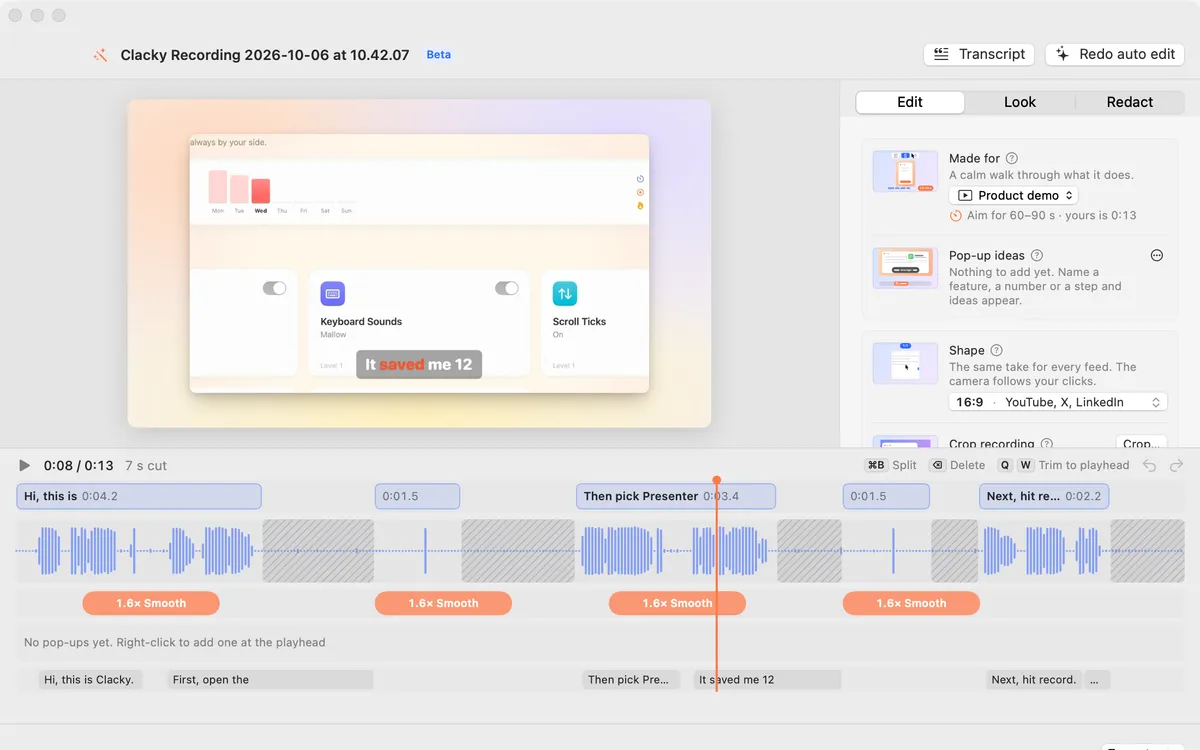
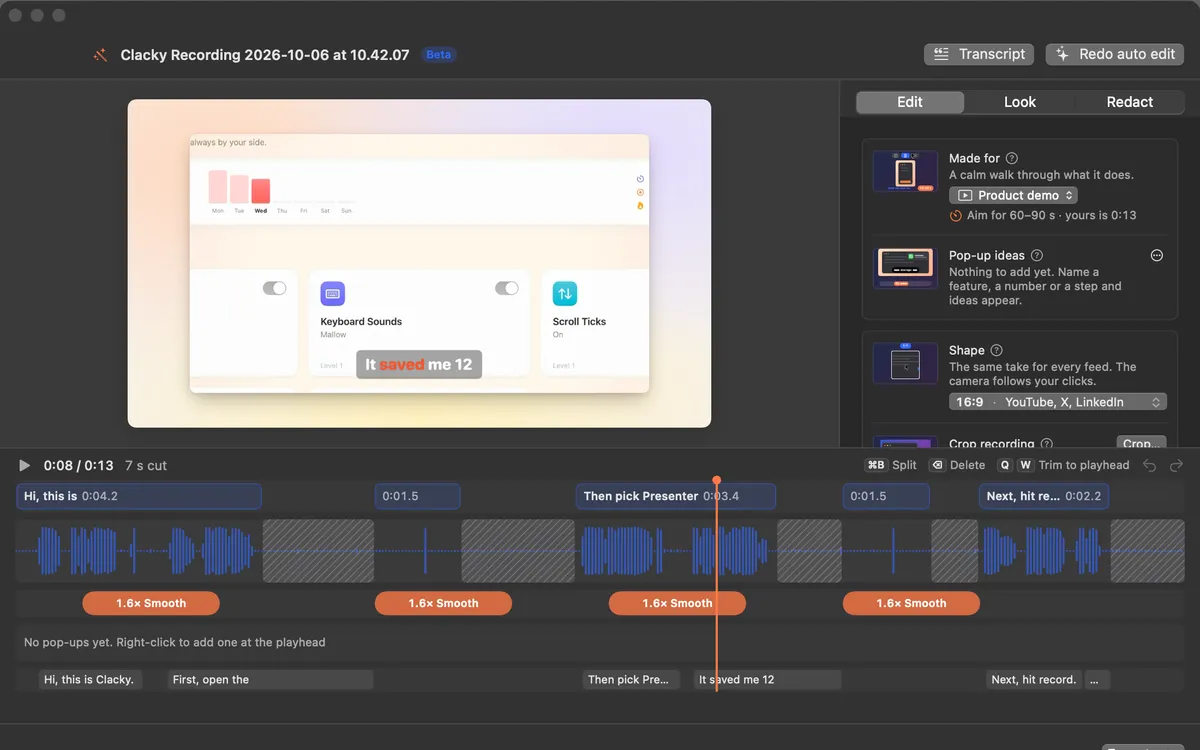
Open a recording in Studio and the first edit is already done. The quiet between your sentences is cut, every burst of clicks gets a zoom, and the stretches where you wait for something to load play 2–4× faster under a soft rising sound.
Talking and typing always play at normal speed, and nothing is cut right around a click, so its sound and ripple stay in. Changed your mind? Click a striped cut on the timeline to bring it back.
Everything runs on your Mac. Auto edit is labelled Beta in the app.
How to use it
Open your recording in Studio
Stop a recording and click Edit in Studio in the preview, or click Edit a Video in Studio and choose a file.
Let Studio do the first pass
Studio finds the pauses, the clicks and the words. Cut pauses, Speed up waiting and Zoom on clicks are switches in the Edit tab.
Adjust the zooms
Drag an orange zoom block to move it, drag its edge to make it longer, or right-click it to follow the pointer or hold on one spot.
Bring back a cut
Click a striped cut on the timeline and that part plays again.
Tune it
Under More, pick Natural, Tight or Snappy cuts and move the Sensitivity slider between Keeps more and Cuts more.
Tips
- The Zoom on clicks slider sets how far each zoom goes in; Reset puts back one zoom per burst of clicks.
- Redo auto edit runs the pass again and keeps your own edits.
- ⌘Z undoes any change.
Questions
- Does it work on videos without sound?
- Cutting pauses needs sound. With no sound in the recording, Cut pauses is off and Studio says so.
- Does it work on videos from other apps?
- You can open any video. Zooms on clicks need the pointer track that Clacky saves with its own recordings.
- Is my recording uploaded?
- No. The analysis, the edit and the export all happen on your Mac.
Make something on your Mac today.
Seven days free, every feature, cancel anytime.