Edit by transcript
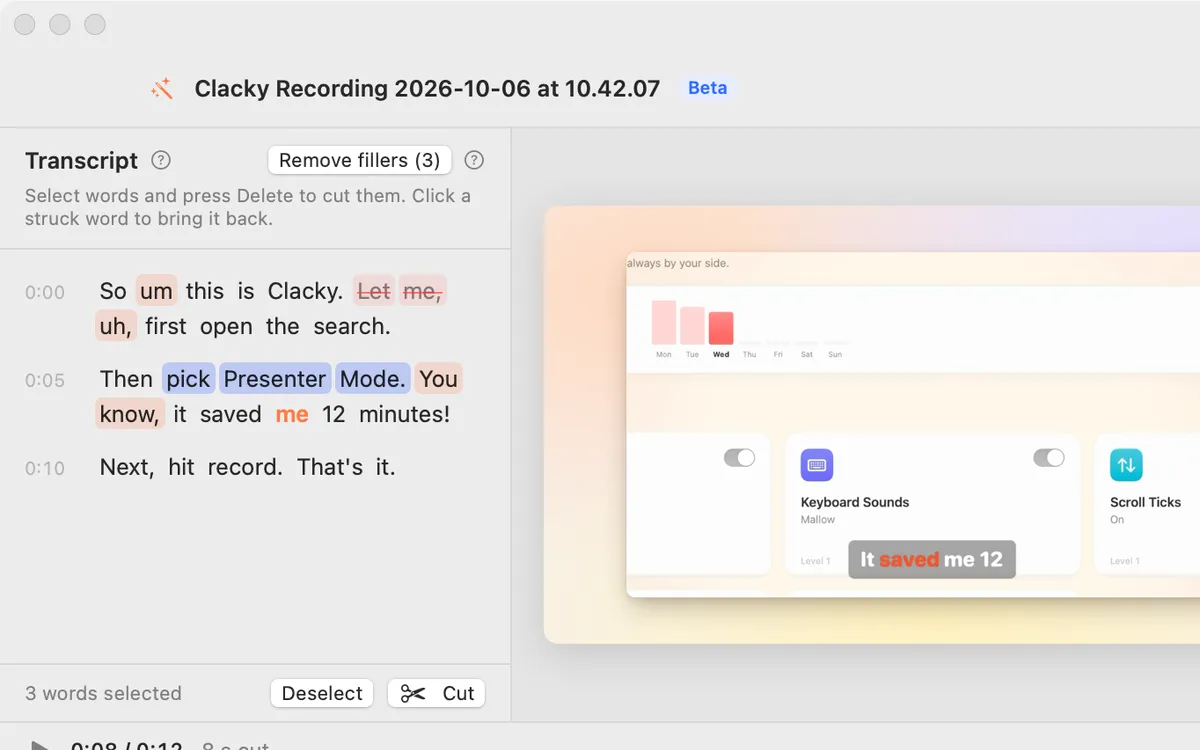
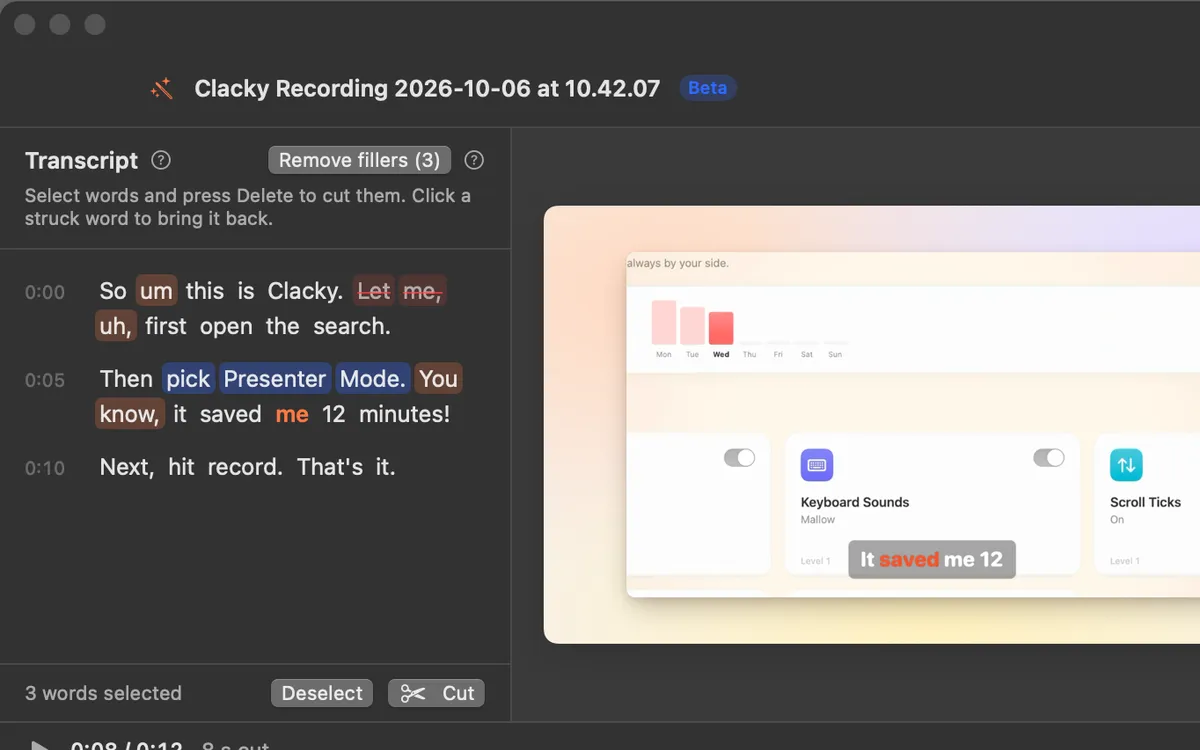
Select words in the transcript and press Delete: they’re cut from the video with a soft fade. Click a struck word to bring it back.
What it is
Studio writes out what you said, word by word, on your Mac. Then you cut the video like a document: select words and press Delete, and that part of the video is gone, with a soft fade at the cut.
Cut words stay in the transcript, struck through, so nothing is lost. Click one to bring it back. Your cuts are kept when the auto edit runs again.
How to use it
Open the transcript
In Studio’s editor, click Transcript in the toolbar, or use the Edit by transcript row in the Edit tab.
Transcribe
If there is no transcript yet, click Transcribe. It is written on your Mac.
Select words
Drag across words, or click one and shift-click another. Click a single word to jump the video there.
Cut them
Press Delete (or click Cut). The words are struck through and that part leaves the video.
Undo a cut
Click a struck word to bring it back, or press ⌘Z.
Questions
- Is my voice sent anywhere to be transcribed?
- No. The transcript is made on your Mac, and nothing is uploaded.
- Can I share the transcript?
- Yes. After an export, the menu next to Share… and Copy has Share the Transcript…, ready for your AI or any app.
Make something on your Mac today.
Seven days free, every feature, cancel anytime.