Pop-up ideas
Studio listens for a feature, a number or “first… then…” and offers pop-up cards right where you said it.
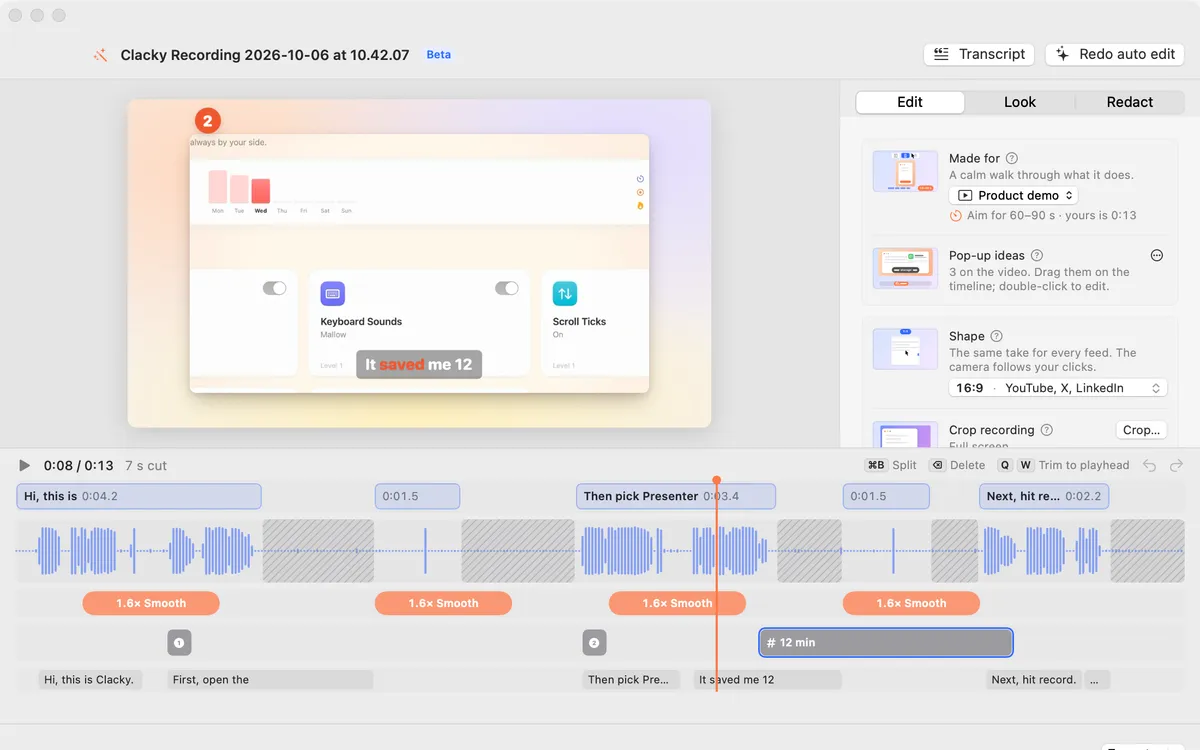
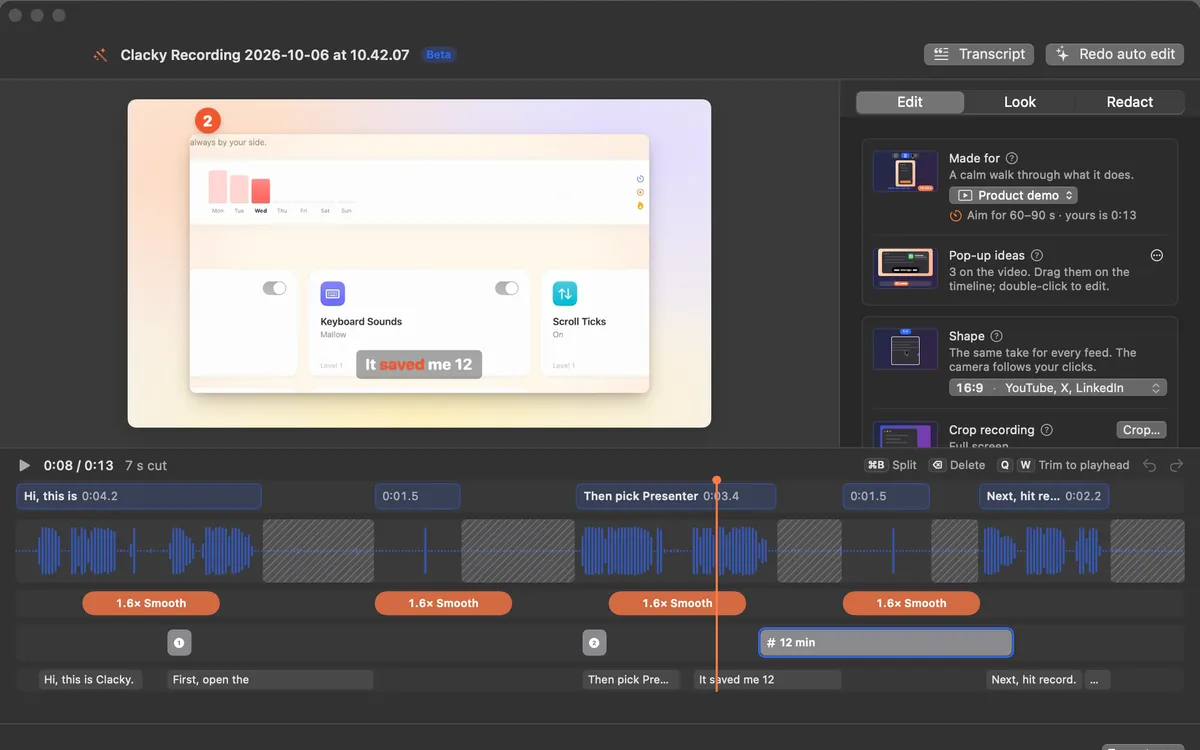
What it is
Pop-up ideas reads what you said in your recording and offers cards for it: a feature you named, a number, the steps when you say “first… then…”.
Ideas wait as dashed chips on the timeline’s pop-ups lane, right where you said them. Nothing goes into the video until you click one.
Ideas come from the transcript, so the recording needs your voice. On a Mac with Apple Intelligence, it can help pick the best ones.
How to use it
Open the recording in Studio
Click the Clacky icon in the menu bar, go to Studio and click Edit a Video.
Let Studio hear you
If there’s no transcript yet, turn on Captions and click Transcribe. Ideas appear once it has heard you.
Add the ones you like
Click a chip on the timeline and its card pops into the video, or click Accept all. × dismisses one; Dismiss all clears them.
Place them
Drag a pop-up along the timeline to move it; double-click it to edit.
Tips
- The ⋯ menu beside Pop-up ideas has Suggest again and Add at the playhead, for a card of your own.
Questions
- Does Studio add pop-ups without asking?
- No. Ideas wait as chips until you click one or Accept all.
- Will a dismissed idea come back?
- No. Once you dismiss it, that idea doesn’t come back for this recording.
Make something on your Mac today.
Seven days free, every feature, cancel anytime.