Recordings search
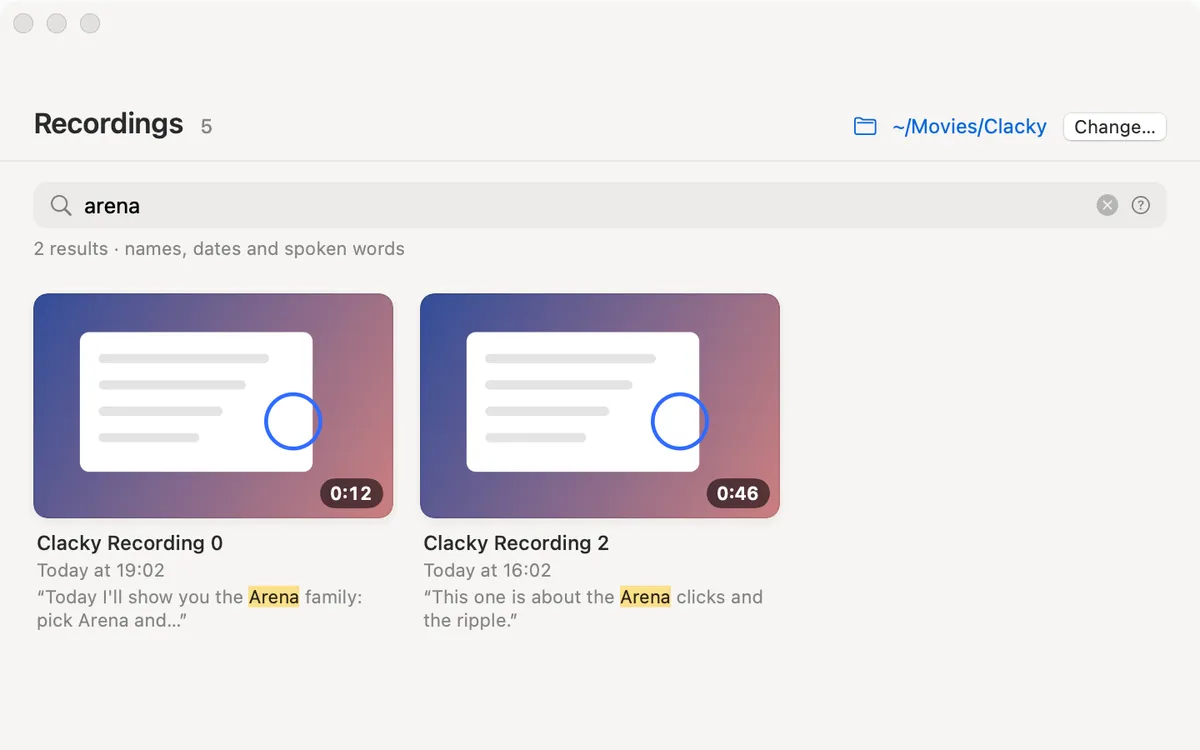
Search your recordings by name, date and the words you said. A match shows the line it’s in.
What it is
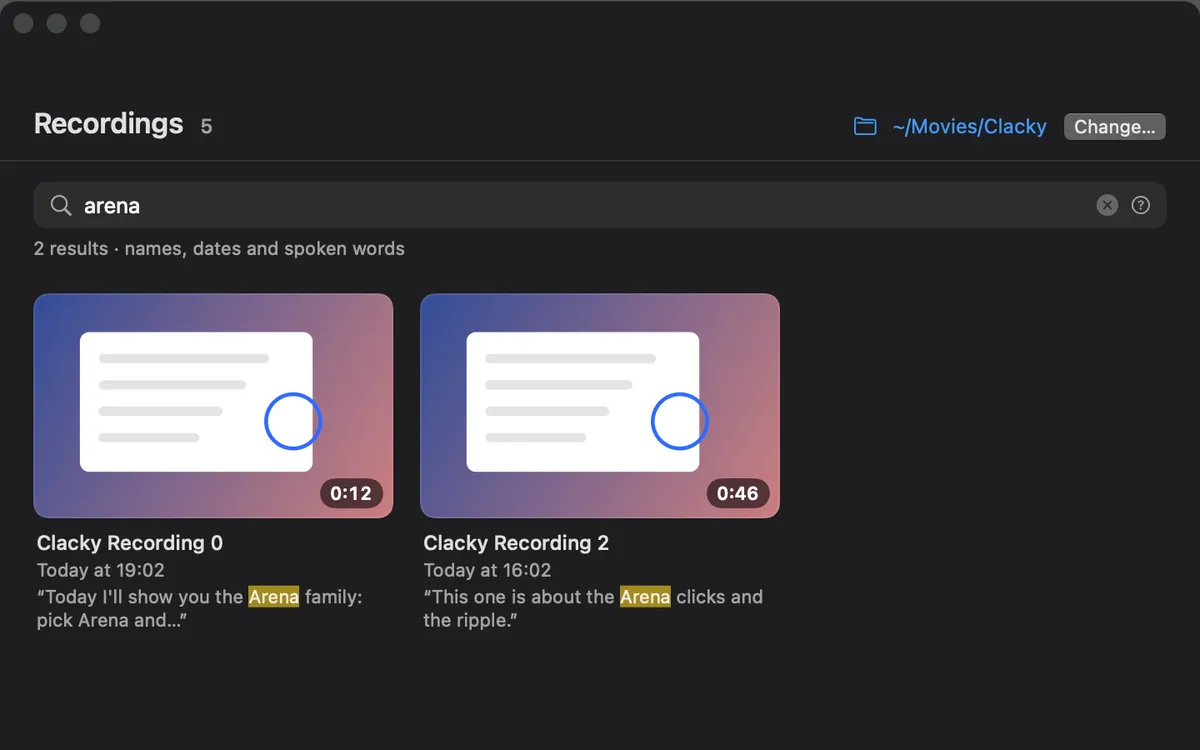
Recordings lists every screen recording you made with Clacky, newest first. Type in its search field to find one by its name, its date or the words you said in it.
A match in what you said shows the line it’s in, so you can tell takes apart at a glance. Spoken words are searchable once a recording has a transcript or captions.
How to use it
Open Recordings
In Studio, click All Recordings. You can also choose More → Recordings… in the Clacky menu.
Search
Type in the search field. It looks at names, dates and spoken words.
Open a match
Click a recording to open it in the preview, or right-click it for Edit in Studio, Show in Finder and more.
Questions
- Why can’t it find something I said?
- Search reads what you said only once a recording has a transcript (from Studio) or captions. Transcribe it first.
- Is the search done online?
- No. It reads the files on your Mac.
Make something on your Mac today.
Seven days free, every feature, cancel anytime.