StudioLive
Saved looks
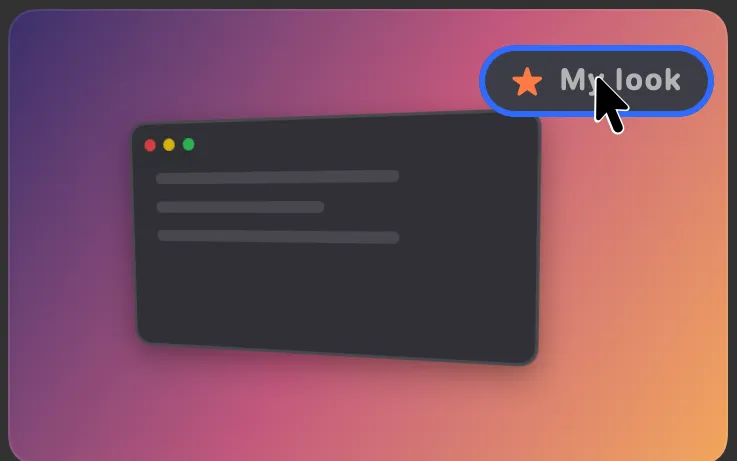
Save a look with a name: background, frame, angle and captions. Use it for the next video in one click.

What it is
Happy with how a video looks? Save the look with a name and use it again on the next one.
A saved look keeps the background, the frame, the angle and the captions, so a series of videos looks like it belongs together.
How to use it
Open the Look tab
In Studio, open a recording and switch the inspector to Look.
Save it
Choose Save look…, type a name and click Save.
Use it next time
On your next video, open the same menu in the Look tab and pick the look by name.
Tidy up
To remove one, choose Delete in that menu and pick the look.
Questions
- What does a saved look keep?
- The background, the frame, the angle and the captions.
- Does picking a look change my recording?
- No. It changes the edit, and you can undo it.
Make something on your Mac today.
Seven days free, every feature, cancel anytime.