Sizes and looks
Exact sizes for X, Product Hunt, YouTube, Instagram, TikTok and the App Store, and up to 8 looks of your own.
What it is
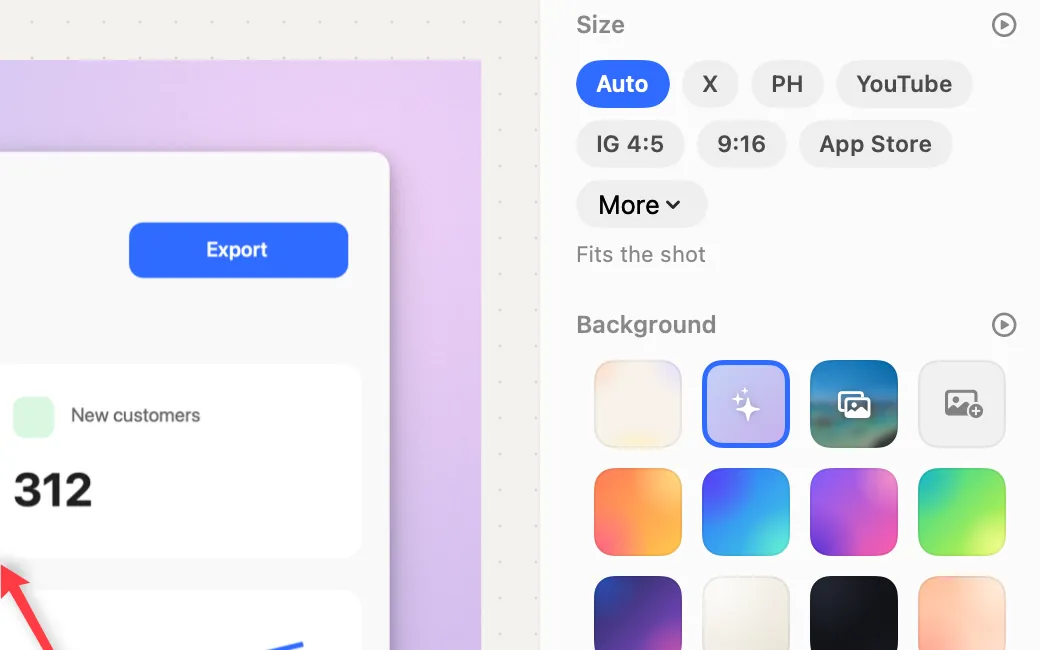
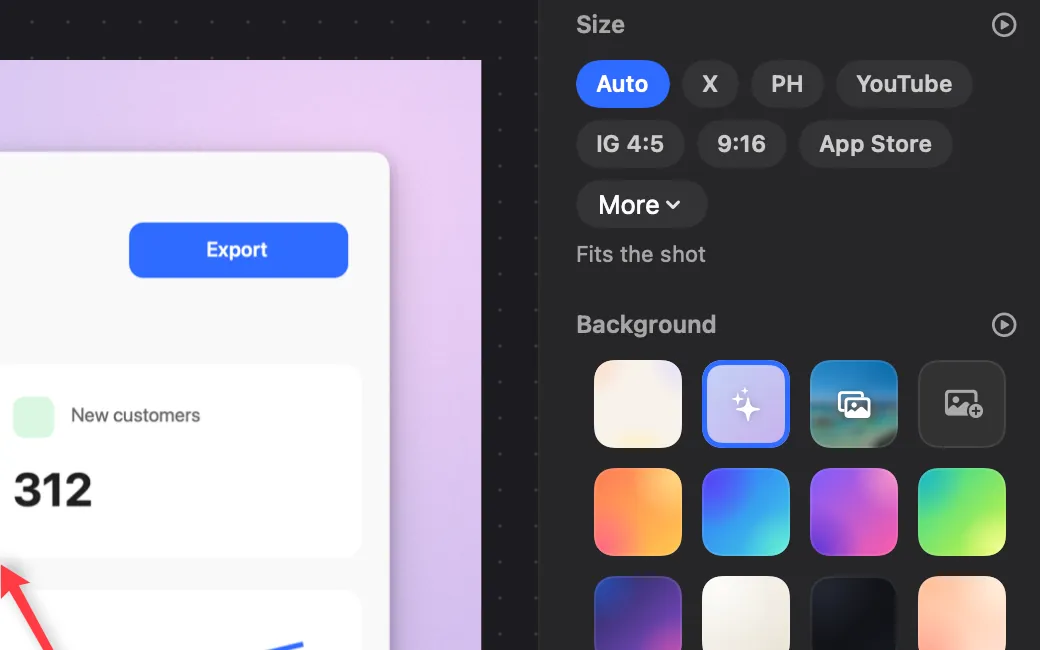
Pick where a shot is going and the canvas takes that exact size: X, Product Hunt, YouTube, Instagram, TikTok · Reels · Shorts or the App Store, with Instagram square and Reddit under More.
Your shot fits inside, never cut off. 9:16 keeps it clear of the app’s buttons and captions. App Store shots are saved as JPEG without transparency, as Apple asks.
Remember a look you like (size, background, frame, shadow) and keep up to 8. Your last look is used for the next shot straight away.
How to use it
Open the shot in Polish
In the screenshot editor, pick Polish (⌘B).
Pick a size
In the Size section, click where it’s going, or open More for the rest.
Remember the look
Click Remember this look at the bottom of the sidebar.
Use it again
Open My looks and pick one. Remove takes one off the list.
Questions
- How many looks can I keep?
- Up to 8. Remove one to make room for another.
- Does ⌥⇧⌘6 use my look?
- Yes. A polished shot uses your last look.
Make something on your Mac today.
Seven days free, every feature, cancel anytime.