Scroll Ticks
A soft tick for every notch of the scroll wheel, in 8 scroll styles.
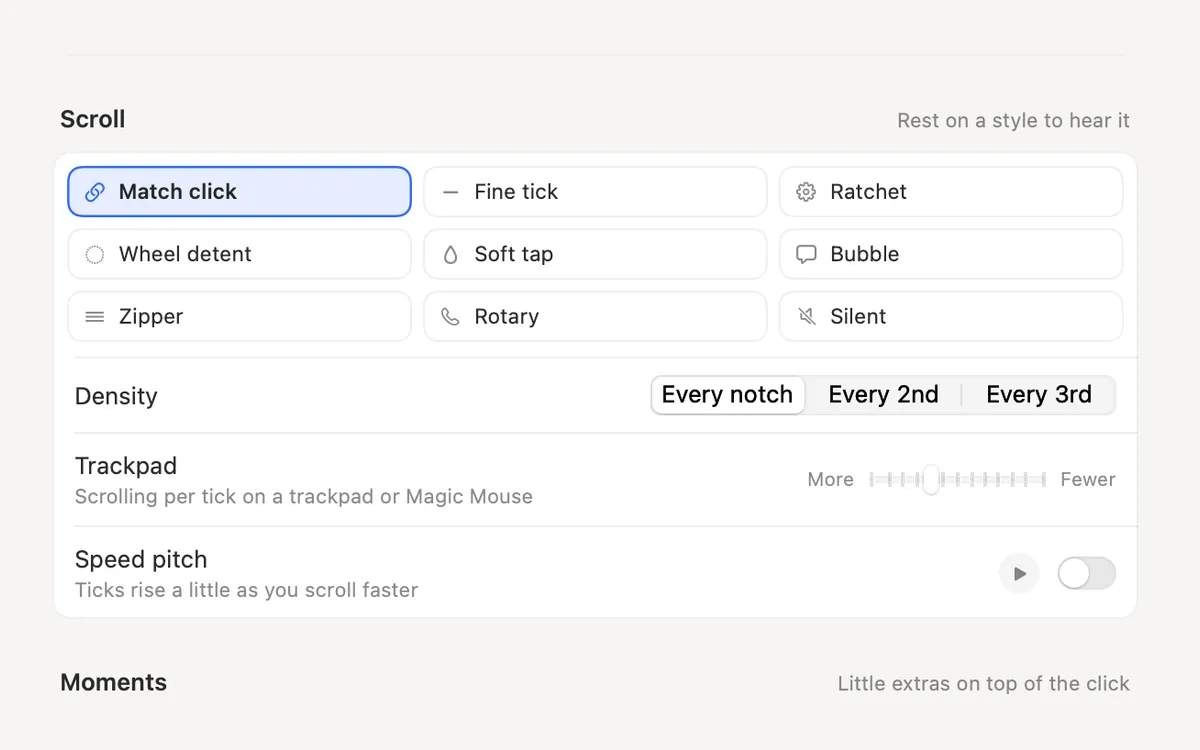
What it is
Scroll Ticks plays a soft tick for every notch of the scroll wheel, like a real wheel detent, in every app.
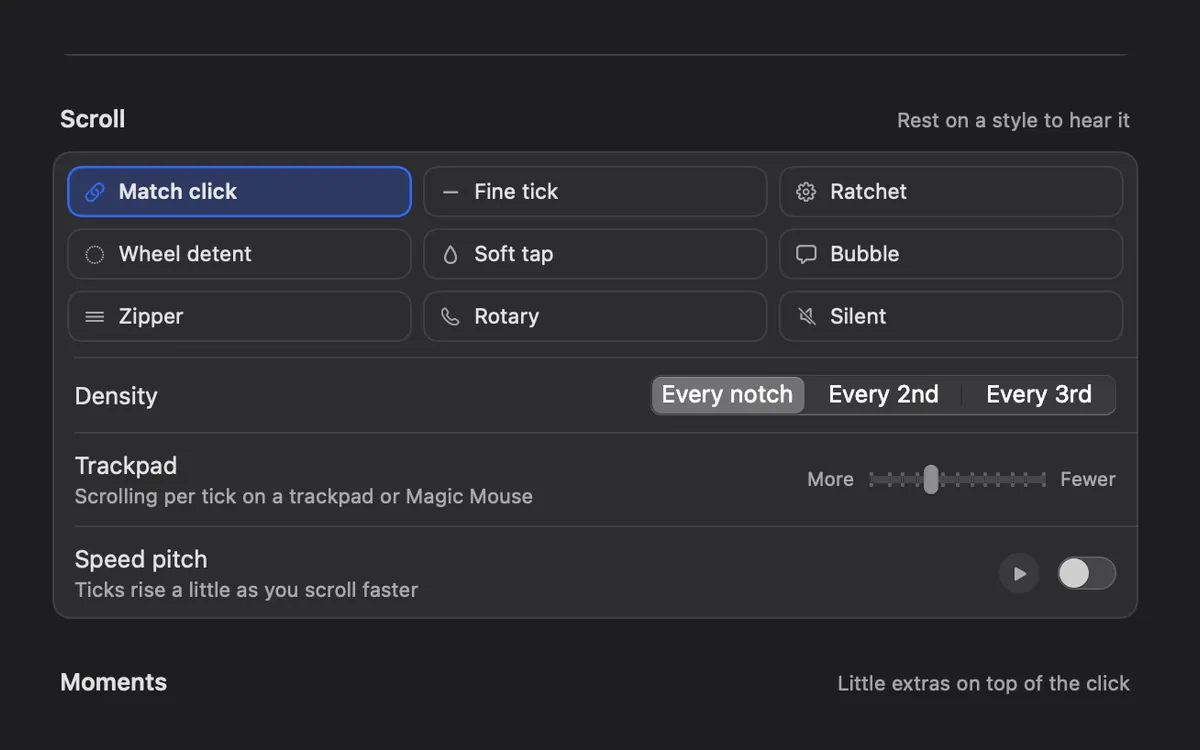
There are 8 scroll styles, from a fine tick to a ratchet, a bubble or a zipper. You can tick on every notch, every 2nd or every 3rd.
On a trackpad or Magic Mouse, the Trackpad setting picks how much scrolling makes one tick.
How to use it
Turn it on
Scroll Ticks is on from the start. Its switch is the Scroll Ticks card in Explore, or Scroll ticks in Settings → Sounds.
Hear it
Press the play button next to Scroll ticks in Settings → Sounds, or scroll on the pad at the top.
Pick a style
Open More options in Settings → Sounds. Under Scroll, rest on a style to hear it, then pick one.
Set the feel
Choose a Density, the Trackpad amount, and Speed pitch if you want ticks to rise a little as you scroll faster.
Tips
- In the Clacky menu, the Scroll chip turns ticks on and off without closing the menu.
Questions
- Does it work with a trackpad?
- Yes. The Trackpad setting under Scroll sets how much scrolling plays one tick on a trackpad or Magic Mouse.
- Can I keep click sounds but turn ticks off?
- Yes. Scroll Ticks has its own switch.
Make something on your Mac today.
Seven days free, every feature, cancel anytime.