 MacPip
Answer
Does Clacky work with an external keyboard?
Yes. Clacky’s keyboard sounds play for any keyboard your Mac sees, USB or Bluetooth, an Apple Magic Keyboard or a mechanical board, as well as a MacBook’s built-in keyboard.
Clacky listens to key presses for the whole Mac, not to one device, and it only learns what kind of key went down (a letter, Space, Return and so on), never which letter.
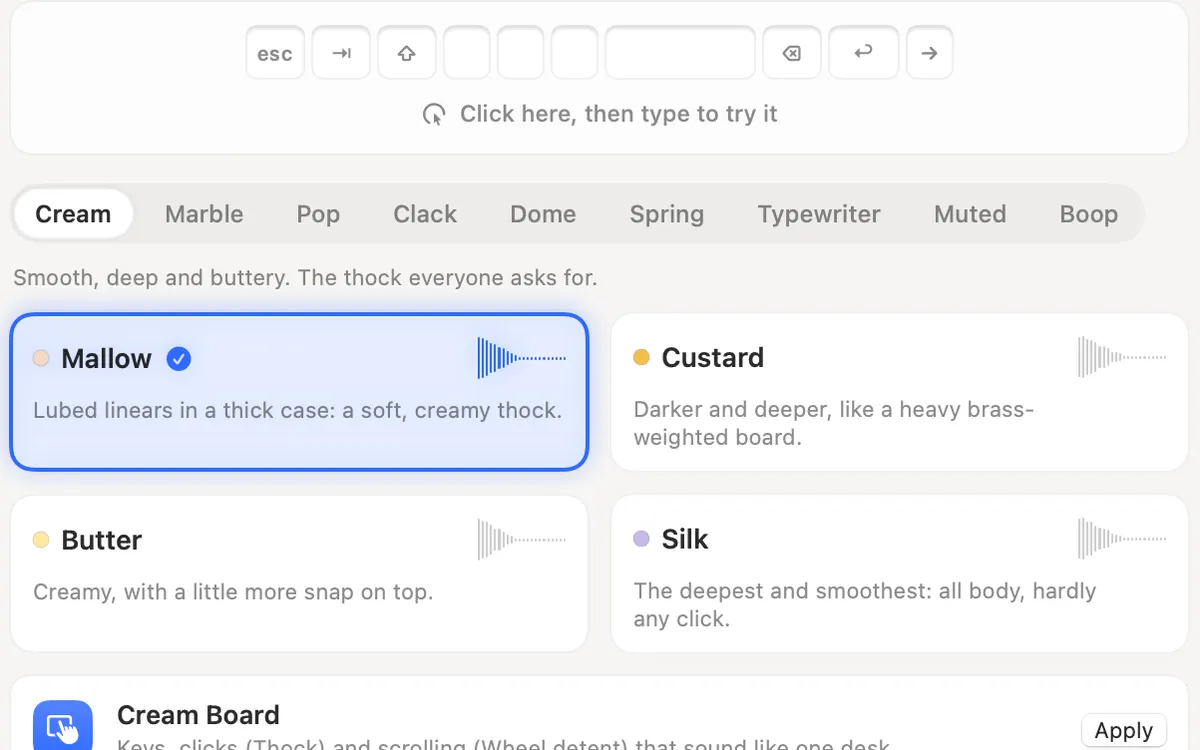
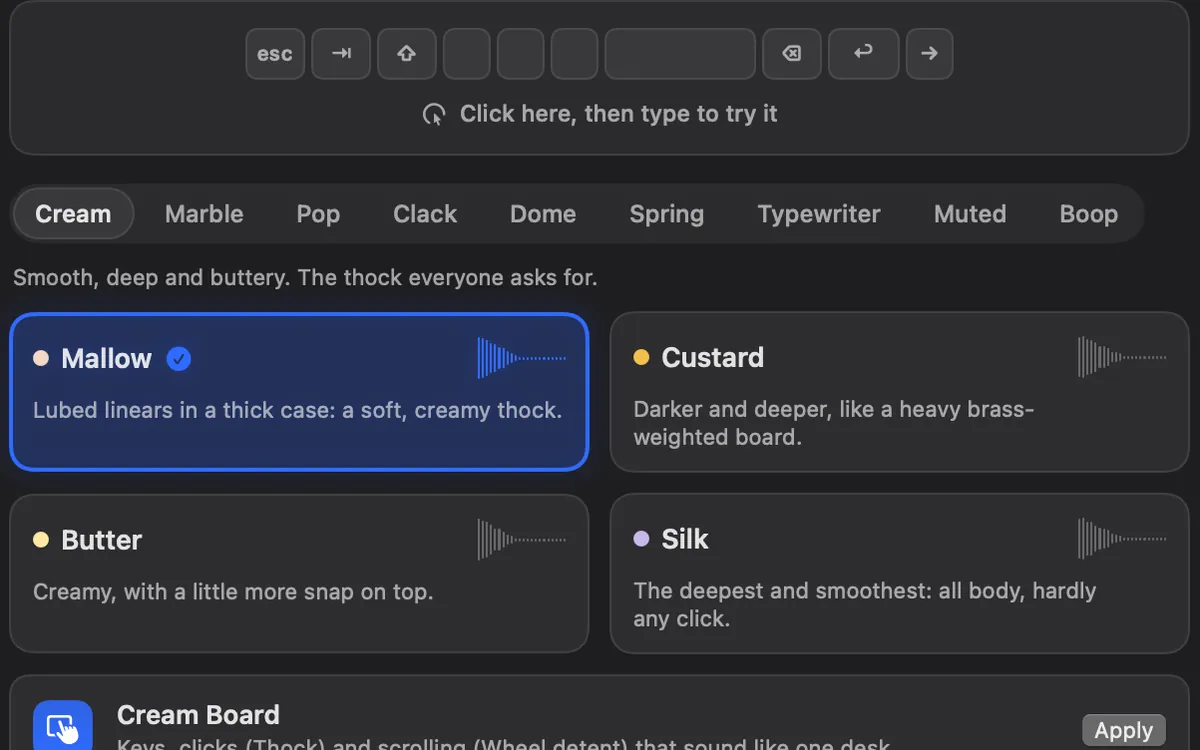
How Clacky hears each key
Every key press becomes one of a few kinds, plus which part of the keyboard it sits on. That is all Clacky ever knows about a key, so the sound can match the key without Clacky knowing what you typed.
| Key | What Clacky plays |
|---|---|
| Letters, numbers, symbols, the number pad | The ordinary key sound, a little left or right by where the key sits |
| Space, Return, Delete | Their own sounds. Typewriter sounds ring a bell on Return |
| Tab, Esc, arrows, Home, End, Page Up, Page Down | Their own kind of sound |
| F1 to F20 | The function key sound |
| ⌘ ⇧ ⌥ ⌃, Caps Lock, fn | The modifier sound |
Settings worth knowing with an external keyboard
- Keyboard volume is separate from the click volume, so a loud board can sit under quiet clicks.
- Sound on key up adds a lighter sound as each key comes back up. Turn it off for one sound per key.
- Held keys sets what happens when a key repeats while you hold it.
- Stereo by key position puts Return on the right and Tab on the left.
- Per-app sounds give an app a different sound, or none, while you type in it.
- Already typing on a loud mechanical keyboard? Pick a soft Muted sound such as Library or Feather, or switch Keyboard sounds off and keep the click sounds.
If an external keyboard stays silent
Still silent? The full checklist is in keyboard sounds not working on Mac.
- Open System Settings → Privacy & Security → Input Monitoring and make sure Clacky is switched on.
- If you just switched it on, quit Clacky and open it again. macOS sometimes only applies the permission after a restart of the app.
- In Clacky, open Sounds and check that Keyboard sounds is on.
- Check you’re not in a password field. Clacky respects Secure Input, so keyboard sounds pause while one is active.
- Check Quiet in these apps and Per-app sounds for the app you’re typing in.
Privacy, whatever the keyboard
Keyboard sounds listen for key down/up only. Clacky never records, stores or sends which keys you type, and respects Secure Input.
Nothing turns a key position into a letter, and nothing about your keys is kept. Clacky only listens for key events at all while Keyboard sounds is on. More in how keyboard sound apps work on a Mac.
Questions
Can I give my external keyboard a different sound from my MacBook’s keyboard?
Does Clacky work with a Bluetooth keyboard?
Do the number pad and function keys make sounds?
Facts checked on 5 November 2026.
Related
- Mechanical keyboard and click sounds on your MacHow keyboard and click sound apps work on a Mac, what the permission allows, how to check one is safe, the best apps, and fixes when there’s no sound.
- Keyboard SoundsTyping sounds as you type: 29 sounds in 9 families. Clacky listens for key down and up only and never records, stores or sends which keys you type. Password fields (Secure Input) stay quiet.
- Do keyboard sounds work in Terminal, VS Code and every app?Yes. Clacky’s keyboard sounds play in every app, Terminal and VS Code included. They pause only while Secure Input is on, like Secure Keyboard Entry.
- Why do keyboard sounds lag with Bluetooth headphones?Bluetooth audio adds a delay to every sound your Mac plays, so typing sounds arrive late. Play them through wired or built-in speakers to fix it.
- Thock, clack, creamy, poppy: keyboard sounds explainedWhat thock, clack, creamy, poppy, marbly and clicky mean for keyboard sounds, with a player: hear each one in your browser with Clacky’s own sounds.
- How do Clacky's keyboard sounds work?Clacky hears only that a key went down or up and plays a sound made on your Mac. It never records which keys you type. 29 sounds in 9 families.
Make something on your Mac today.
3 days free, every feature. Then $4.99 once.