 MacPip
Answer
Does Clacky listen to my microphone?
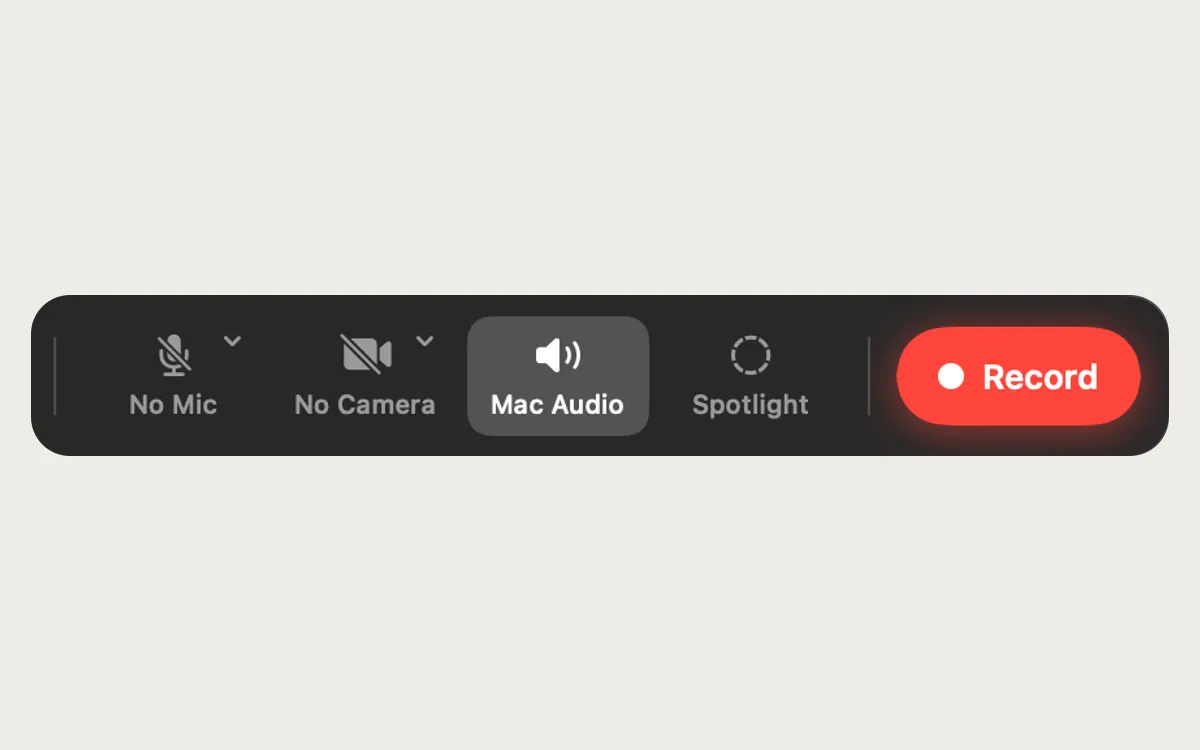
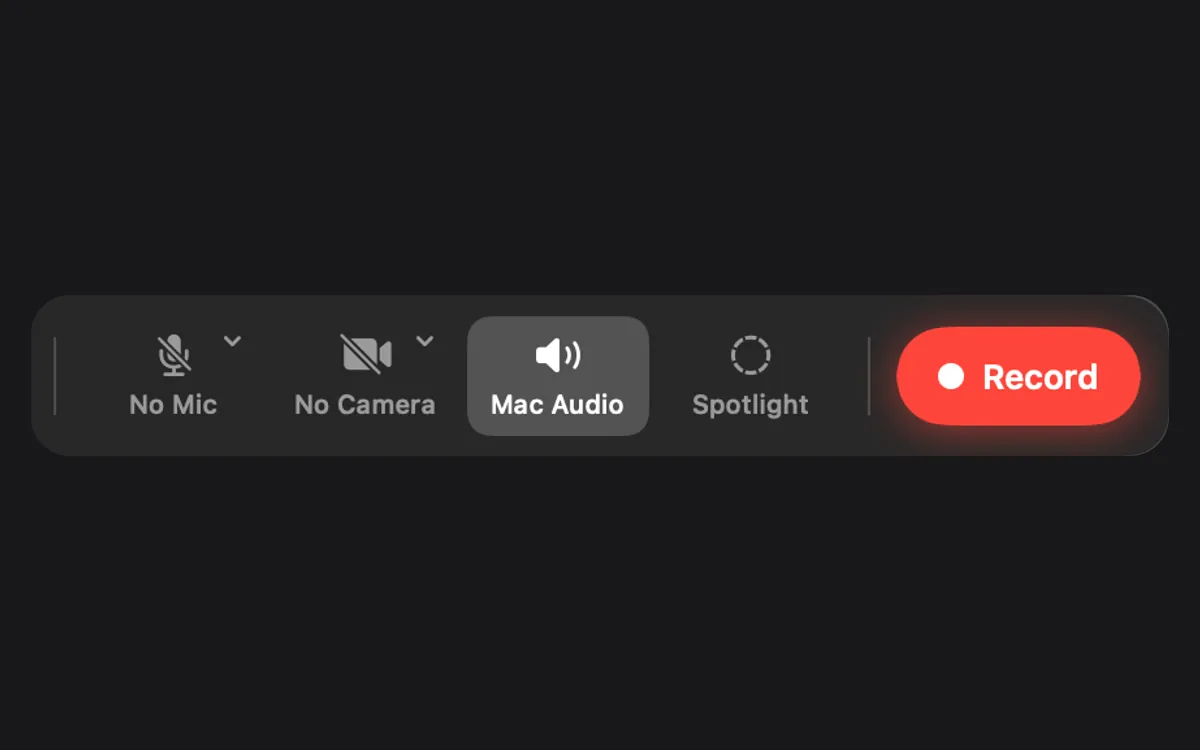
No. Clacky opens your microphone only for something you start yourself, like a screen recording with a microphone picked, and the recorder starts with No Mic selected.
Quiet during calls, which keeps Clacky silent on calls, never opens the microphone either. It only asks macOS whether another app is using it, and macOS shows its orange dot whenever an app has the mic open, so you can always check.
How Quiet during calls knows you’re on a call
Quiet during calls is on by default. It reads a few audio settings from macOS: on macOS 14.4 and later, which apps are taking input from your default microphone, and on older macOS, whether that microphone is running at all. It never opens the microphone, never records, needs no permission, and macOS shows no microphone dot for it. Clacky’s own sound engine is output-only.
Under What counts you choose Only during calls (FaceTime, Zoom, Teams, Slack, Discord, Webex, Meet and other browser calls, with dictation left out) or Whenever any app uses the mic. On macOS before 14.4, Clacky can’t tell which app it is, so any mic use counts. The menu bar, the notch and Settings show when Clacky is quiet, with a one-click Play Sounds Anyway (Play anyway in the notch).
Feature by feature
Only one Clacky feature can use the microphone at all.
| Feature | Uses the microphone? |
|---|---|
| Click, keyboard and scroll sounds | No |
| Quiet during calls | No. It only reads whether another app uses the mic |
| Screen recorder | Only if you pick a microphone. It starts on No Mic |
| Captions and transcript | No. Made on your Mac from the recording's own audio |
| Click ripple, screenshots, Clackyland | No |
When the recorder uses it
In the recorder bar, the microphone button reads No Mic until you pick one from its menu. The first time you do, macOS asks for Microphone permission. Your voice is then saved in the recording, on your Mac, in Movies › Clacky.
Captions and the transcript are made on your Mac with Apple’s on-device speech recognition. Clacky asks for on-device recognition only, so it fails rather than send audio to a server, and the temporary audio file is deleted straight away.
How to check for yourself
macOS tells you whenever any app uses the microphone.
- Look for the orange dot in the menu bar. It appears whenever an app has the microphone open.
- Open Control Center. Its top shows which app is using the microphone.
- Open System Settings → Privacy & Security → Microphone. Clacky appears there only after you picked a microphone for a recording.
Calls and Clacky’s sounds
Clacky plays through your Mac’s speakers or headphones, and a microphone near speakers can pick sounds up. That’s why Quiet during calls exists. For the details, see will people on my Zoom call hear Clacky?
Questions
Why does Clacky go quiet when I use dictation?
Does Clacky need Microphone permission?
Is my voice uploaded to make captions?
Can I play sounds during a call anyway?
Facts checked on 5 November 2026.
Related
- Will people on my Zoom call hear Clacky's sounds?No, not by default. Quiet during calls keeps Clacky silent while Zoom, Meet, FaceTime, Teams or Discord uses your mic. The ripple shows on screen share.
- Why does Clacky ask for Screen Recording?Clacky asks for Screen Recording only when you first use its screen recorder or screenshots. Sounds don’t need it, and nothing is ever uploaded.
- What does Clacky send over the internet?A daily anonymous check-in, update and licence checks, a one-time trial ID and, only if you agree, anonymous usage stats. Never your keys or screen.
- Mic and Mac audioMac audio is on, so your clicks and everything the Mac plays are in the video. Add your microphone when you want it.
- Sounds where you want themOnly with headphones, on the output you pick, or only in the apps you choose. Ripples still show everywhere.
- Is Clacky safe to install?Yes. Clacky is signed and notarized by Apple, needs one permission for its sounds, and never records, stores or sends which keys you type.
Make something on your Mac today.
3 days free, every feature. Then $4.99 once.