 MacPip
Answer
How do I trim a screen recording on a Mac?
Open the recording in QuickTime Player, choose Edit → Trim, drag the yellow handles to the part you want to keep and click Trim: everything outside the handles is removed.
To cut a piece out of the middle, split the video into clips first (View → Show Clips, then Edit → Split Clip) and delete the clip you don’t want.
Trim the start and end in QuickTime Player
- Open the recording in QuickTime Player.
- Choose Edit → Trim. A yellow bar appears under the video.
- Drag the yellow handles. Click and hold a handle to see single frames for a precise cut.
- Click Trim.
- Choose File → Save (or Export As for a smaller copy). Keep the original until you’re happy.
Cut a part out of the middle
You can also trim from the thumbnail that appears right after you record, or from Quick Look in Finder (select the file, press Space, click the trim button).
- In QuickTime Player, choose View → Show Clips.
- Move the red playhead to where the unwanted part starts and choose Edit → Split Clip. Do it again where it ends.
- Click the clip you don’t want and press Delete.
- Click Done and save.
With Clacky Studio
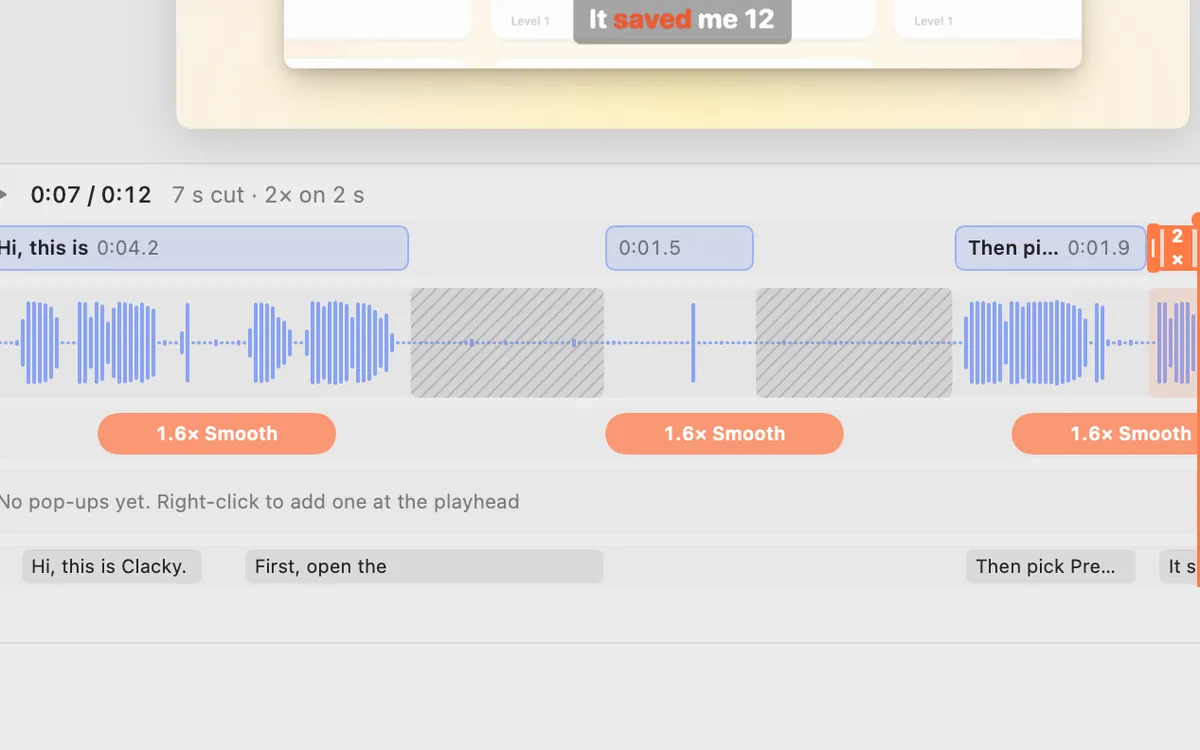
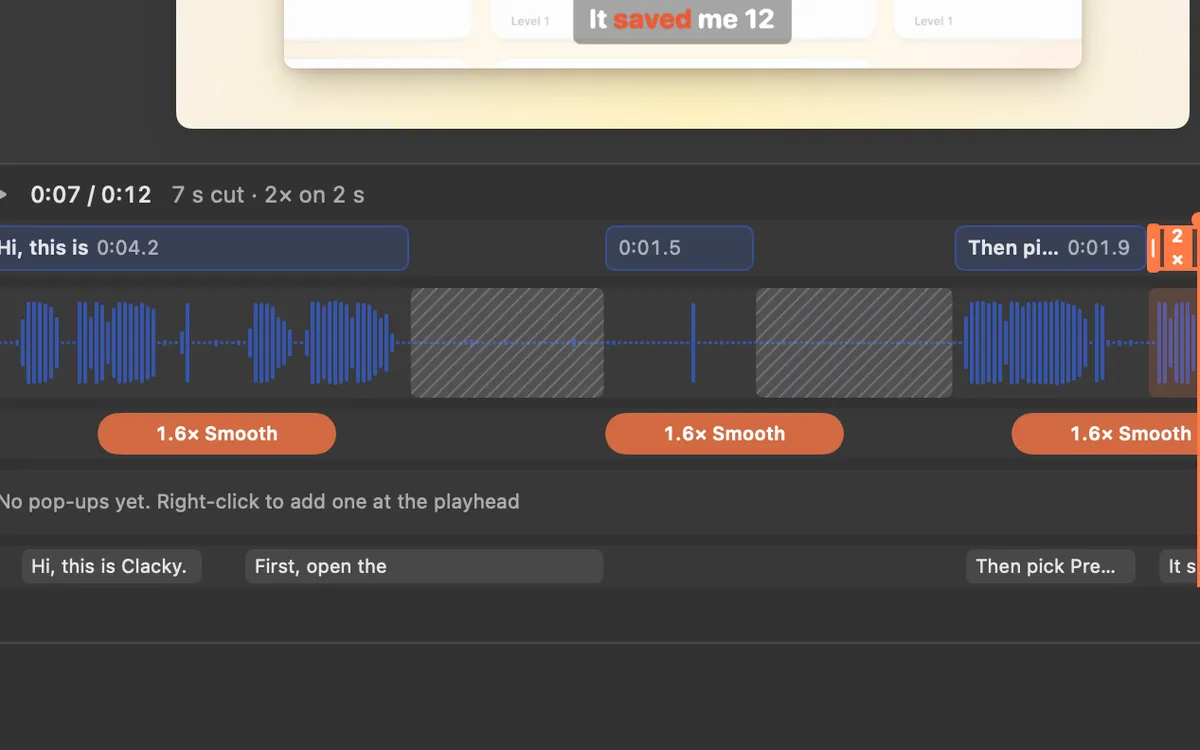
Open a Clacky recording with Edit in Studio, or any video with Edit a Video. The Clips lane under the video works with the keys shown above it:
- ⌘B splits at the playhead.
- Q trims the clip from its start to the playhead, W from the playhead to its end.
- ⌫ deletes the selected clip. Drag a clip’s ends to trim it too.
- Auto edit (Beta) already cuts the quiet between your sentences. Click any cut to bring it back.
- Edit by transcript: select words and press Delete to cut them from the video.
Where these facts come from
Checked on 5 November 2026.
Questions
Does trimming in QuickTime lower the quality?
Trimming only removes parts. For a lighter copy, choose File → Export As and pick a smaller size.
How do I remove ums and pauses from a recording?
Use an editor that reads your words. Clacky finds every um and uh for you, see remove filler words.
Can I trim a recording on my iPhone instead?
Yes, in Photos on iPhone. On the Mac, QuickTime Player is the quickest built-in way.
Facts checked on 5 November 2026.
Related
- Speed up part of a screen recordingQuickTime can’t. In iMovie, hold R to select the part, click Speed and choose Fast (2×, 4×, 8× or 20×). Clacky Studio sets 0.5× to 8× per clip.
- Crop a screen recording on a MacQuickTime can’t crop. Use iMovie’s Cropping button (Crop to Fill), or record just an area. Clacky Studio crops out the menu bar and Dock in a click.
- Clips and speedSplit, trim and delete clips on the Clips lane (⌘B, Q, W), and play any clip from 0.5× to 8×.
- Remove filler words from videoFind every um, uh and “you know” in your recording’s transcript, uncheck the ones to keep, and remove the rest in one go. On your Mac.
- Pause a screen recording on a MacNot with the built-in tools: Shift-Command-5 and QuickTime only stop. Stop and join the clips, or use a recorder with Pause, like Clacky’s.
Make something on your Mac today.
3 days free, every feature. Then $4.99 once.