Schedule Discord posts from your Mac
Clacky’s Calendar, in the Dashboard, plans and schedules Discord posts from your Mac. Write a post once, see if it fits Discord’s limit, and drop it on a day.
Status on 2026-10-17: works today.
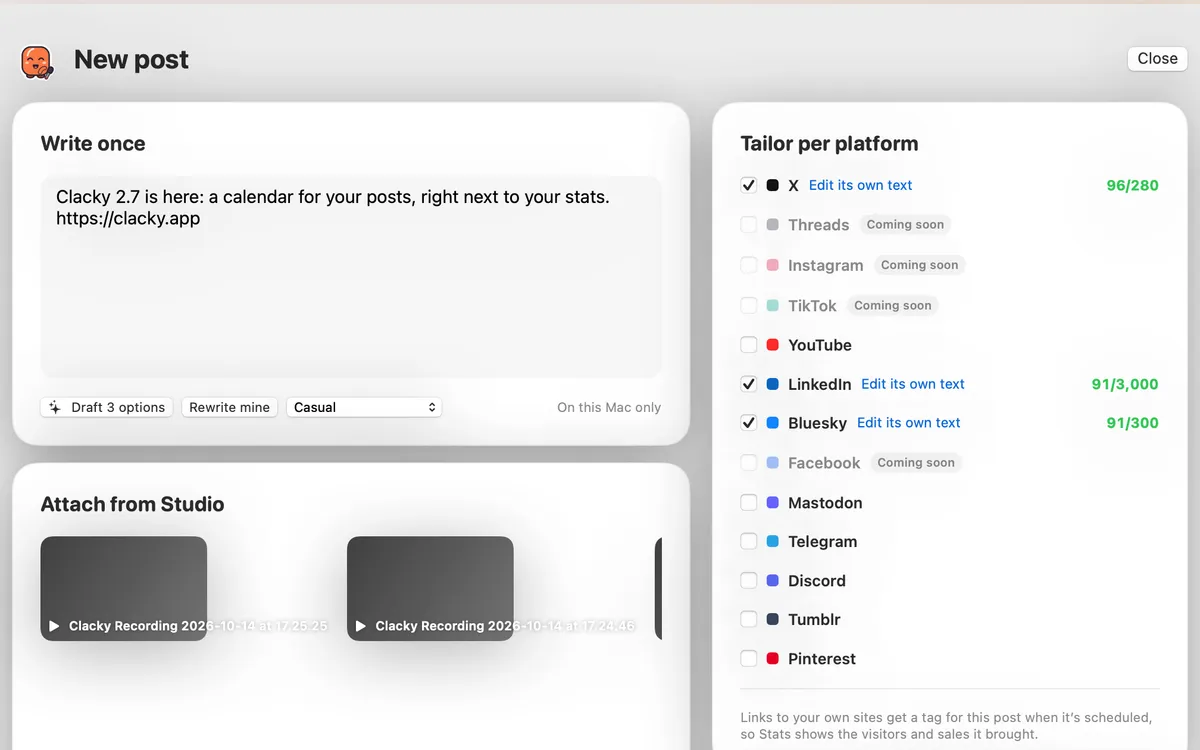
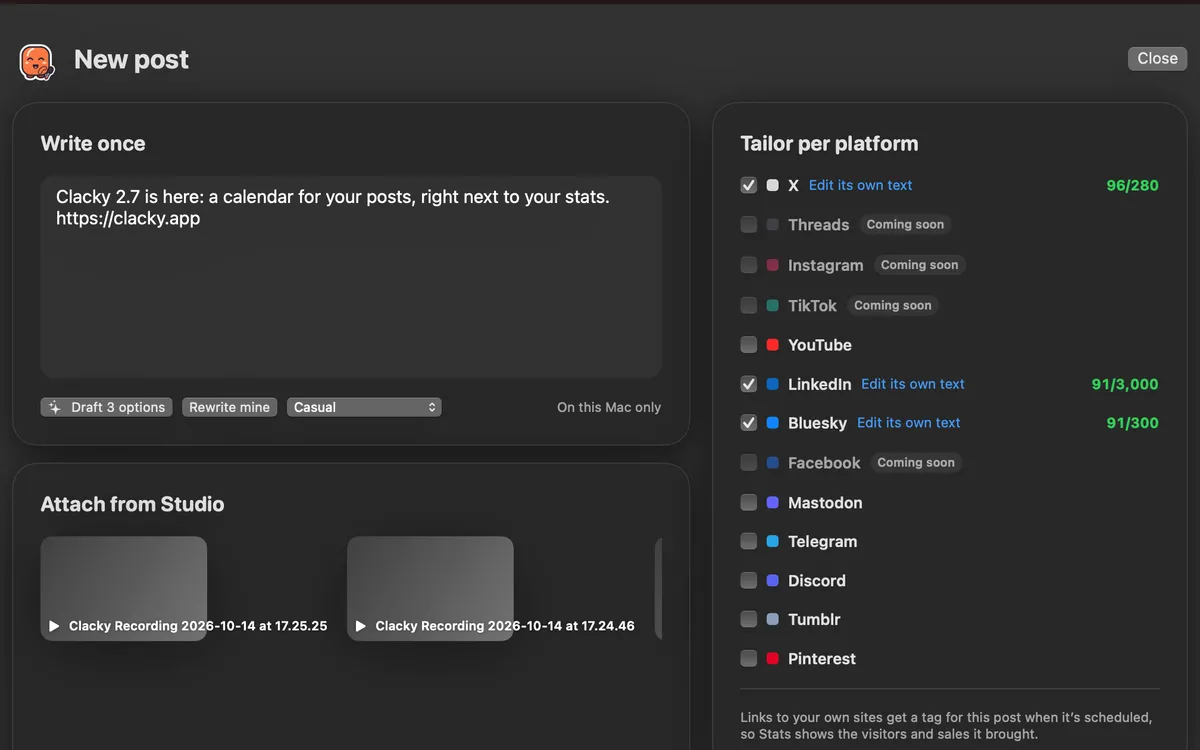
How to connect Discord
Paste a webhook URL. In your server: channel settings → Integrations → Webhooks → New Webhook → Copy Webhook URL.
In the Clacky window, pick Dashboard, then Calendar. Accounts is on the right: click Connect an account and pick Discord. Clacky checks the details with Discord when you connect.
Write once, schedule, move
Click New post and write it once. A post to Discord can be up to 2,000 characters. If a post is too long for one of the platforms you picked, Clacky says so, and Tailor per platform gives Discord its own text.
Choose a time and click Schedule, or Add to queue to use the next free best time (★ days come from your own posts’ engagement, or common good times until you have some). Drag a post to another day, edit it or cancel it, with Undo for a few seconds. Post now asks once more before anything goes live.
See which posts sent visitors
Links to your own websites get a tag for each post when it’s scheduled, so the Calendar’s Stats and Clacky’s Analytics show which posts sent visitors and sales.
Questions
- Do I need a Discord bot?
- No. A channel webhook is enough: Clacky posts to the channel the webhook belongs to.
- Does Clacky ever post without asking?
- No. It sends a post only at the time you scheduled, or when you click Post now and confirm.
- Where are my drafts kept?
- Drafts and the queue are kept on your Mac. Scheduled posts go to Clacky’s posting service so they can go out on time.
Facts checked on 17 October 2026.
Make something on your Mac today.
Seven days free, every feature, cancel anytime.