Private by design
Everything stays on your Mac and only file paths come back. No tool reads keystrokes, typed text or your clipboard history.
What it is
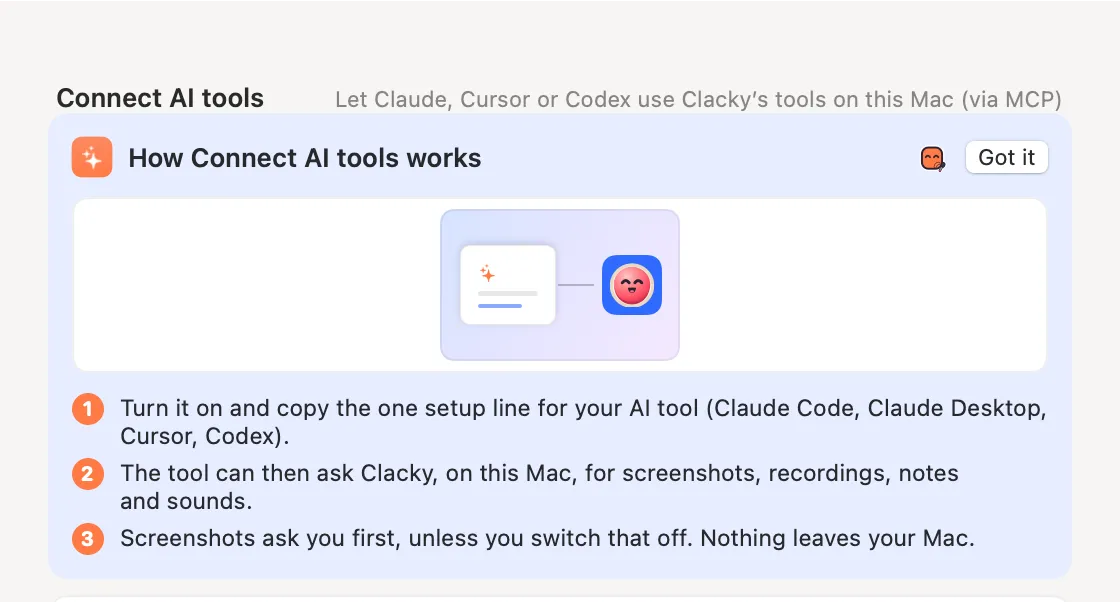
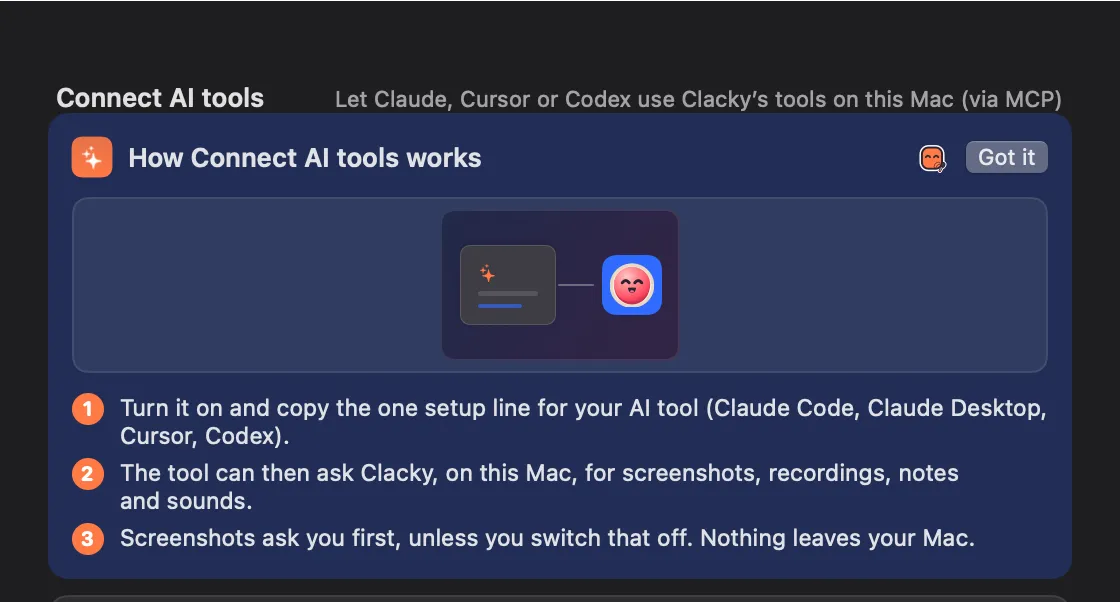
Connect AI tools is off by default. When you turn it on, a small helper inside Clacky talks to the app over a private connection on your Mac that only your user account can open. Nothing goes over the network.
Screenshots and recordings are saved on your Mac; your AI gets the file path and a small preview. Grab Text returns only the text and saves nothing. Clacky asks before every screenshot unless you allow it.
No tool reads your keystrokes, typed text or clipboard history, and none can. The social calendar is the one online part: it posts where you tell it to.
How to use it
Choose the tools
In Settings → Connect AI tools, switch off any group your AI shouldn’t use.
Keep screenshots on ask
Leave “Take screenshots without asking” off, and Clacky asks you before each one.
Turn it all off
Switch off AI tools and no AI app can use Clacky at all.
Questions
- Does Clacky send my screenshots to the AI company?
- Clacky uploads nothing. It gives your AI app the file path and a small preview; what that app does next is up to the app.
- Can my AI see what I type?
- No. There’s no tool for keystrokes, typed text or the clipboard.
Make something on your Mac today.
Seven days free, every feature, cancel anytime.