Connect AI tools
Turn on Settings → Connect AI tools and add Clacky to Claude, Claude Code, Cursor or Codex with one line. For Claude Code:
claude mcp add --scope user clacky -- /Applications/Clacky.app/Contents/MacOS/clacky-mcp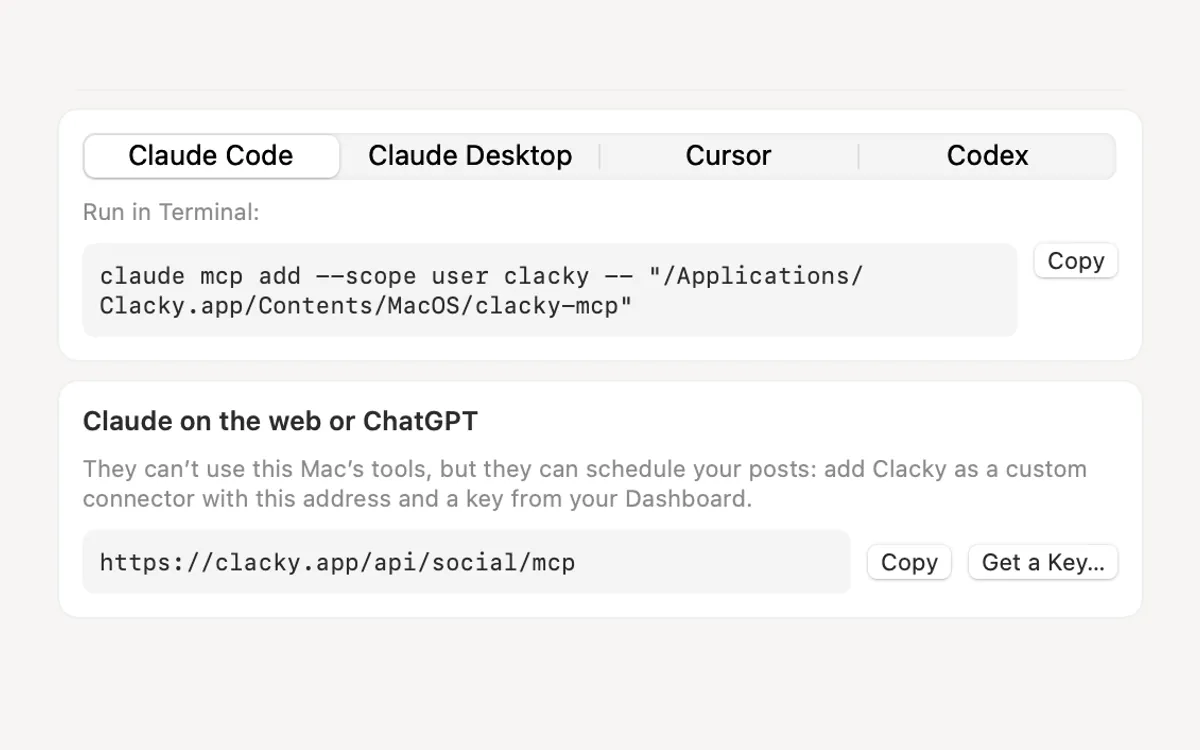
What it is
Connect AI tools lets Claude, Claude Code, Cursor or Codex use a few of Clacky’s tools on your Mac, through MCP. Your agent can ping you when it’s done, keep the Mac awake, take a screenshot, read text off the screen, record a short demo, or add a task to your day.
It’s off until you turn it on. Then you pick which groups of tools your AI may use: Alerts, Screenshots, Grab Text, Screen recording, Mac Health, Notes & tasks, Focus timer, Keep Awake and Modes.
Everything runs on your Mac. Clacky uploads nothing, and no tool can read your typing or your clipboard.
How to use it
Open Connect AI tools
Open Clacky’s Settings and pick Connect AI tools in the sidebar, under Tools.
Turn on AI tools
Switch on AI tools, then switch off any group you don’t want your AI to use.
Pick your app
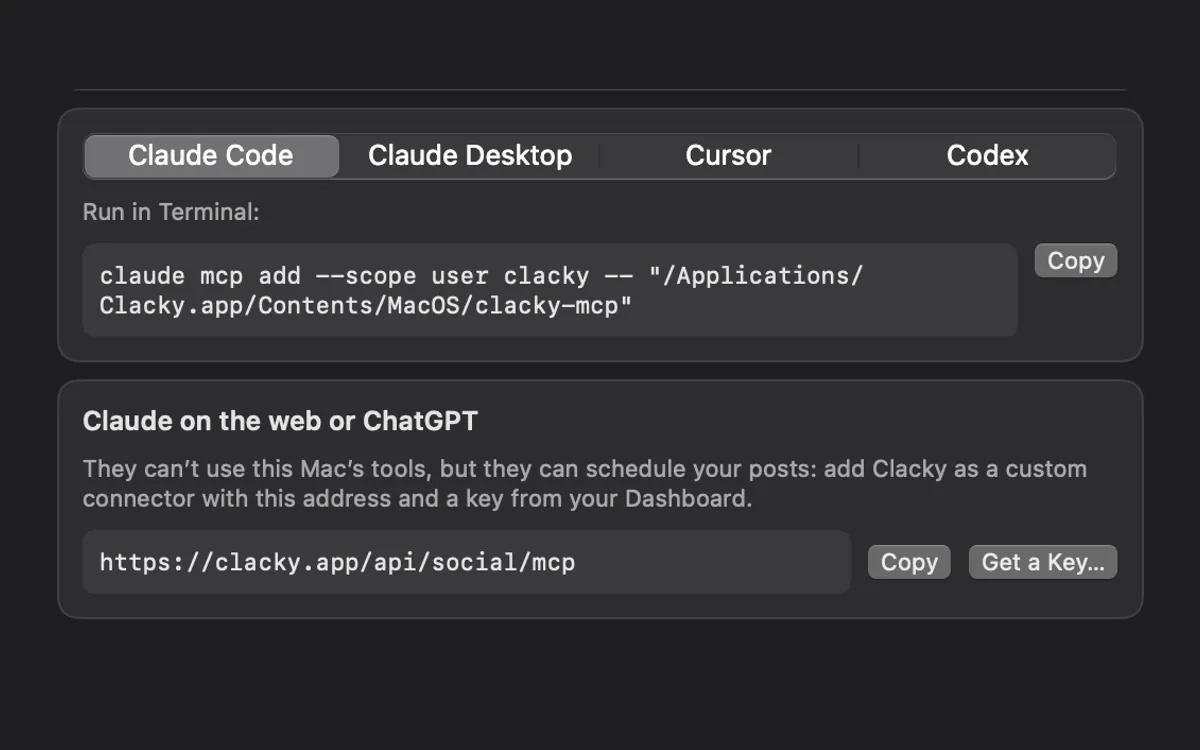
Choose Claude Code, Claude Desktop, Cursor or Codex. Clacky shows the exact line or config for your copy of the app, with a Copy button.
Add it to your AI app
For Claude Code, run the command in Terminal. For Claude Desktop, Cursor or Codex, paste the snippet into the config file Clacky names, then reopen the app or start a new session.
Try it
Ask your agent something like “Ping me with Clacky when the tests pass.”
Tips
- In Claude Code, type /mcp to check that Clacky is listed.
- Add the Clacky skill too, so Claude Code knows when each tool is worth using.
Questions
- Does it work with ChatGPT?
- Not the Mac tools: ChatGPT connects only to servers on the internet. The social calendar is online, so that part works in ChatGPT.
- Does it upload anything?
- No. The tools run on your Mac and talk only to the AI app you connected. Screenshots and recordings stay on your Mac; your AI gets the file path.
- Can I switch single tools off?
- Yes. Each group has its own switch, and AI tools has one switch for all of them.
Make something on your Mac today.
Seven days free, every feature, cancel anytime.