Grab Text
Read text off the screen, an image or a PDF, on your Mac with Apple Vision. Plain text only; nothing saved.
- grab_text
What it is
grab_text reads the words in an error dialog, a slide or a photo of a receipt and hands your AI plain text, not a picture.
It reads an area you drag over on screen, or a file: a PNG, JPEG, HEIC, TIFF or other image, or the first page of a PDF. Recognition runs on your Mac with Apple’s on-device Vision.
Nothing is saved, nothing goes on your clipboard, and nothing is uploaded.
How to use it
Connect Clacky
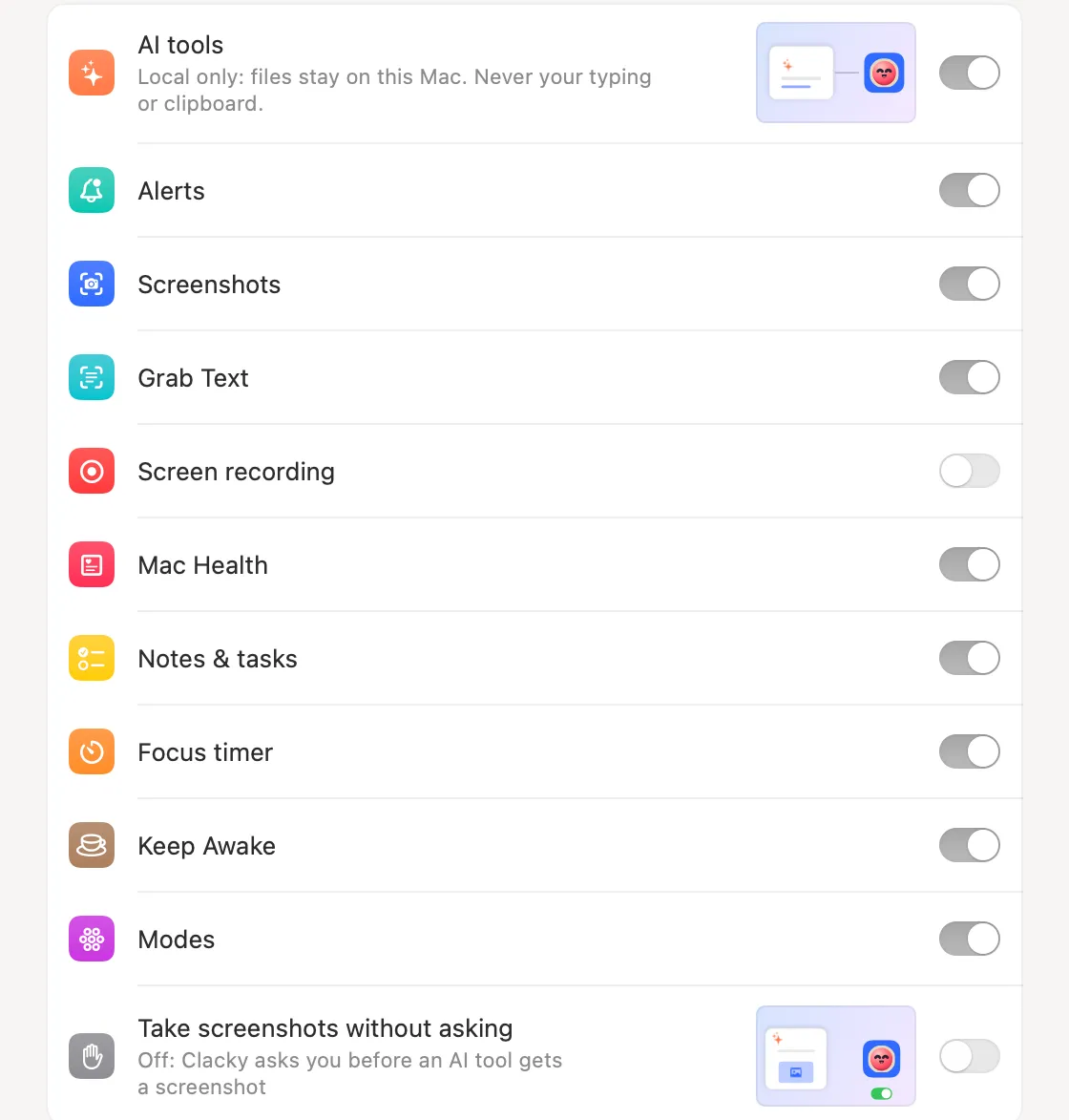
Turn on Settings → Connect AI tools, add Clacky to your AI app, and leave Grab Text on.
Ask about the screen
Say “Read the error in this dialog and fix it.” Clacky asks you first, then you drag over the dialog.
Or point it at a file
Say “What’s the total on ~/Desktop/receipt.jpg?” Clacky reads the image and returns its text. The file stays where it is.
Tips
- Your AI can pass a language hint (for example German first, then English). Without one, Clacky uses your Mac’s languages and detects the rest.
Questions
- Is it the same as Grab Text in Clacky?
- It uses the same on-device reading. Here your AI asks for it and gets the text back.
- Does it read whole PDFs?
- Only the first page of a PDF.
Make something on your Mac today.
Seven days free, every feature, cancel anytime.