Analytics
Your site’s numbers on top with how they changed, and short lines that say what’s going on, like where most visitors come from.
What it is
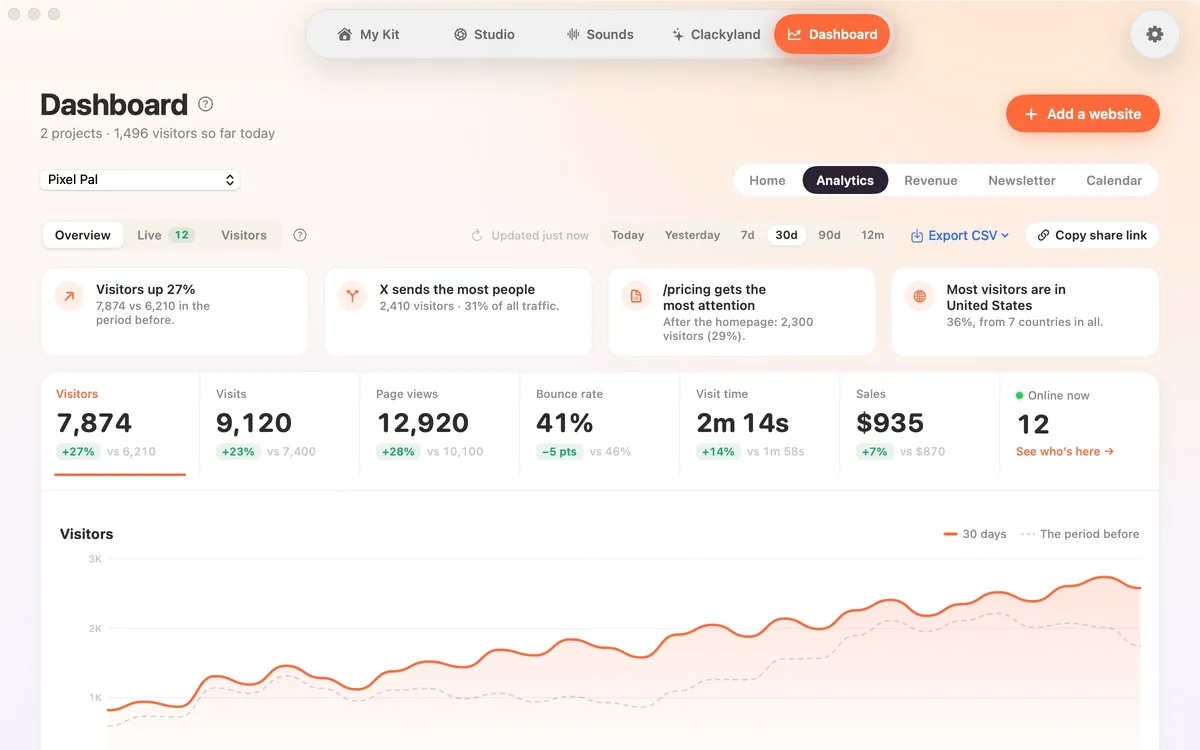
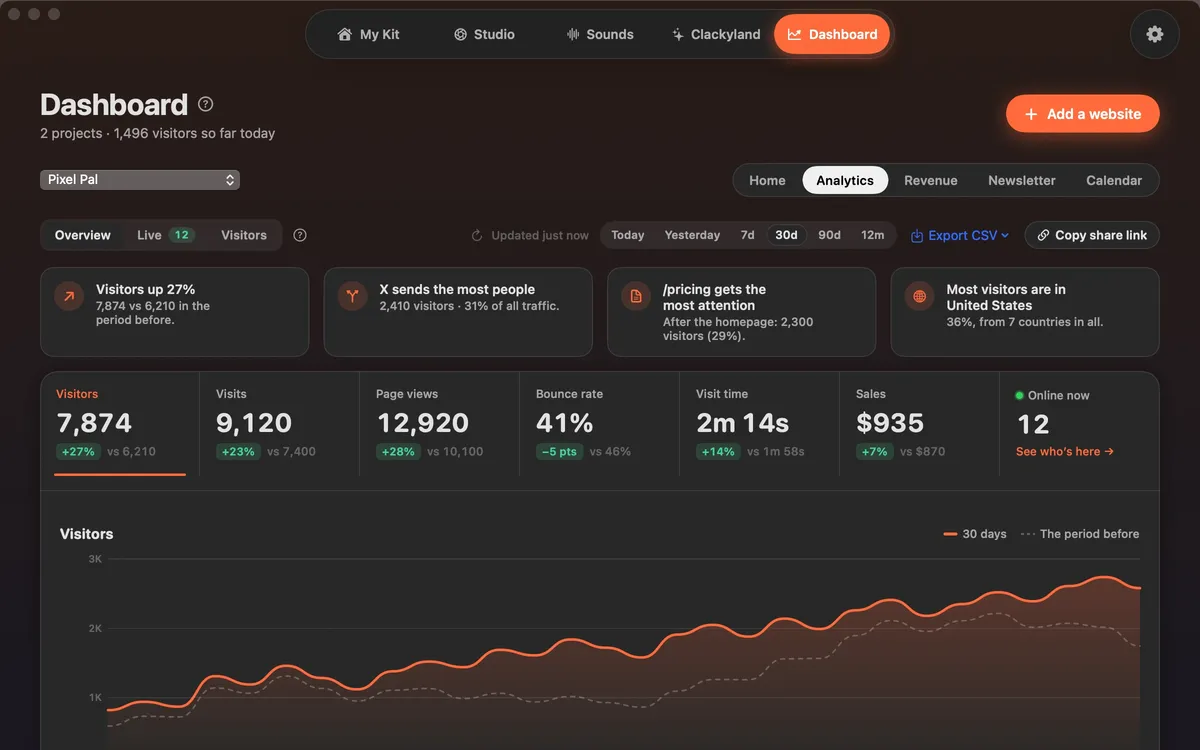
Analytics shows your own website’s numbers inside Clacky. The numbers sit on top with how they changed against the period before, and a few short lines say what’s going on, like which source sends the most people or where most visitors are.
It has three views: Overview for the big picture, Live for who’s here right now, and Visitors for each visit step by step. Click any row, like a page or a country, to show only those visitors.
It’s built for small sites and side projects: one line on your site, no cookies, no IP addresses kept and no cookie banner needed for it.
How to use it
Open the Dashboard
Click the Clacky icon in the menu bar, then pick Dashboard in the pill switcher at the top of the window. Clacky signs in by itself with your licence or free trial, no password.
Add your website
Click Add a website, paste its address and copy the one line Clacky gives you. Paste it before </head> on every page of your site.
Open Analytics
Pick Analytics in the tabs at the top right. Overview shows your numbers, the chart and the short insights.
Pick a period
Choose a period, from Today up to 12 months. The dashed line on the chart is the period before.
Dig in
Click any number to chart it, or any row to filter by it. Clear all removes the filters.
Tips
- In the Clacky window, ⌘5 jumps straight to the Dashboard.
- The question mark next to Overview, Live and Visitors opens a short loop that explains how Analytics works.
- Open on the web, at the bottom of the Dashboard, opens the same account in your browser.
Questions
- Do I need a separate account?
- No. The Dashboard signs in by itself with this Mac’s Clacky licence, or with your free trial. There’s no email or password to set up.
- Does it work with any website?
- Yes, any site where you can paste one line before </head>: a hand-written site, a static site generator, a web app or a site builder that lets you add code to the head.
- How often do the numbers update?
- The Dashboard refreshes by itself while it’s open, and shows when the numbers were last loaded. Live checks every few seconds while you look at it.
Make something on your Mac today.
Seven days free, every feature, cancel anytime.