Where they come from
Search, social, AI assistants, email, launch sites, paid ads and campaigns, plus pages, countries, cities, devices, browsers and languages.
What it is
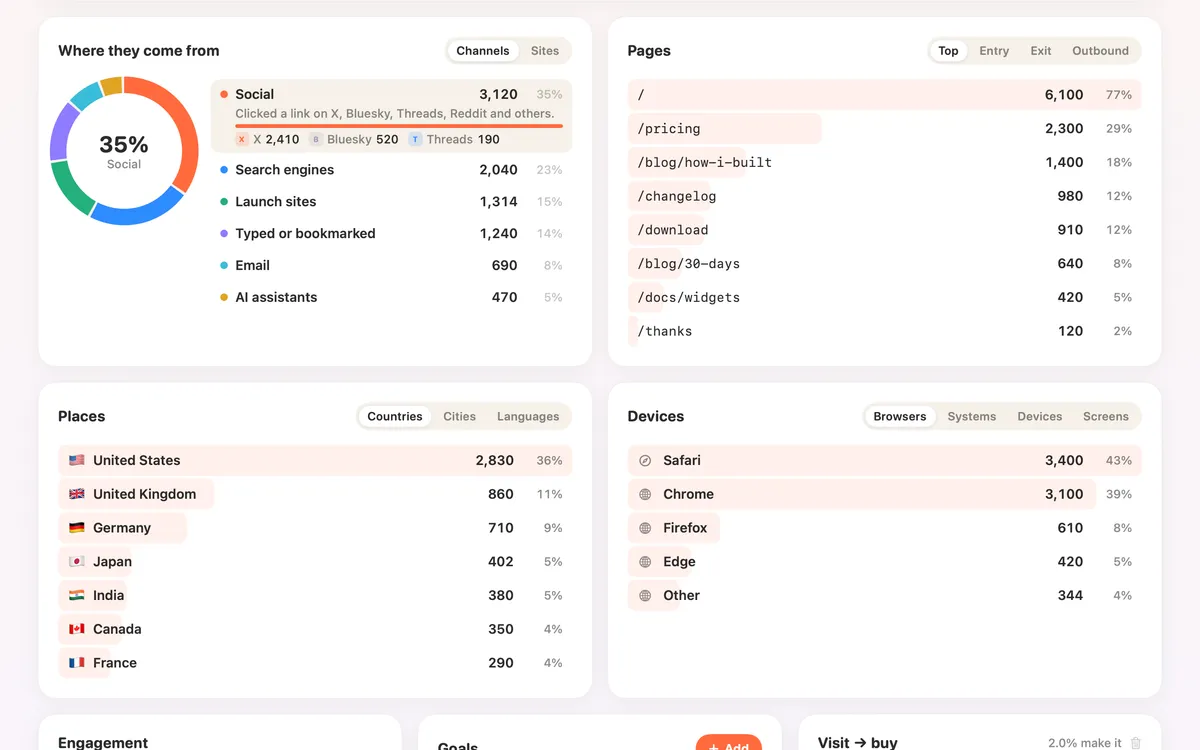
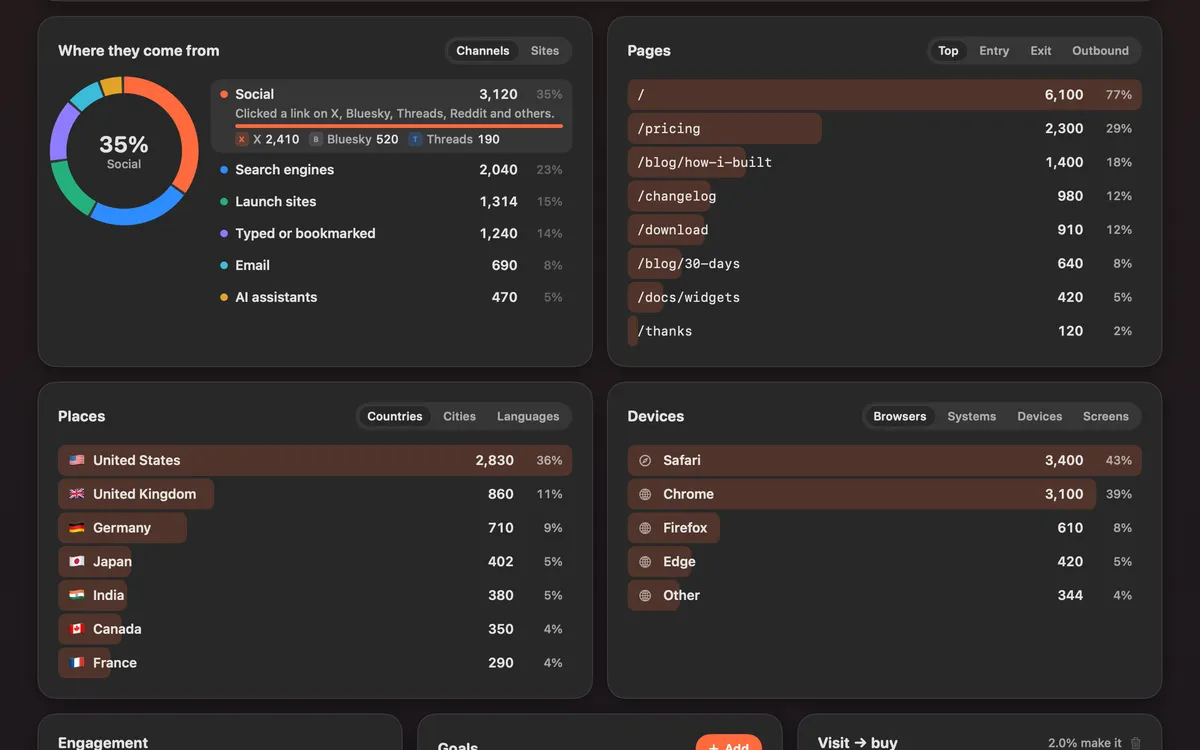
Where they come from sorts your visitors into channels in plain words: Social, Search engines, AI assistants like ChatGPT, Perplexity, Claude or Gemini, Email, Launch sites like Product Hunt or Hacker News, Paid ads, Other sites, and typed or bookmarked visits.
Next to it are your pages (top, entry, exit and outbound links), places (countries, cities and languages) and devices (browsers, systems and screen sizes), plus campaigns from tagged links.
Click any row to show only those visitors everywhere in Analytics.
How to use it
Open Analytics
In the Clacky window, pick Dashboard, then Analytics. Stay on Overview.
Read the channels
Where they come from shows each channel. Switch to Sites to see the exact sites that sent people.
Look at pages, places and devices
Use the small tabs on each card: Top, Entry, Exit and Outbound for pages; Countries, Cities and Languages for places; Browsers, Systems and Screens for devices.
Filter
Click a row, like a channel or a country, to show only those visitors. Clear all removes the filters.
Tips
- Add utm_source, utm_medium and utm_campaign to links you share, and they show up under Campaigns.
- Links in posts from the Calendar are tagged for you, so each post’s visitors show up in Analytics.
Questions
- Can it tell visits from AI assistants?
- Yes. Visits from ChatGPT, Perplexity, Claude or Gemini have their own channel, AI assistants.
- What does “Typed or bookmarked” mean?
- The visit came with no link: someone typed your address, used a bookmark or opened it from an app.
Make something on your Mac today.
Seven days free, every feature, cancel anytime.