Find anything
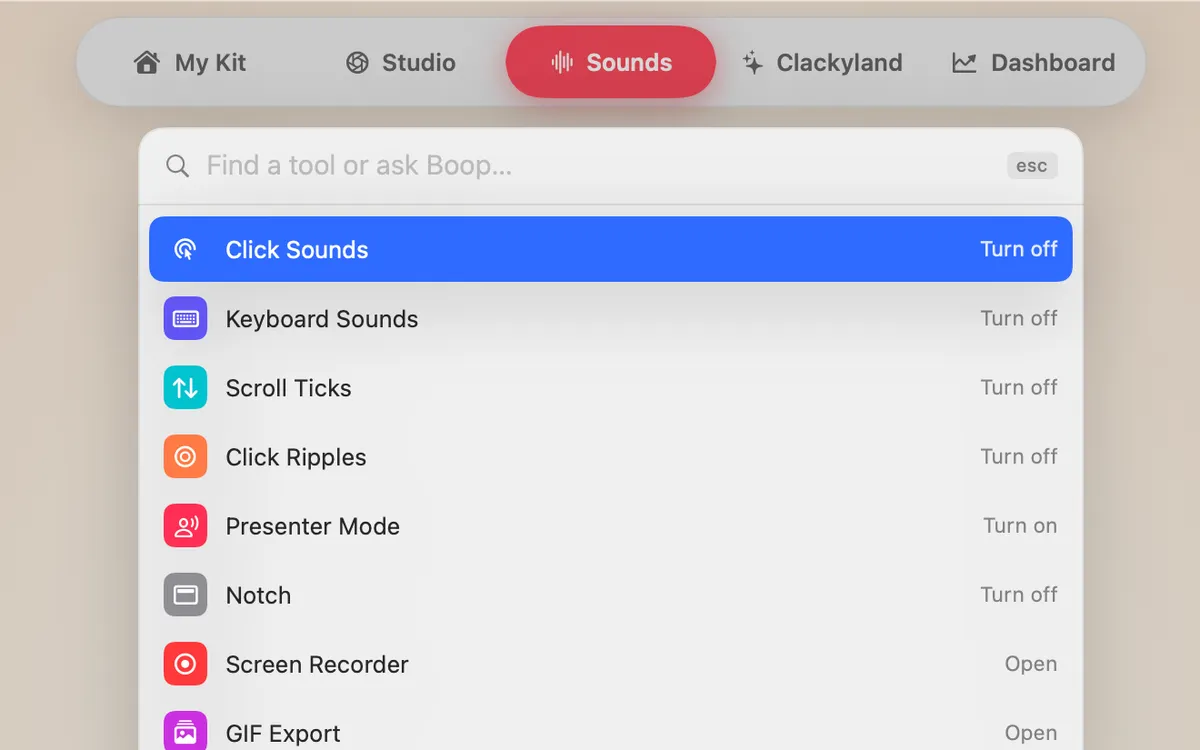
Press ⌘K to find any tool, setting or action by name, or ask Boop in plain words.
What it is
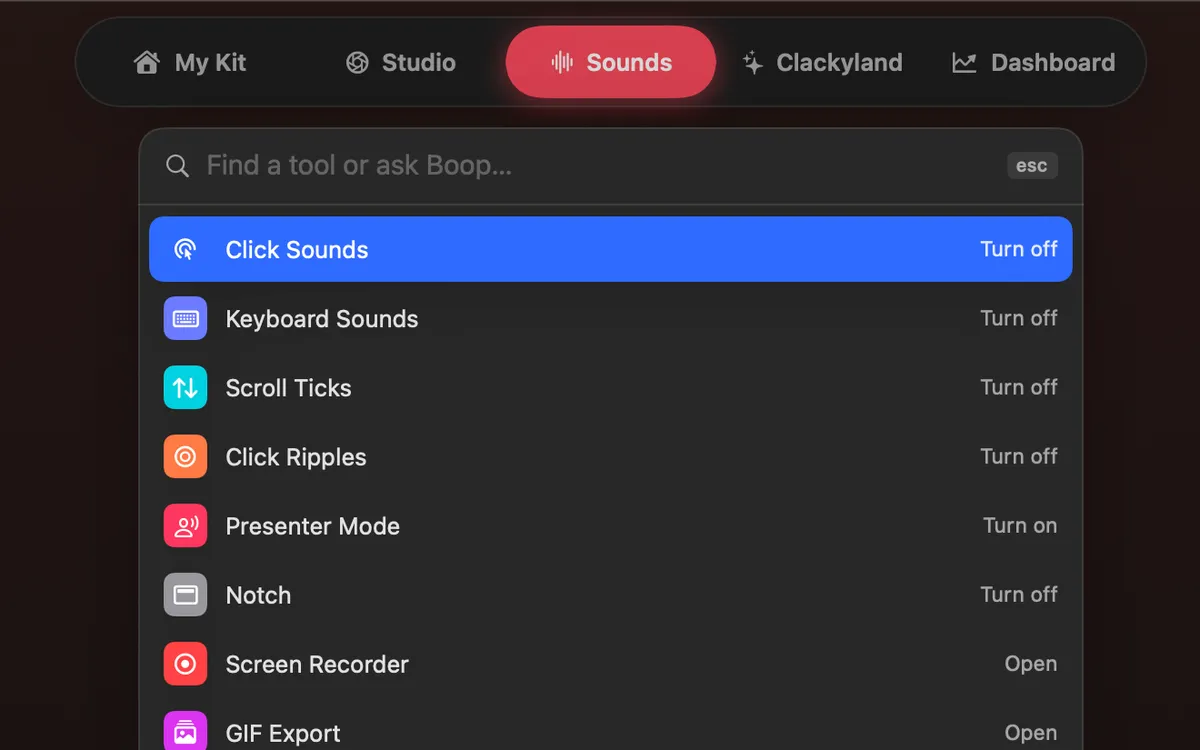
Clacky has a lot of tools, so you never have to hunt for one. Press ⌘K in the Clacky window, start typing, and every tool, setting, place and action that matches shows up.
Don’t know the name? Type what you want in plain words and pick “Ask Boop: …” at the bottom of the list. Boop answers with steps, and can often do it for you.
How to use it
Press ⌘K
With the Clacky window open, press ⌘K, or click the “Find a tool or ask Boop…” field at the top of My Kit.
Type
Type part of a name, like “record”, “ripple” or “stats”.
Pick a result
Use the arrow keys and press Return, or click it. Tools open, switches flip, places open.
Or ask Boop
No match? Pick “Ask Boop: …” and Boop answers your question right there.
Tips
- Press ⌘K again or Esc to close it.
- Press ⌘/ in the Clacky window to see every Clacky shortcut in one list.
Questions
- Does ⌘K work everywhere on my Mac?
- It works inside the Clacky window. Open Clacky from the menu bar first, then press ⌘K.
- Can it find settings, not just tools?
- Yes. Tools, settings, places and actions are all in the list.
Make something on your Mac today.
Seven days free, every feature, cancel anytime.