Boop’s Tour
Boop walks you through the places. Find it again in Help → Boop’s Tour.
What it is
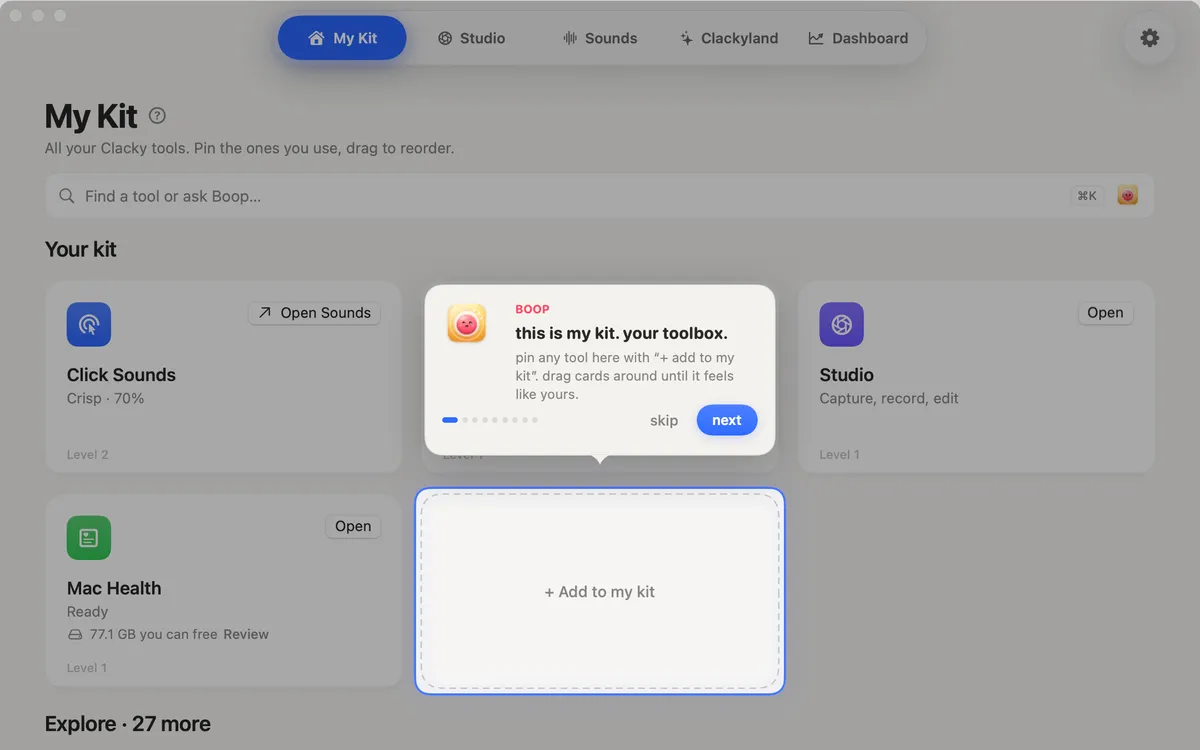
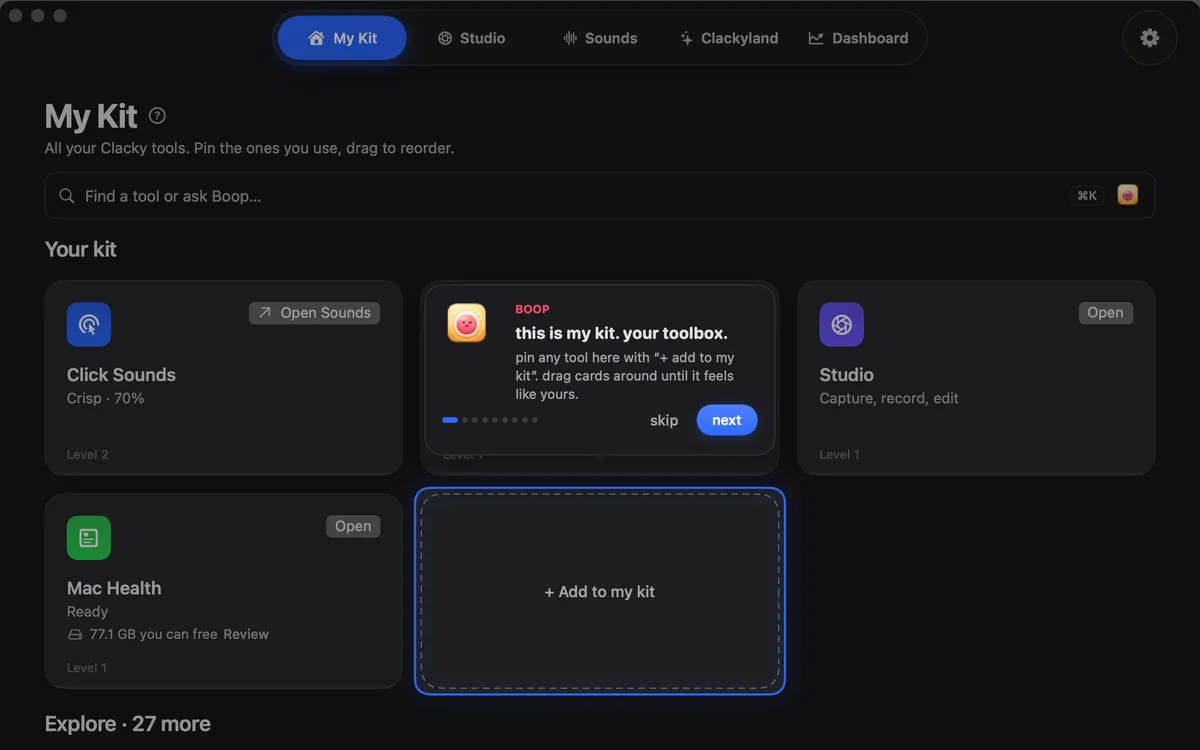
Boop’s Tour is a short walk through the Clacky window. Boop points at each place in turn, from My Kit and Studio to Sounds, Clackyland, the Settings gear and the menu bar, and says what lives there.
Each step moves the window to the place it talks about. Close the window halfway and the tour picks up where you left off next time.
In Clackyland, Boop hands you a first batch of cookies to collect, once.
How to use it
Open the Clacky window
Open Clacky from the menu bar so its window is in front.
Start the tour
In the menu bar at the top of your screen, choose Help → Boop’s Tour….
Follow Boop
Each step highlights one thing. Move on when you’re ready, or skip.
Collect your cookies
At the Clackyland step, collect Boop’s first batch.
Tips
- Want the setup tour from the very start instead? Settings → Replay the welcome tour.
Questions
- I skipped it. Can I see it again?
- Yes. Choose Help → Boop’s Tour… whenever the Clacky window is in front.
- Does the tour change my settings?
- No. It only shows you around.
Make something on your Mac today.
Seven days free, every feature, cancel anytime.