Battery Health
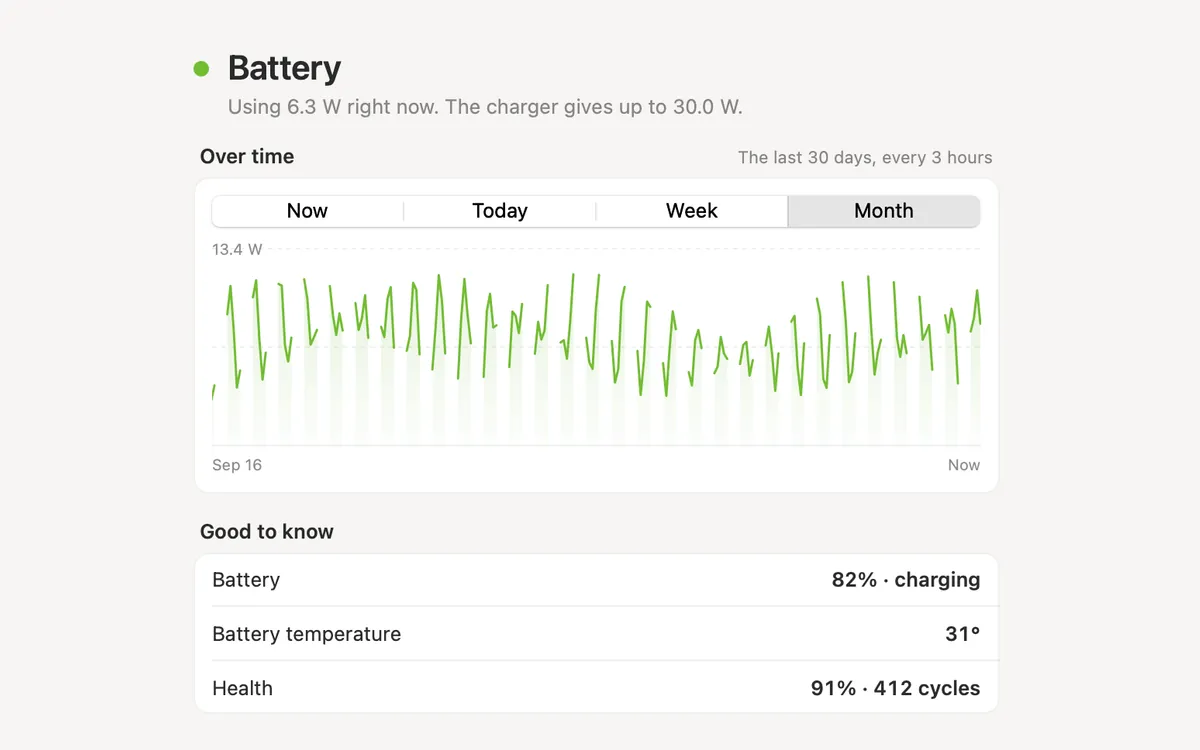
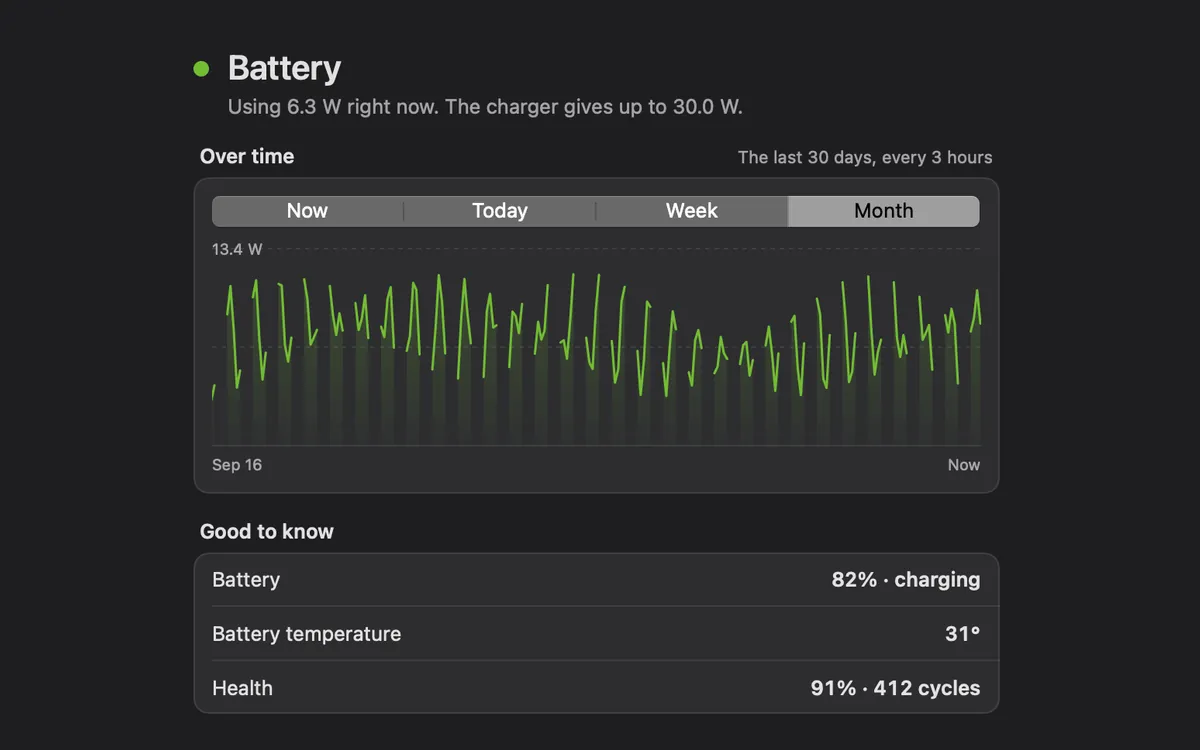
Cycle count and capacity against new, in Mac Health.
What it is
Battery Health shows how worn your MacBook’s battery is: how much charge it holds compared with when it was new, and how many charge cycles it has done.
It lives in Mac Health, next to the charge right now. Clacky reads what macOS already knows about the battery; nothing is sent anywhere.
It only shows on a Mac with a battery.
How to use it
Open Battery Health
Open Clacky from the menu bar. In My Kit, click the Battery Health card (it shows your charge), or open Mac Health.
Read the row
Under Battery, the Battery health row shows the capacity against new as a percentage, and the charge cycles.
See more
Click the Battery row for the details: the charge, whether it’s charging or plugged in, and the battery temperature when macOS reports it.
Questions
- Does it work on an iMac or Mac mini?
- No. Desktop Macs have no battery, so the card and the row don’t show.
- Where do the numbers come from?
- From macOS’s own battery readings, on your Mac. Clacky doesn’t estimate them.
Make something on your Mac today.
Seven days free, every feature, cancel anytime.