Low on space
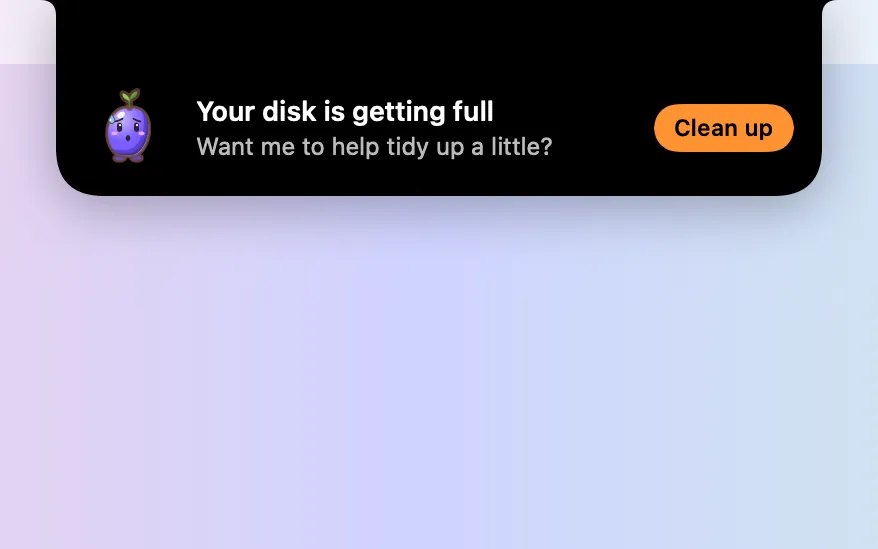
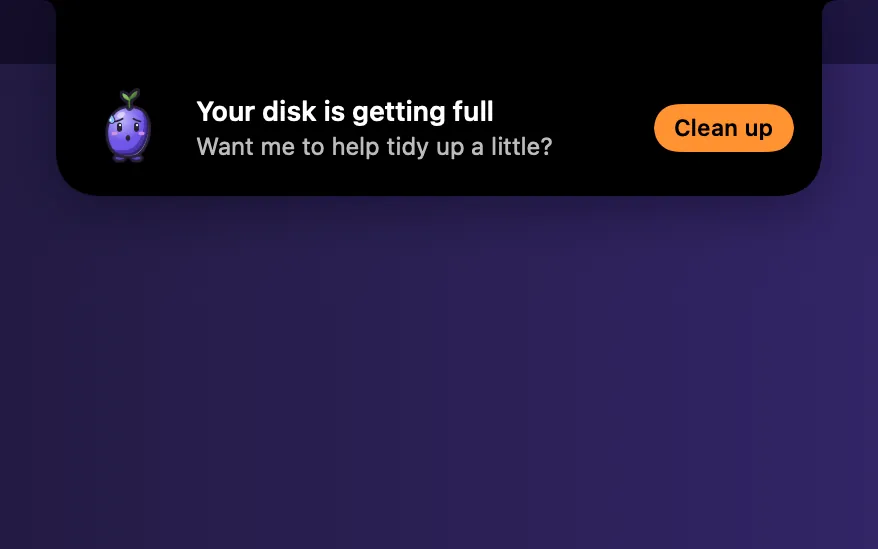
A soft chime when free space runs low, never during a recording. Clean up… takes you straight to Storage.
What it is
Low on space is a quiet watch on your disk. When free space drops below 15, 11 or 5 GB, or 10 GB disappears within an hour, Boop plays a soft chime with a ripple at the menu bar.
It holds the chime while you record, are on a call or have a full-screen app in front, so it never interrupts a take. An orange dot on Mac Health stays until you look.
It checks every 5 minutes on its own, even with the window closed. It’s off until you switch it on.
How to use it
Open Mac Health
Open Clacky from the menu bar and click the Mac Health card in My Kit.
Turn on Low on space
Scroll to Boop keeps watch and switch on Low on space.
Hear the chime
When free space crosses one of the levels, you hear a soft chime and see a ripple at the menu bar. If space is already low, it chimes once right away.
Clean up
Press Clean up… to jump to Storage and scan. Nothing is moved to the Trash until you pick it.
Tips
- After a scan, the Mac Health card in My Kit shows how much space you could free.
- A drop while Clacky itself is saving a recording or a Studio export isn’t counted as news.
Questions
- Will it interrupt my screen recording?
- No. During a recording, a call or a full-screen app, the chime waits and is checked again once you’re done.
- Does it delete anything?
- No. It only tells you. Clean up… opens Storage, where you choose what goes to the Trash.
- How often does it check?
- Every 5 minutes, only while the switch is on.
Make something on your Mac today.
Seven days free, every feature, cancel anytime.